Configuring the conference system
35
Configuring the menu language of the software
To display the menus and buttons of the software in a different language
immediately after program startup:
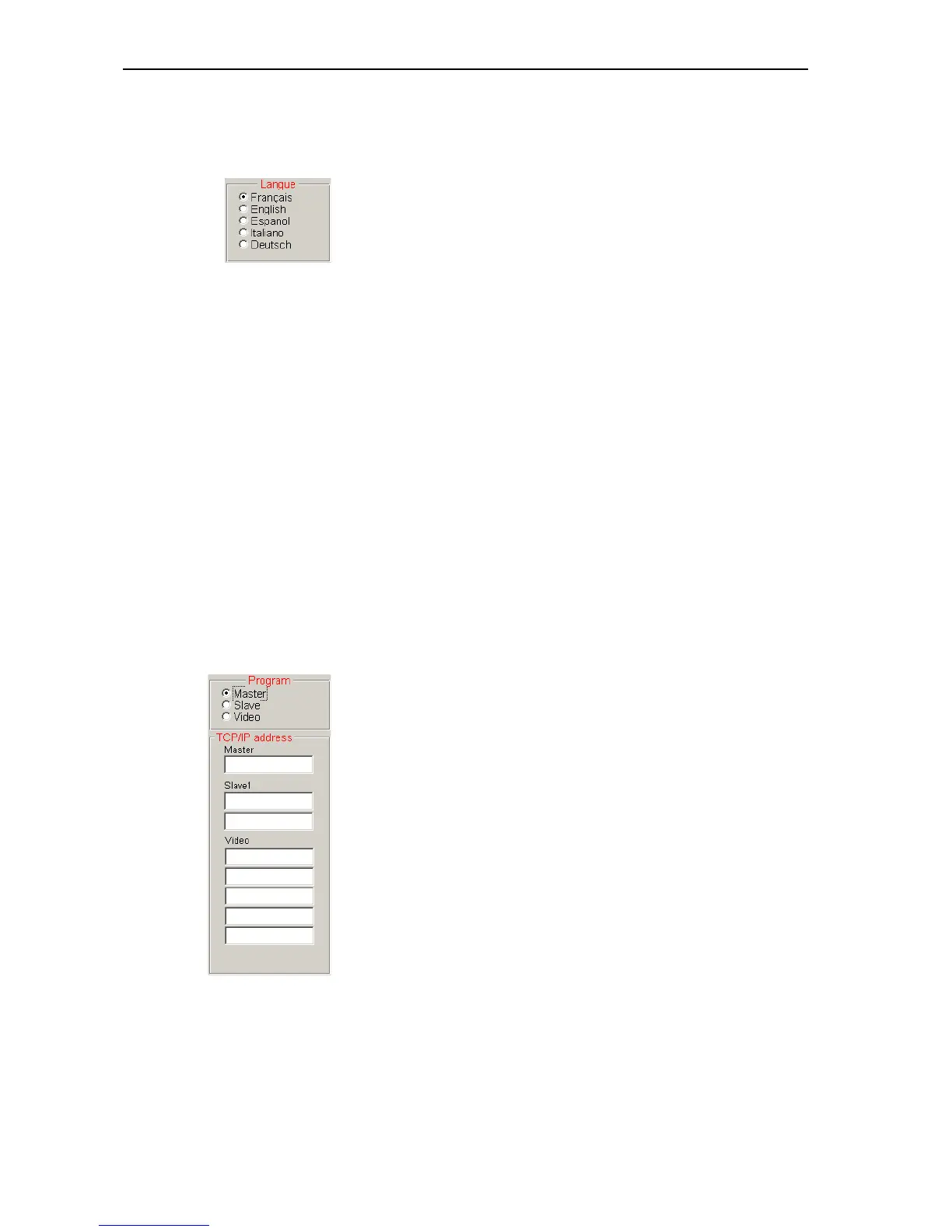
왘 In the “Language” box on the “1” tab, click the desired option button.
Note:
You can change the menu language at any time (see “Changing the
menu language of the “Confsys” program” on page 19).
Configuring the PC in a network
If you have installed the software in parallel on several PCs, it is necessary
to specify the tasks of the PCs in the network:
y Master:
Control of the conference system and/or control of the interpretation
system, access control (dongle)
y Slave:
Control of the conference system and/or control of the interpretation
system
y Video:
Display of the synoptic view of the conference room, the delegate names
and the voting results (e.g. via a projector)
Note:
Your network administrator will give you the required TCP/IP addresses
of your PCs.
If the PC is to be configured as the master PC:
왘 In the “Program” box on the “1” tab, click the “Master” option button.
왘 Enter the TCP/IP addresses of the corresponding PCs in the “Master”,
“Slave1” and “Video” boxes of the “TCP/IP address” box.
This PC is now configured as the master PC.



 To Next Page