Managing delegate data
43
Importing delegate data
Instead of manually entering delegate data, you can import them from a
text file. The text file must have the extension .txt. All delegate records
must be separated by carriage returns and all fields within each record
must be separated by semicolons.
The order of the data in the text file:
Data Field Max. number of characters
y Microphone number (Micro) 4
y Last name (Name) 40
y First name (First name) 20
y Street: (Street) 30
y ZIP code (ZIP code) 4
y City (City) 20
y Organization (Party) 15
y District (District) 30
Example: “Delegates.txt“
0001; Luthi; Maria; Rämistr. 10; 8092; Zürich; CH; Switzerland
0002; Becker; Martin; Goethestr. 12; 1026; Vienna; A; Austria
0003; Richter; Andreas; Hofplatz 7; 1001; Vaduz; FL; Liechtenstein
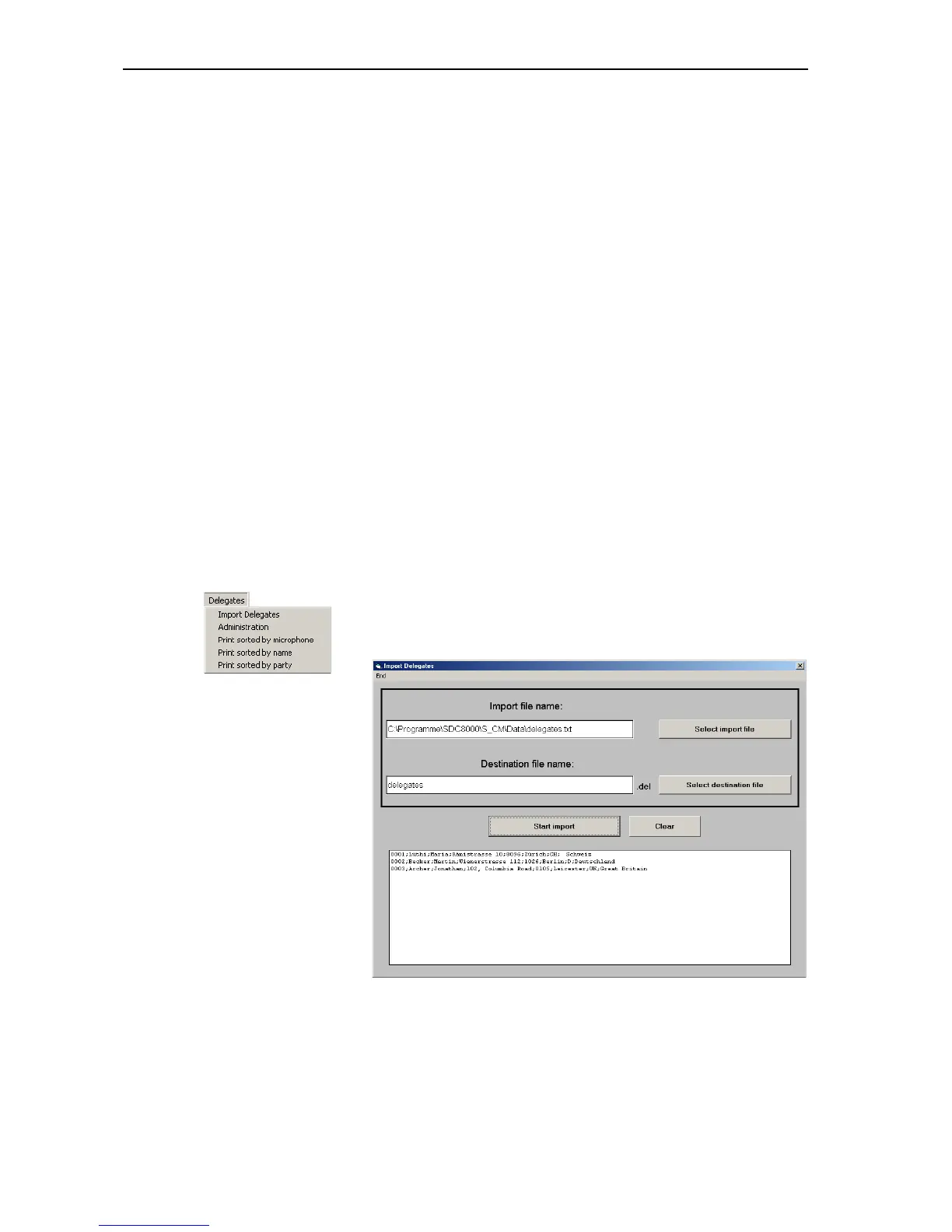
To import delegate data:
왘 From the “Delegates” menu, choose “Import Delegates”.
The “Import Delegates” window opens.
왘 Click the “Select import file” button, select a *.txt file and confirm
your selection by clicking the “OK” button.
The path and the file name are displayed in the field below “Import file
name”.



 To Next Page