Configuring the conference system
38
y that the PC with this network drive is turned on during the
conference!
We therefore urgently recommend selecting a folder on the master PC
for saving the protocol files!
Configuring communication with the central unit
To activate or deactivate communication with the central unit:
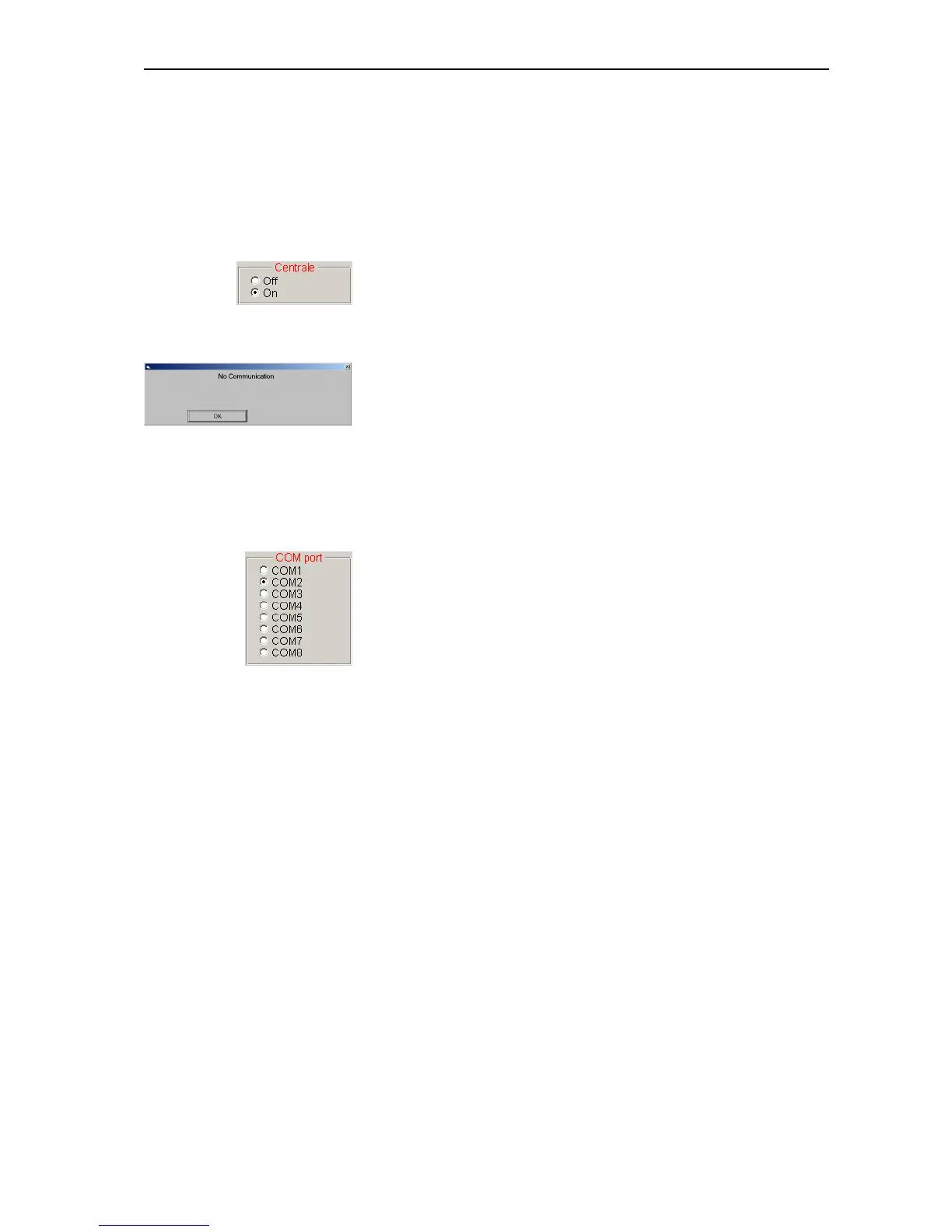
왘 In the “Centrale” box on the “2” tab, click the desired option button.
y If you click the “On” option button, the software tries to
communicate with the SDC 8000 CU central unit on startup. The “On”
option button must be active for the PC control of the conference
system to function correctly!
y If you click the “Off” option button, you cannot control your
conference system via the software!
If you would like to create a configuration even though no consoles
are connected, the “Off” option allows you to avoid the constant
display of the “No communication” dialog box.
Configuring the COM port
To configure the COM port of the PC for communication with the central
unit:
왘 In the “COM port” box on the “2” tab, click the correct COM port. This
COM port must correspond to the serial RS 232 interface of the PC to
which the SDC 8000 central unit is connected. If you do not know the
correct COM port, it is necessary to try out the different options one
after the other.
Note:
Most desktop PCs have only one COM port (“COM1”) or two (“COM1”
and “COM2”). Only very rarely do PCs have more than two COM ports.
The COM ports of your PC are listed under “Ports (COM & LPT)” in the
Windows Device Manager.
However, in contrast to standard desktop PCs, on a number of laptops
the infrared interface (IrDa) and not the serial RS 232 interface is
preconfigured as “COM1”. In such a PC, the serial RS 232 interface
corresponds to “COM2”.
왘 Restart the program.



 To Next Page