Getting to know the software
9
Each module provides a number of interrelated functions and adds
buttons, menus and windows to the program. You need a separate license
for each software module. This means that, if you do not need some of the
modules and have not licensed them, a number of the buttons, menus etc.
described in this manual will be missing from your software.
The S-MM (Microphone Management) software module
The S-MM software module is the basic software you require in order to
configure, monitor and control the conference system from your PC. With
the S-MM software module, you can:
y create a synoptic view of the conference room,
y assign a real microphone to each conference console icon in the synoptic
view,
y activate and decative the microphones by a mouse click,
y monitor the status of the consoles (request to speak, faulty connection,
active microphone),
y configure all parameters of the conference system.
The S-DM (Delegate Management) software module
The S-DM software module allows you to manage the delegate data and
display the names of the delegates during the conference. You can activate
or deactivate the microphone of a certain delegate by clicking his name
with the mouse.
For this, you also need the S-MM software module.
The S-VM (Voting Management) software module
The S-VM software module allows you to take votes and program and read
the chip cards.
For this, you also need the S-MM software module.
The S-VD (Voting Display) software module
The S-VD software module allows you to display voting results as bar or pie
diagrams, for example using a projector or several large screens in the
conference room.
For this, you also need the S-MM and S-VM software modules.
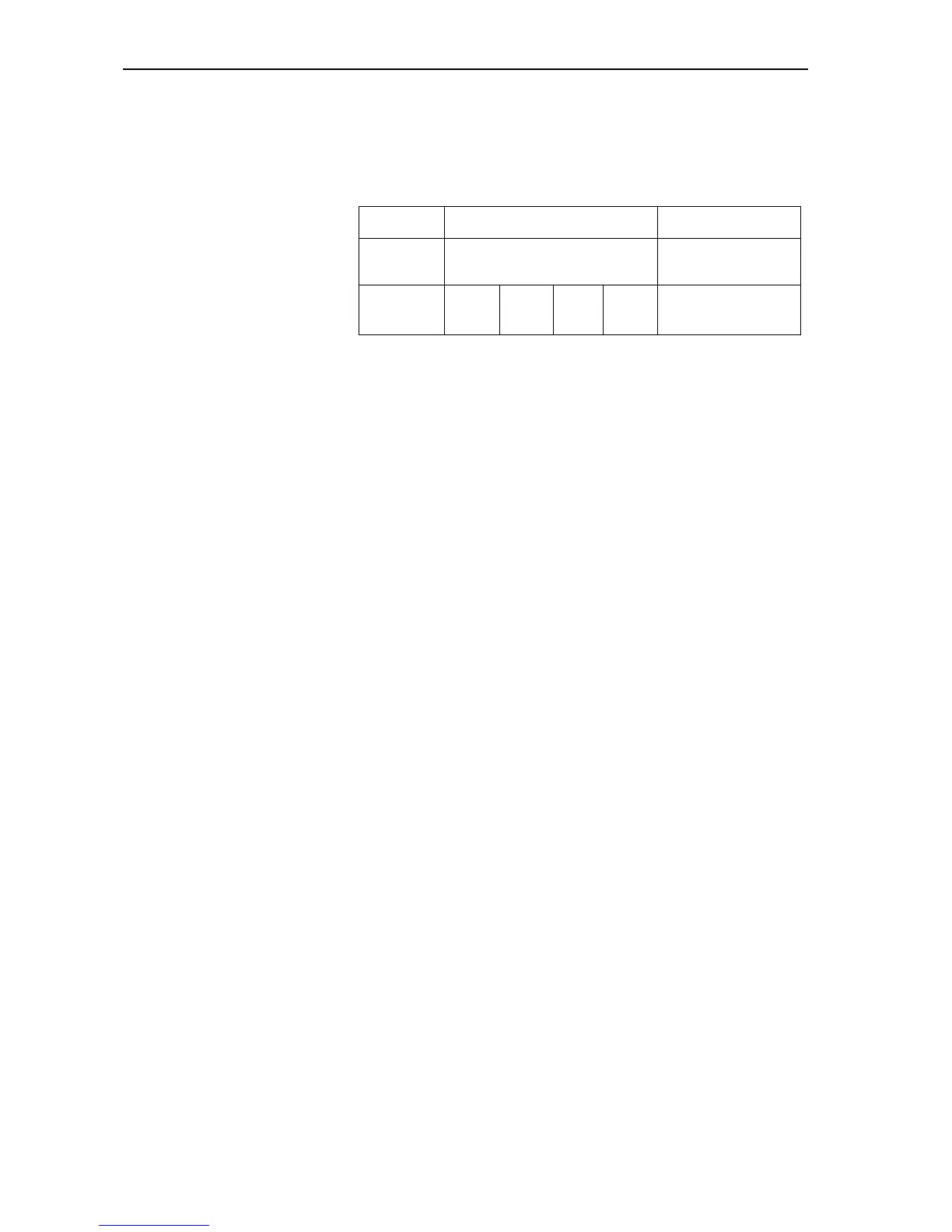
Program S-CM \ Confsys S-IM \ IntSys
for controlling the conference
system
for controlling the
interpretation system
Software
module
S-MM S-DM S-VM S-VD S-IM
Overview of the five software modules



 To Next Page