Voting
63
Voting
Note:
In order to be able to participate in votes, the delegates must have a
conference console with voting function (SDC 8000 CV or
SDC 8000 DV). Delegates who do not have a conference console with
voting function cannot participate in votes!
Loading the agenda file
To start a vote or a series of votes:
왘 Move the mouse pointer to the left-hand margin of the screen.
The tools palette opens.
왘 Click the “VOTE” button.
The file selection box opens.
왘 Select an agenda file and confirm your selection by clicking the “OK”
button.
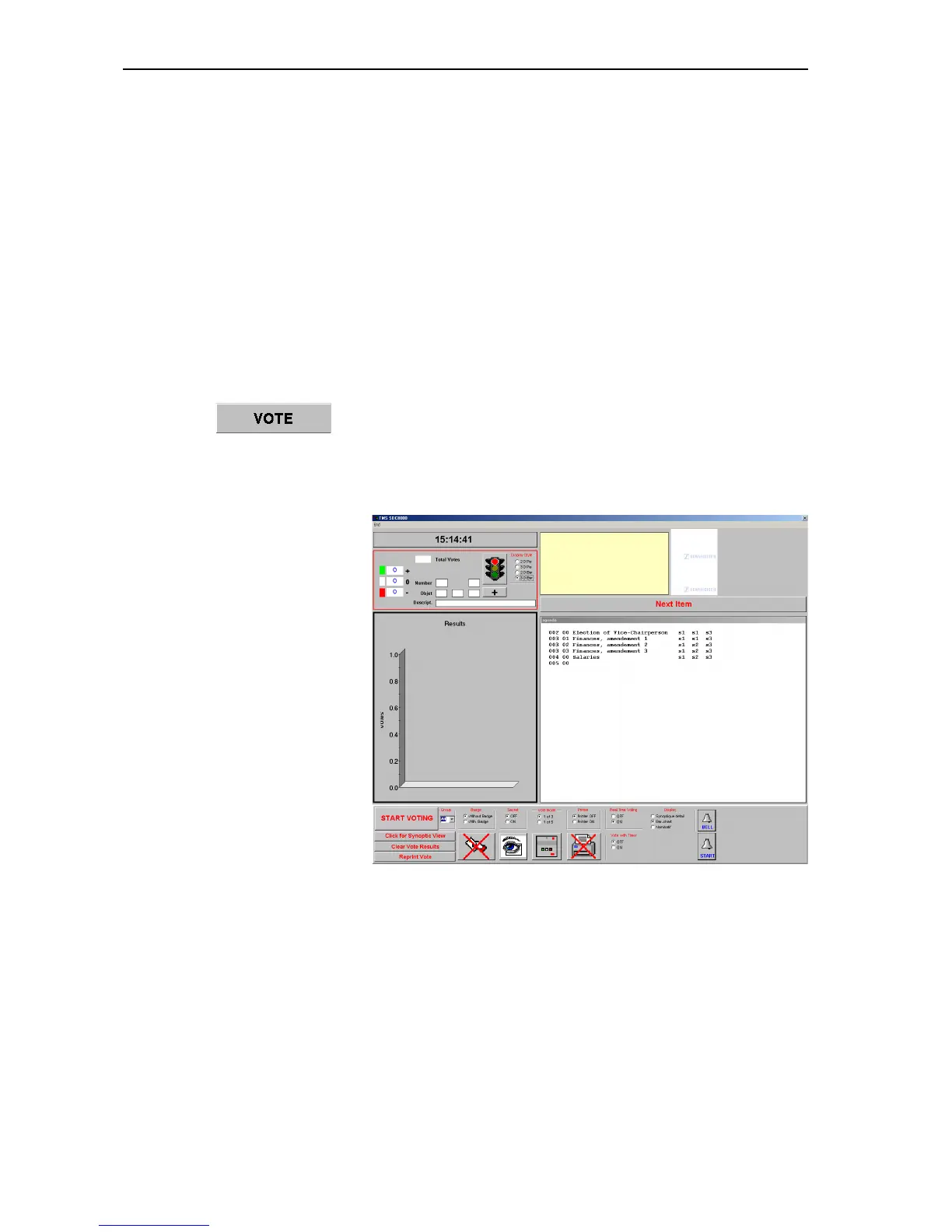
The voting window opens.
The left-hand side of the window shows:
y the current time and the status of the current voting item and
y a graphic representation of the voting result (Results).
The right-hand side of the window shows:
y a yellow box in which the names of the delegates who make a request
to speak are shown in green (if you click one of the names with the
left mouse button, the corresponding delegate is assigned the
“speaking right”),
y if specified – two logos which appear one above the another (on the
top right) (see “Configuring the voting settings” on page 33),



 To Next Page