Monitoring and controlling a conference
49
Monitoring and controlling a conference
This chapter provides information on how to monitor a conference, how to
intervene in a conference and how to take votes.
Starting a conference
To start a conference:
왘 Make sure that all components are connected correctly and that the
central unit is turned on.
The configuration must be error-free (see “Configuring the conference
system” on page 20) and the conference consoles must be initialized
(see “Initializing the conference consoles” on page 29).
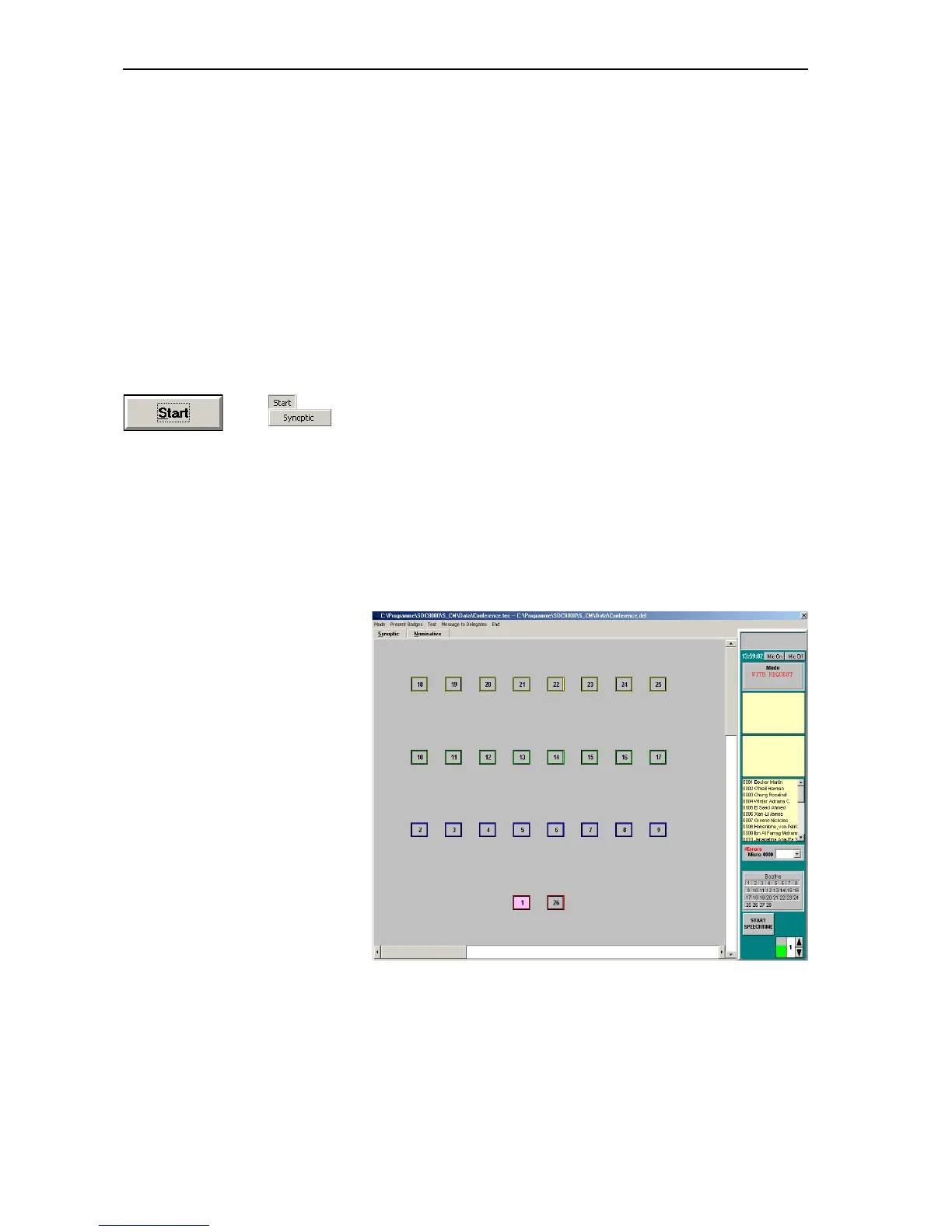
왘 From the “Start” menu, choose “Synoptic” or click the “Start” button.
The file selection box opens.
왘 First select the *.tec file containing the synoptic view of your
conference and confirm your selection by clicking the “OK” button.
A second file selection box opens.
왘 Select the *.del file containing the names of the delegates and
confirm your selection by clicking the “OK” button.
If you have not licensed the S-DM software module and thus have no
delegate data, click “Cancel”.
The synoptic view opens and the conference can start immediately.
The synoptic view shows the console icons.



 To Next Page