Planning and managing votings
45
Planning and managing votings
In order to be able to quickly and easily take votes during a conference, you
should create an agenda including all items to be voted on.
Entering voting data
Creating or opening an agenda file
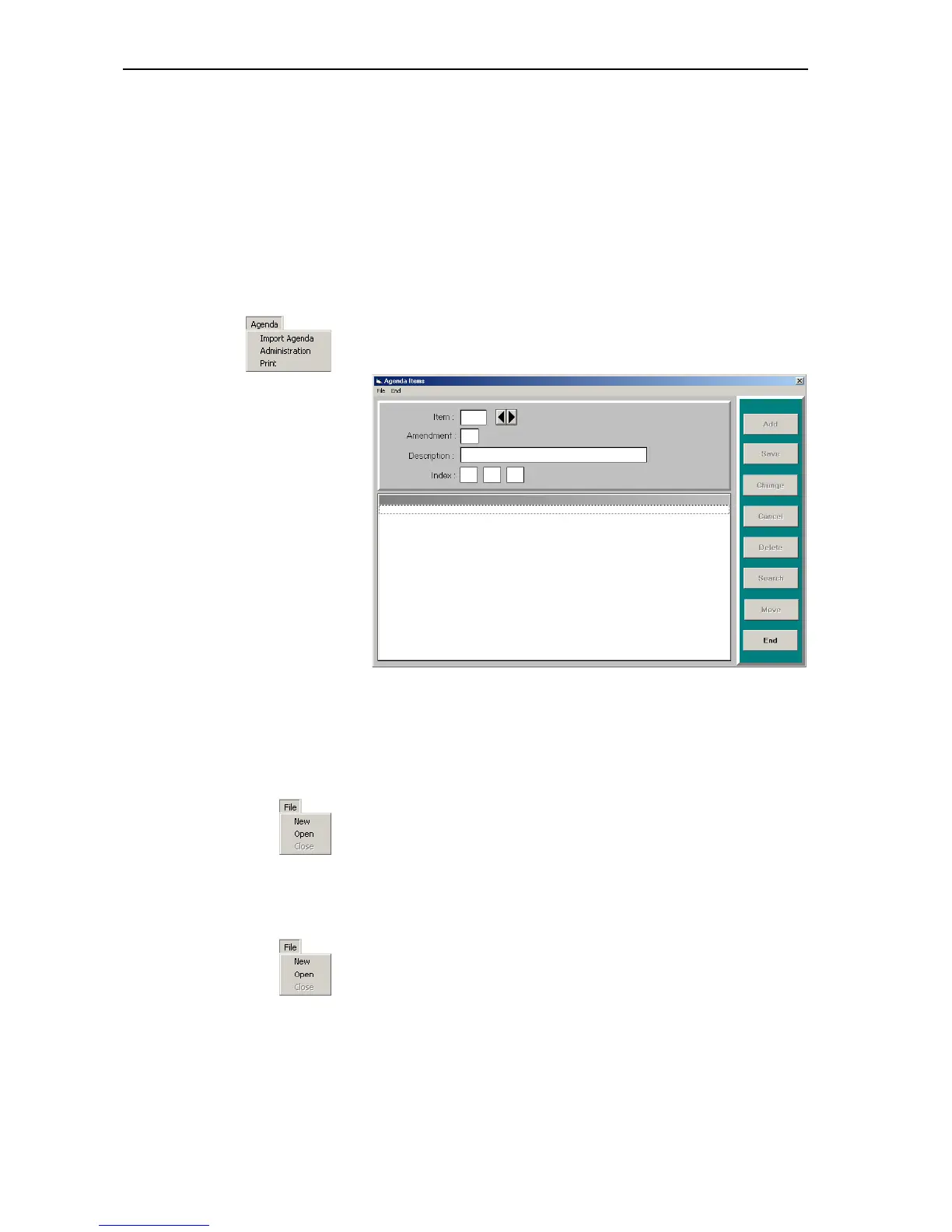
왘 From the “Agenda” menu, choose “Administration”.
왘 The “Agenda Items” window opens.
The upper part of the window contains the input mask, the lower part
displays the agenda and the buttons on the right-hand side of the
window are for editing the agenda.
To create an agenda file:
왘 From the “File” menu, choose “New”.
The file selection box opens.
왘 Specify the folder and name of the agenda file to be created and click
the “OK” button.
The buttons on the right-hand side of the window become active.
To open an existing agenda file:
왘 From the “File” menu, choose “Open”.
The file selection box opens.
왘 Specify the folder and name of the agenda file to be opened and click
the “OK” button.



 To Next Page