Configuring the interpretation system
76
Opening an interpretation configuration
To open an existing interpretation configuration:
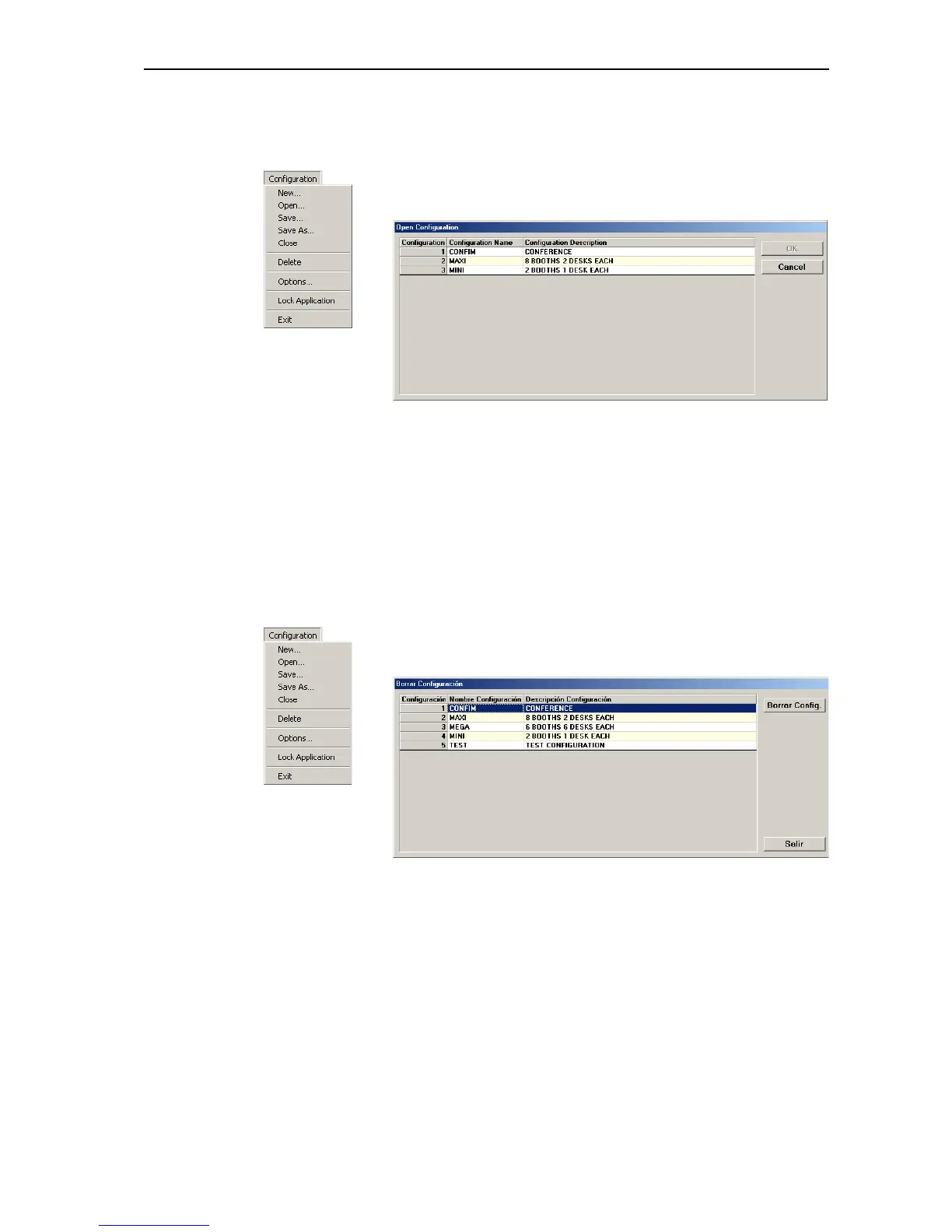
왘 From the “Configuration” menu, choose “Open...”.
The “Open Configuration” opens.
왘 Click the configuration you want to open and confirm your selection by
clicking the “OK” button.
The “Desk Language Assignment” window opens (see “Assigning
languages to the interpreter booths” on page 77).
Deleting an interpretation configuration
To delete an existing interpretation configuration:
왘 From the “Configuration” menu, choose “Delete”.
The “Delete Configuration” window opens.
왘 Click the configuration you want to delete and click the “Delete”
button.
A dialog box opens.
왘 Confirm the deletion of the selected configuration by clicking the “OK”
button.
The subfolder with the name of the interpretation configuration is
deleted from the folder “C:\\Programme\SDC8000\S_IM” and all
parameters of the configuration are deleted.



 To Next Page