Intervening in the interpretation system
88
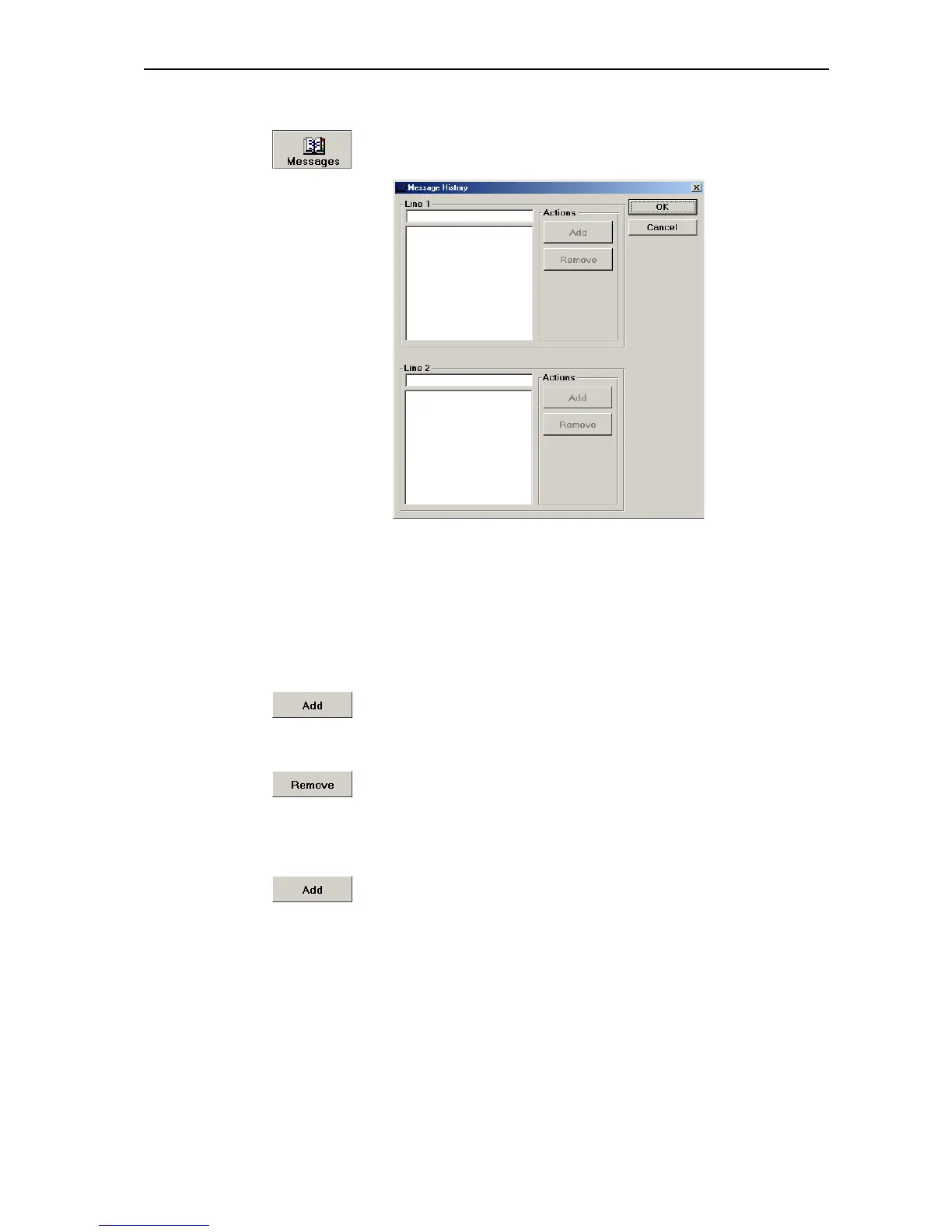
To manage the message list:
왘 Click the “Messages” button.
The “Message History” window opens.
왘 From the “Line 1” or “Line 2” boxes, select a message by clicking it.
To edit a line from the message list:
왘 Click the line you want to edit.
The text is displayed in the box above the list.
왘 Edit the text.
왘 Click the “Add” button.
The edited line is added to the message list.
To delete a line from the message list:
왘 Click the “Remove” button.
The line is deleted.
To add a new line to message list (without sending this line):
왘 Enter the text in the “Line 1” or “Line 2” box.
왘 Click the “Add” button.
The new line is added to the message list.



 To Next Page