39
Trigon-6 Operation Manual
Sequencer
Sequencer
The Trigon-6’s sequencer is similar to a classic step sequencer. It allows
you to create a single sequence of up to 64 steps, including rests and ties,
with up to 6 notes per step. In addition, you can play along with a
sequence (provided there is available polyphony), making it a powerful
live performance tool. When the Sequencer is playing, the Arpeggiator is
disabled.
The Sequencer
An audio signal connected to the rear-panel footswitch - sequence jack can
be used to control sequencer playback. This makes it possible to tempo sync the
sequencer (or arpeggiator) to a recorded drum track or other audio source. See “Seq
Jack” on page 15 for more information about choosing the appropriate mode for
these behaviors.
Programming the Sequencer
Though programming the sequencer is simple, you can create sequences that
are rhythmically and melodically complex by combining a repeating phrase
or bass line with chords, ties, and rests. You can play up to 64 steps with up
to 6 notes held simultaneously per step. For most sequences you’ll probably
want to use sounds with a relatively sharp attack and short release.
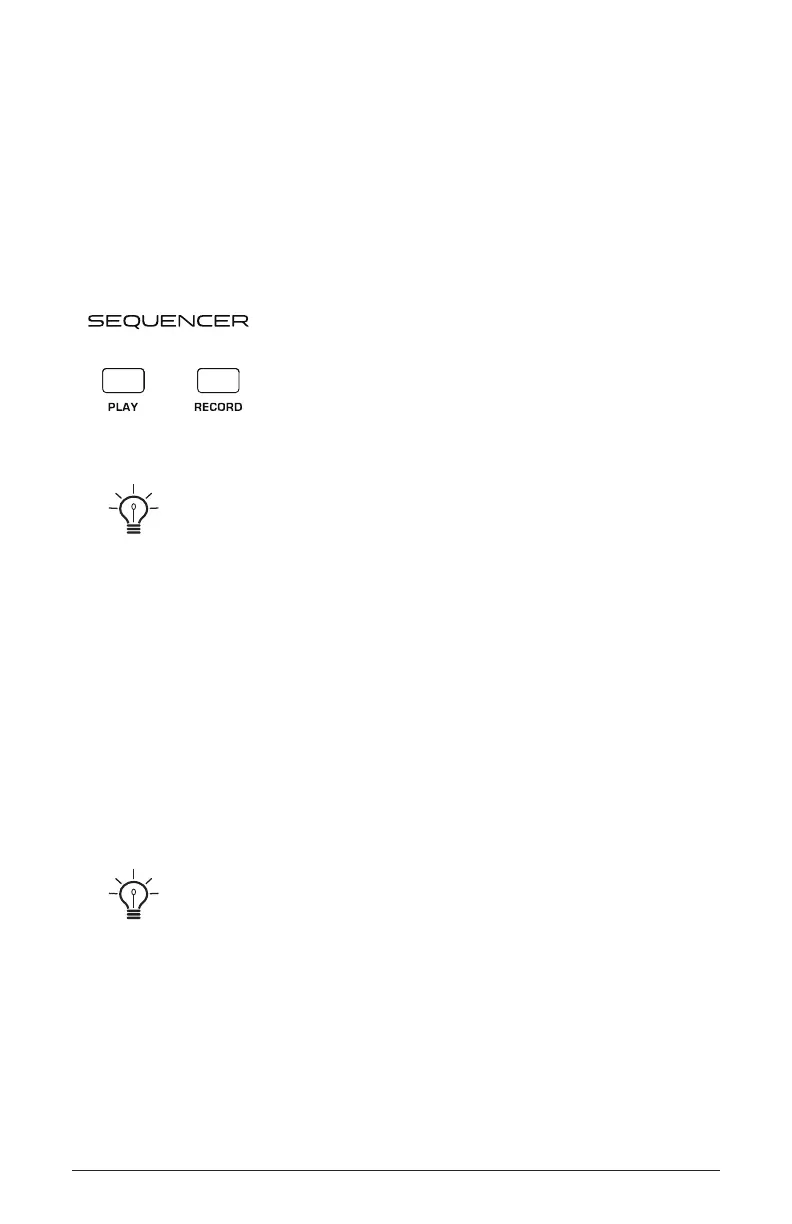
Most factory programs have a sequence associated with them. Recall a
program and press the Sequencer’s play button to hear its associated sequence.
To program a note sequence:
1. Press the record button.
2. Perform the sequence on the keyboard. The display indicates the
current step as you play.















 To Next Page