54
Preset
Sequential
Preset
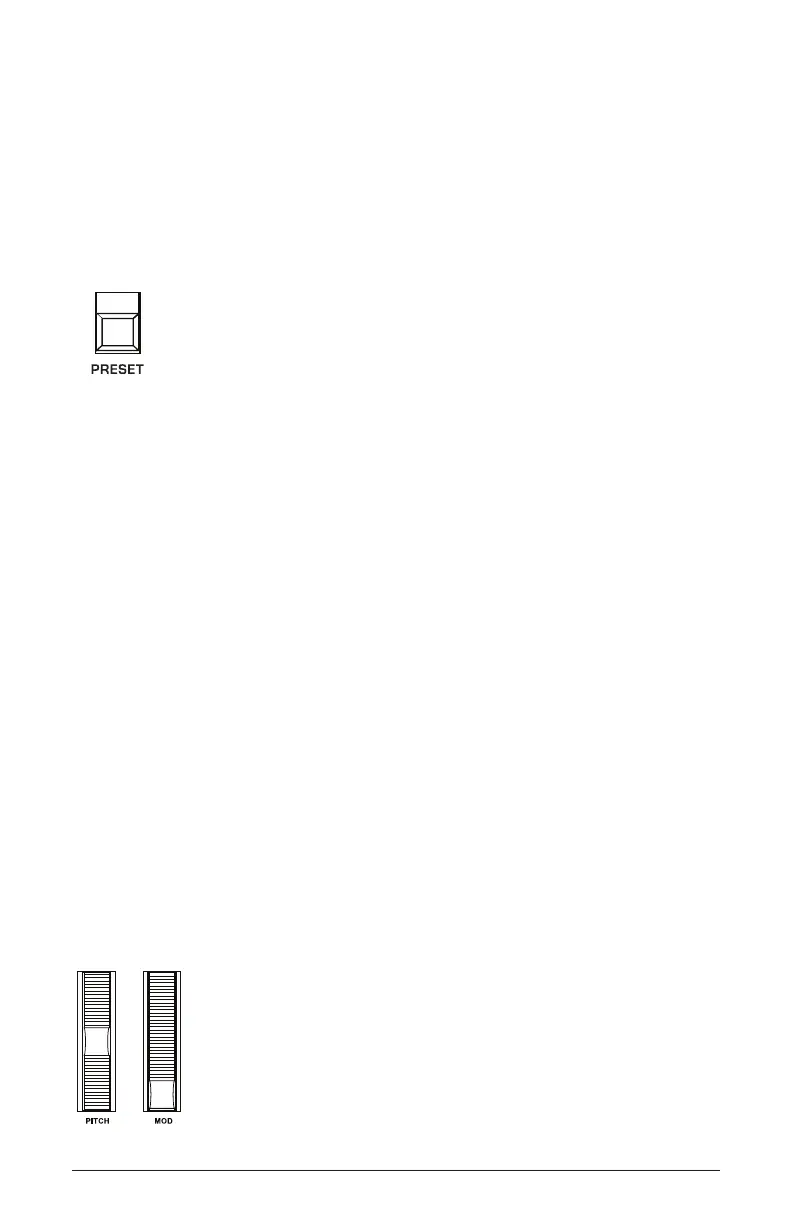
The preset switch toggles “live panel” mode on and off. In live panel
mode the Trigon-6 ignores the currently active preset and reverts to the
current front-panel settings of its knobs and switches. In other words,
what you see on the front panel is what you hear. This is a great mode for
learning, experimentation, and instant gratication.
The Preset button
To enter live panel mode:
• Press the preset button to toggle it off. The Trigon-6 is now in live
panel mode. What you see on the front panel is what you hear. Note
that you can’t change programs or banks with Preset off.
To return to preset mode:
• Press the preset button again to toggle it on. The LED is lit. The
current program is what you hear.
Pitch and Mod Wheels
The Trigon-6 has a spring loaded Pitch wheel and a Mod wheel. You can
use these controls to enhance live performance by bending notes and
adding modulation in real time as you play.
In the same way that guitar players use note bends and vibrato to give
their playing expressiveness and character, these two controls can really
help you dene your sound as a performer and take you beyond just
playing notes on the keyboard.
The Pitch and Modulation wheels















 To Next Page