12
Connections
Sequential
Global Settings
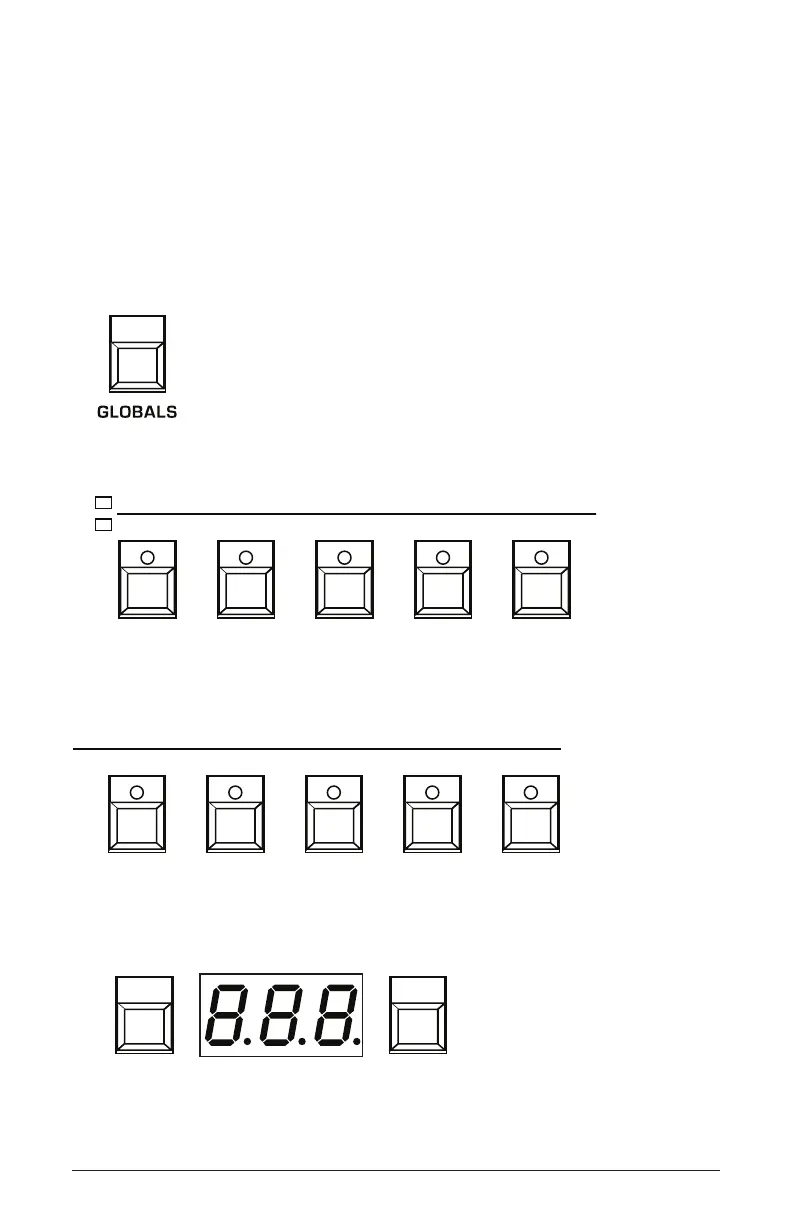
Global settings are parameters that affect all programs. These include
settings such as Master Tune, MIDI Channel, MIDI Clock, and others.
Global parameters are printed above the numeric program selector
switches (0 - 9). Use the Globals switch to choose between the two sets.
The red LED indicates that the upper row is active. The yellow LED
indicates that the lower row is active
The Globals button
10 2 3 4
5 6 7 8 9BANKSELECT
BANK
SELECT
TENS
PROGRAM
Local Ctrl Seq Jack Pot Mode Sustain +/- Alt Tuning
Vel Response AT Response Stereo/Mono Pgm Dump Beat Sync
Transpose Master Tune MIDI Channel MIDI Clock Clock Port
Param Xmit Param Rcv MIDI Control MIDI SysEx MIDI Out
IncrementDecrement
Globals 0-4
5 6 7 8 9
BANKSELECT
BANK
SELECT
TENS
PROGRAM
Local Ctrl Seq Jack Pot Mode Sustain +/- Alt Tuning
Vel Response AT Response Stereo/Mono Pgm Dump Beat Sync
Transpose Master Tune MIDI Channel MIDI Clock Clock Port
Param Xmit Param Rcv MIDI Control MIDI SysEx MIDI Out
Globals 5-9
Use the Bank and Tens buttons to scroll backward and forward through parameter settings.
BANKSELECT
SELECT
PROGRAM
Local Ctrl Seq Jack Pot Mode Sustain +/- Alt Tuning Vel Response AT Response Stereo/Mono Pgm Dump Beat Sync
Transpose Master Tune MIDI Channel MIDI Clock Clock Port Param Xmit Param Rcv MIDI Control MIDI SysEx MIDI Out
IncrementDecrement















 To Next Page