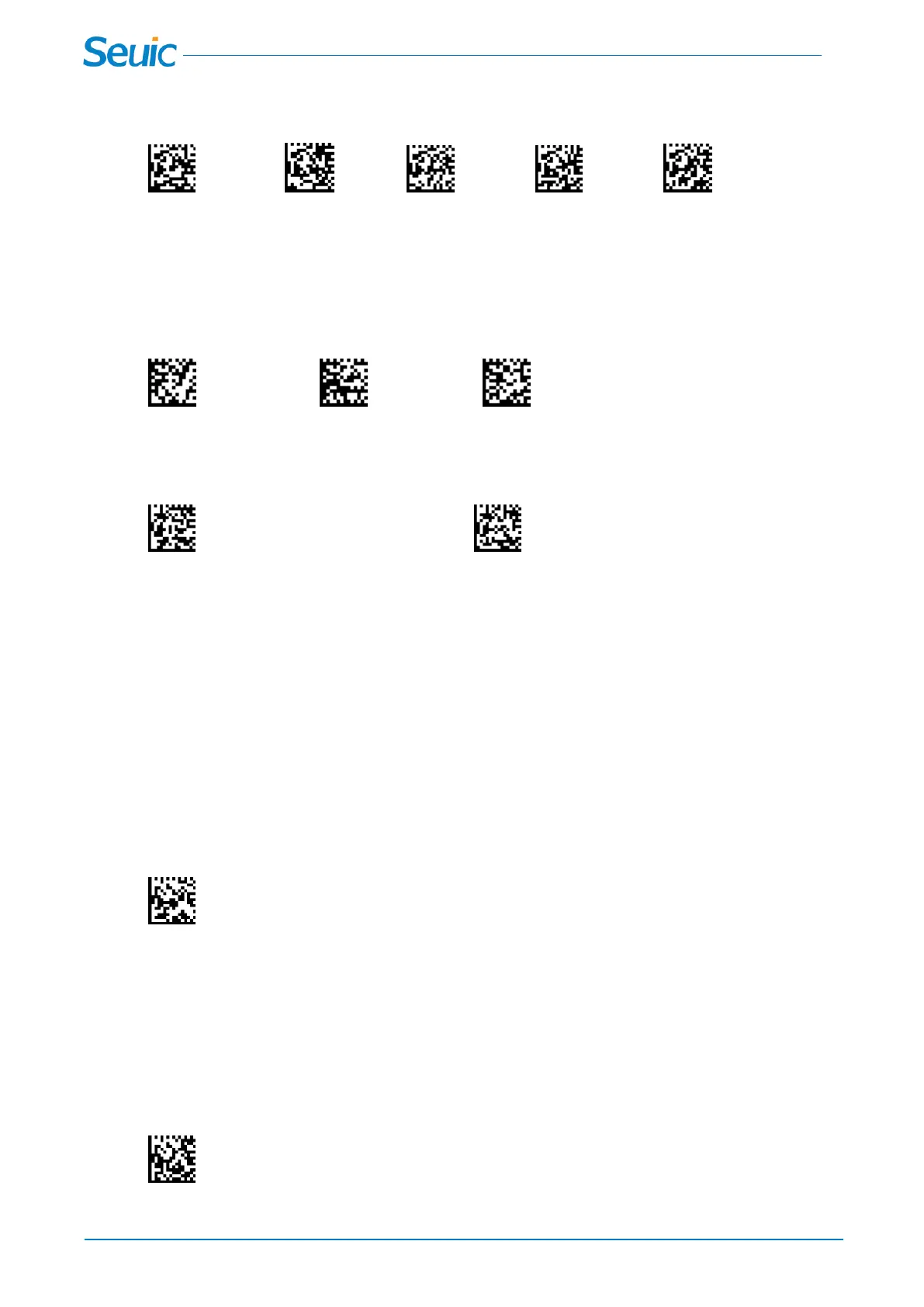
be set for the same baud rate as the scanner. Default = 115200
9600BAD 19200BAD 38400BAD 57600BAD *115200BAD
2.3.2 RS232 Parity
Parity provides a means of checking character bit patterns for validity.
*Parity None Parity Odd Parity Even
2.3.3 RS232 Data Bits
Data Bits sets the word length at 7 or 8 bits of data per character. The host terminal must be set for the
same baud rate as the scanner.
7 Data Bits *8 Data Bits
Chapter 3 Transmission mode
3.1 *Synchronous mode(Default)
In Synchronous mode,the scanner attempts to transmit every scanned bar code immediately;
transmissions are halted if the scanner is moved out of range,and the scanner emits 4 long low
beeps.The Synchronous mode is set by default
*Synchronous mode(Default)
3.2 Asynchronous mode
In Asynchronous mode,the scanner attempts to transmit every scanned bar code immediately; the
scanner starts storing bar code data when it loses its connection to the cradle.Data transmission is
triggered by reestablishing the connection with the cradle.
Asynchronous mode



 To Next Page