4.6 Unlinking the Scanner
The wireless scanner and the cradle are unbound, and the connection is disconnected.
A:In Point-to-Point mode, Scan the "Unlock Communication" barcode, and both the wireless scanner and
the cradle will clear the pairing information at the same time.
B.In Multipoint-to-Point mode, Scan the "Unlock Communication" barcode, the wireless scanner only
clears its own pairing information
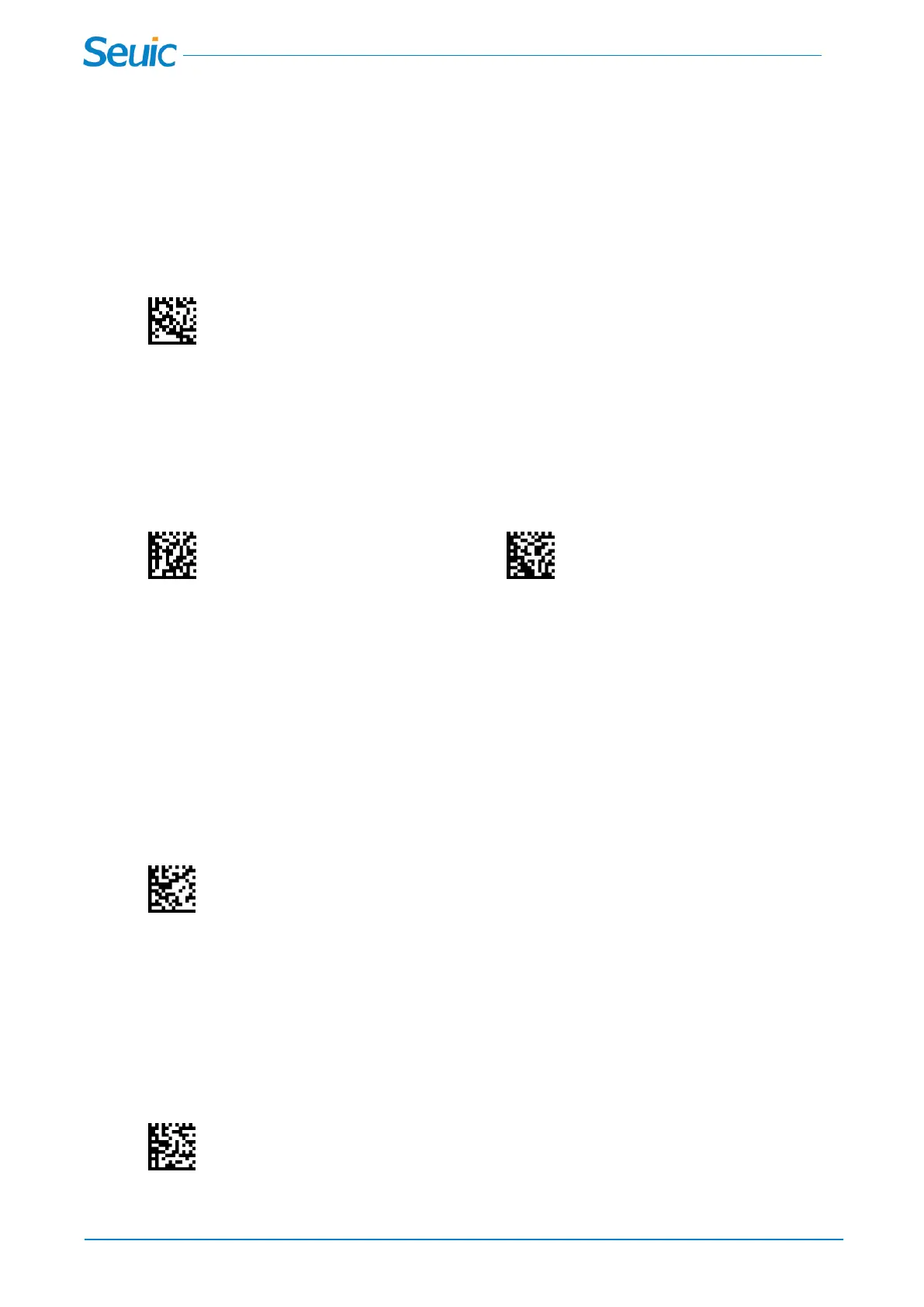
Unlock Communication
4.7 Parameter Broadcast
When in multipoint-to-point mode, enable Parameter Broadcast to broadcast all parameter bar codes
scanned to all other scanners.
*Disable Parameter Broadcast Enable Parameter Broadcast
Chapter 5 Use the Scanner with Bluetooth
Devices
5.1 *Cradle Mode(Default)
Scan this code to allow the scanner to be paired with the cradle,Cradle Mode is set by default.
*Cradle Mode
5.2 Bluetooth HID mode
Your scanner can be paired with Bluetooth-capable devices,such as personalcom-puters, laptops, and
tablets, so that scanned data appears on your device screen as though it was entered on the keyboard.In
order to pair with the Bluetooth device:
Bluetooth HID mode



 To Next Page