Data Matrix Low contrast settings
Users can choose to turn on or off low contrast Data Matrix support mode, Default=On
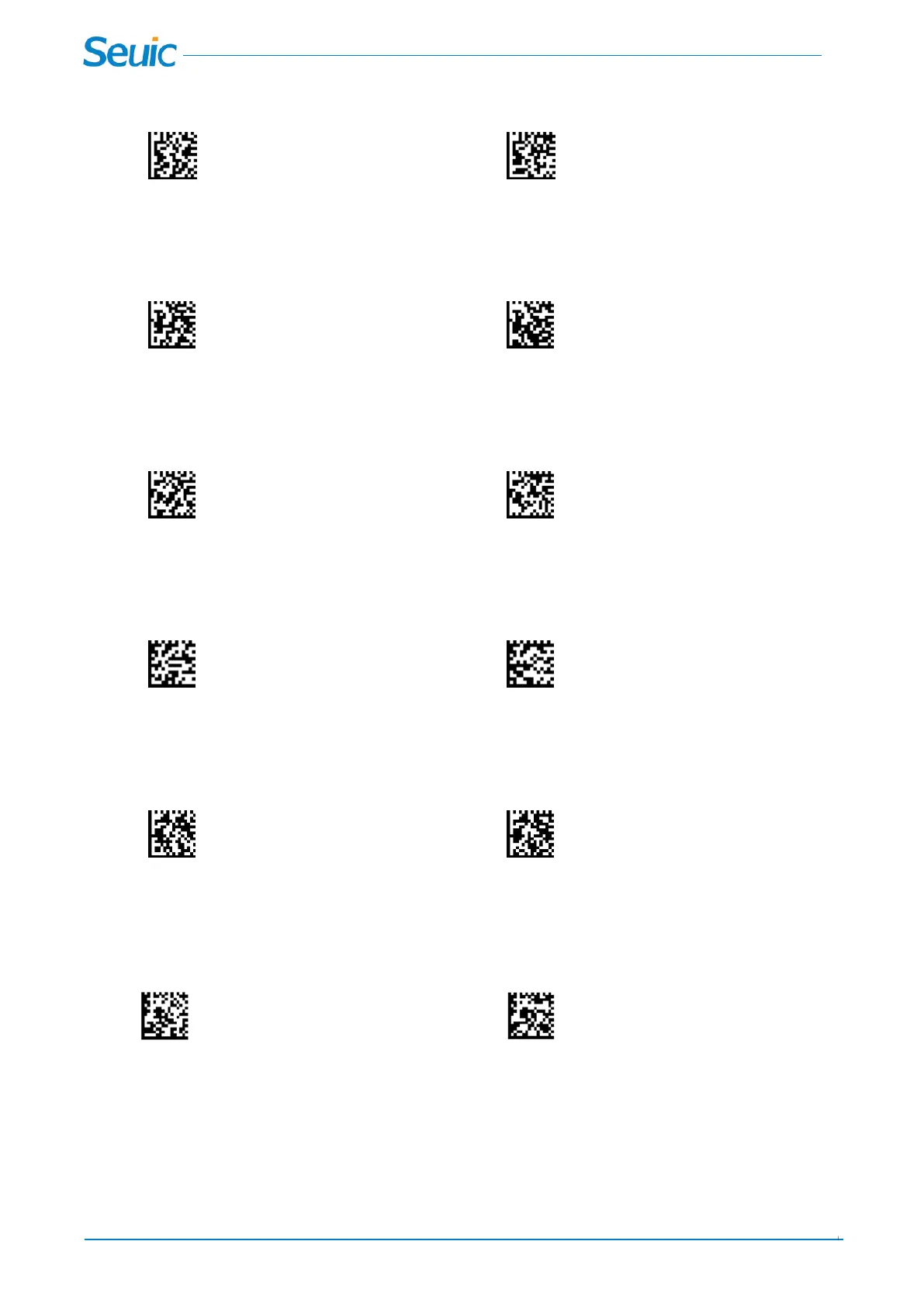
Low contrast Off * Low contrast On
Data Matrix Rectangular decoding mode
Users can scan the barcodes below to set for supporting Data Matrix Rectangular mode, Default=On
Rectangular mode Off * Rectangular mode On
Data Matrix Direct Part Mark mode
Users can scan the barcodes below to set for supporting Data Matrix Direct Part Mark mode, Default=Off
*DPM mode Off DPM mode On
Data Matrix broken border match mode
Users can scan the barcodes below to set for supporting Data Matrix that the border match is broken.
Default=Off
*Border match broken Off Border match broken On
Data Matrix Low Image proportion
Scan the barcodes below to allow the scanner decode the barcodes when the barcode occupies a small
area of the field of vision.
*DM Low Image proportion Off DM Low Image proportion On
Data Matrix ECC140 mode
Users can scan the barcodes below to set for supporting Data Matrix with ECC140 Calibration level.
Default=Off
*ECC140 Off ECC140 On
12.15 AZTEC Code
AZTEC On or Off



 To Next Page