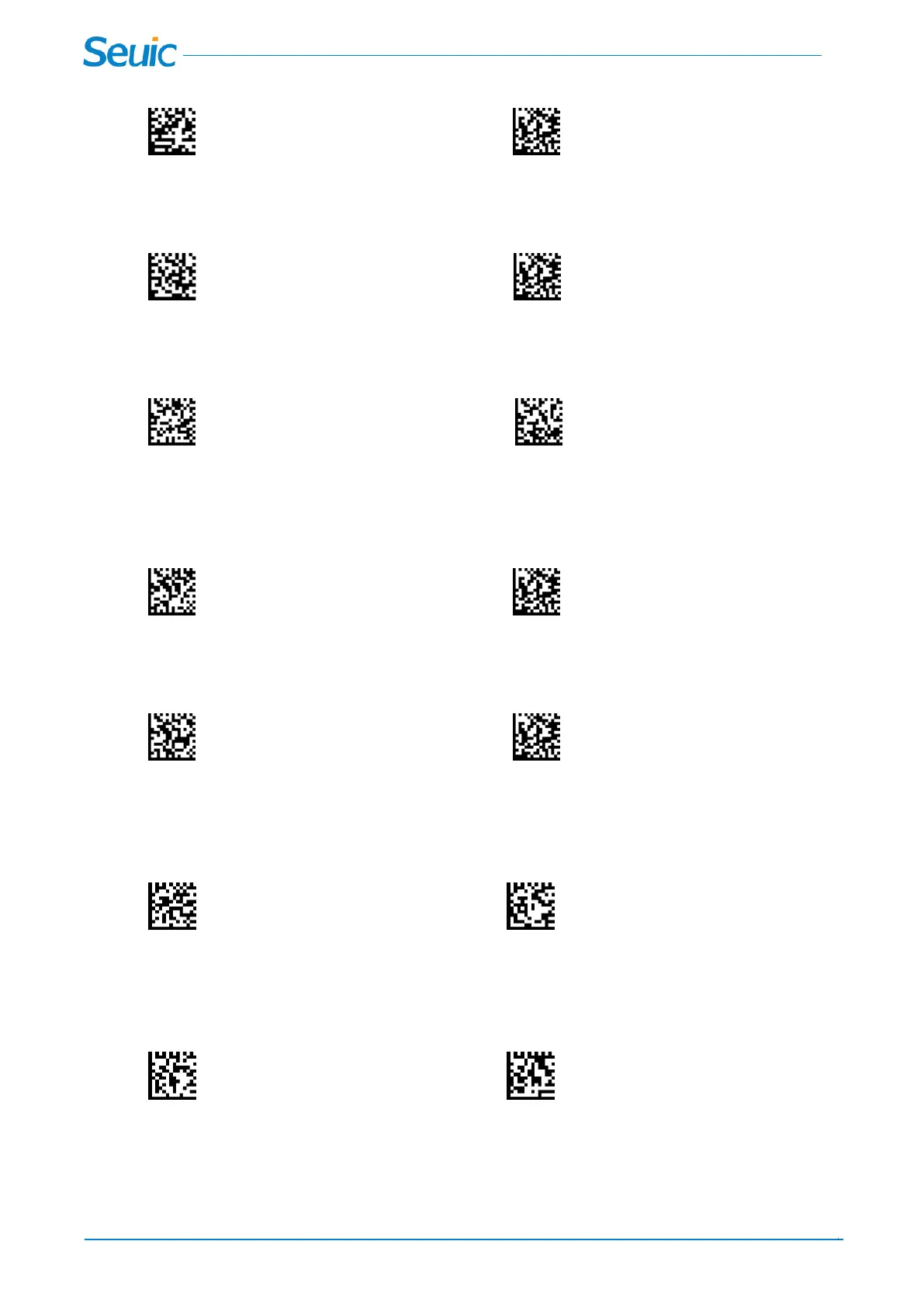
Scan the barcodes below to change the minimum message length, Minimum Default=1
Minimum Message Length Save
Code128 Maximum Message Length
Scan the barcodes below to change the maximum message length, Maximum Default=80
Maximum Message Length Save
GS1-128
GS1-128 On or Off
GS1-128 Off *GS1-128 On
GS1-128 Minimum Message Length
Scan the barcodes below to change the minimum message length, Minimum Default=1
Minimum Message Length Save
GS1-128 Maximum Message Length
Scan the barcodes below to change the maximum message length, Maximum Default=80
Maximum Message Length Save
GS1-128 Parentheses of Application Identifier
Scan these code to show or not show the parentheses of Application Identifier when the scanner decodes
the barcode.Default=Parentheses Off
*Parentheses Off Parentheses On
GS1-128 Short Margin
Scan the barcodes below to switch Short Margin options of GS1-128.Scan Short Margin On allows the
scanner to decode in short margin condition.
*Short Margin Off Short Margin On



 To Next Page