7.3 Beeper Duration – Good Read
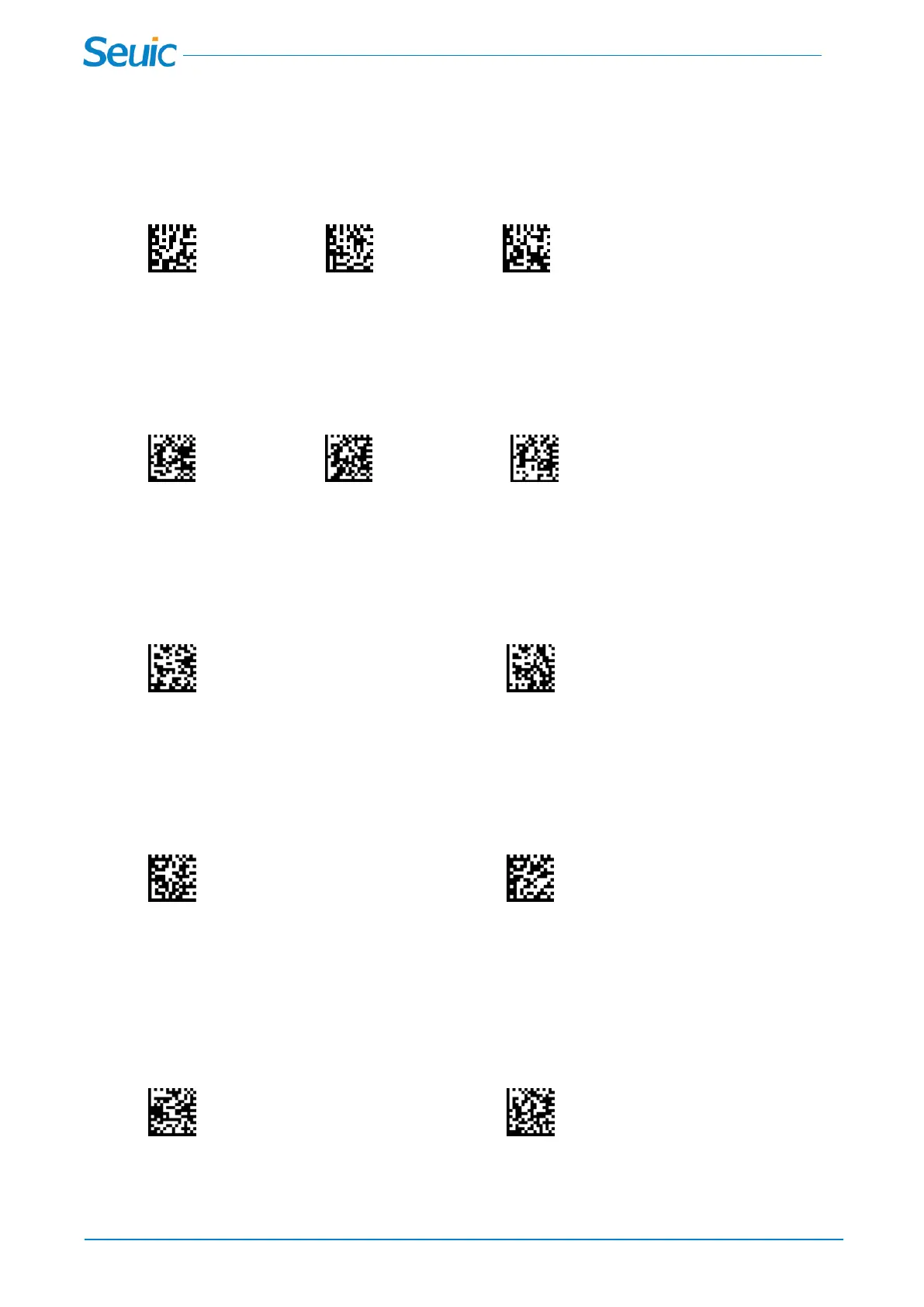
The beeper duration codes modify the length of the beep the scanner emits on a good read. Default =
Normal
*Normal long short
7.4 Beeper Volume – Good Read
The beeper volume codes modify the volume of the beep the scanner emits on a good read. Default =
High
Low Medium *High
7.5 Vibrate – Good Read
The scanner vibrates once when a bar code is successfully read.Scan Vibrate - Good Read Off to keep
the scanner from vibrating. Default-Vibrate - Good Read Off.
*Vibrate - Good Read Off Vibrate - Good Read On
7.6 LED – Good Read
The LED indicator can be programmed On or Off in response to a good read. Default = On.
Good Read LED Off *Good Read LED on
7.7 Numbers of Beeps – Good Read
The number of LEDs of a bad read can be programmed from 1 - 9. Scan the barcode below and then
scan a digit (1-9) barcode and the Save barcode on the Programming Chart inside the back cover of this
manual.
Number of Good Read Beeps/LED Flashes Save



 To Next Page