1.12 Power Off
1.13 Show Remaining power
Chapter 2 Programming the Interface
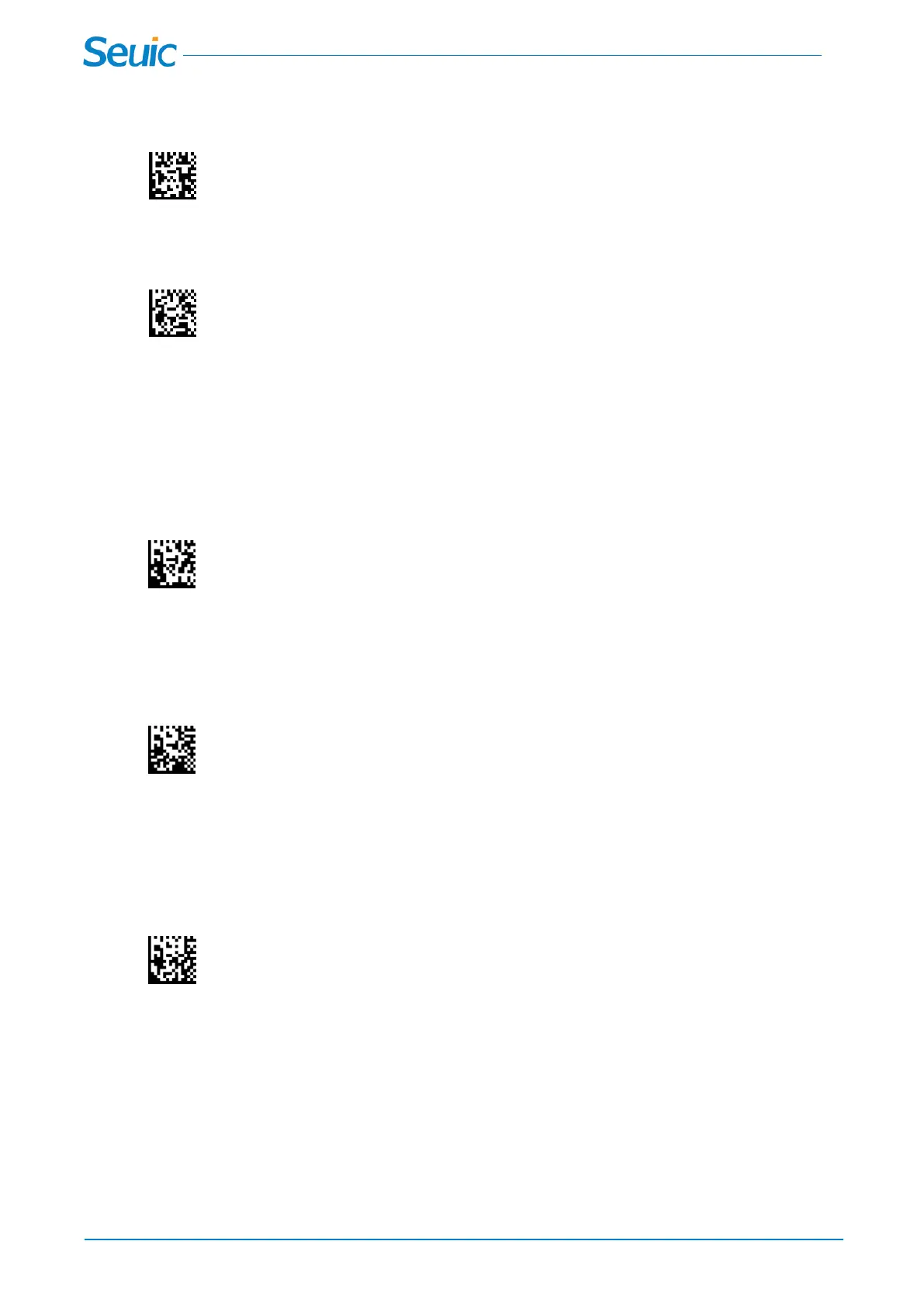
2.1 *USB PC Keyboard(Default)
*USB Keyboard(PC)
Scan this code to program the scanner for USB Keyboard interface, and adds a suffix of a CR
2.2 USB COM Port Emulation
USB COM Port Emulation
Scan this code to program the scanner to regular RS232 based COM port. If you are using a Microsoft
Windows PC, you will need to download a driver from Seuic
2.3 RS232 Serial Port Connection
RS232 Interface
All communication parameters between the scanner and terminal must match for correct data transfer
through the serial port using RS-232 protocol. Scanning the RS-232 interface barcode programs the
scanner for an RS-232 interface at 115200 baud, parity–none, 8 data bits, 1 stop bit, and adds a suffix of
a CR
2.3.1 RS232 Baud Rate
Baud Rate sends the data from the scanner to the terminal at the specified rate. The host terminal must



 To Next Page