Chapter 8 Trigger Modes
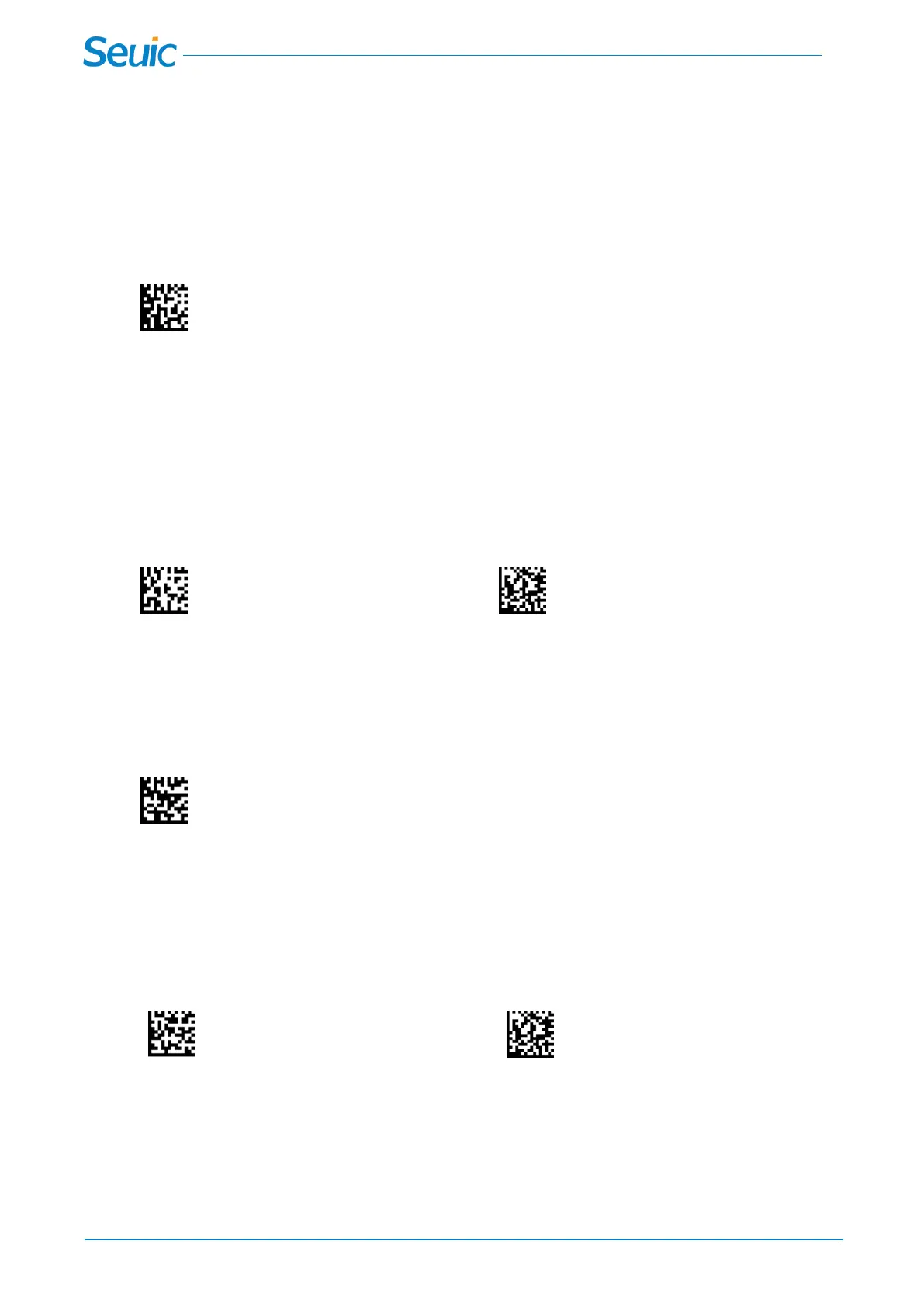
8.1 * Manual/Serial Trigger(Default)
You can activate the scanner by pressing the trigger, or using a serial trigger command. When in manual
trigger mode, the scanner scans until a barcode is read, or until the trigger is released.
*Manual/Serial Trigger
8.2 Read Time-Out
Use this selection to set a time-out (in milliseconds) of the trigger when using serial commands to trigger
the scanner or if the scanner is in manual trigger mode. Once the scanner has timed out, you can activate
the scanner either by pressing the trigger or using a serial trigger command. After scanning the Read
Time-Out barcode, set the time-out duration (from 0-300000 milliseconds) by scanning digits from the
inside back cover, then scanning Save. Default = 30000
Read Time-Out Save
8.3 Continuous Trigger mode
When in Continuous Trigger mode, the scanner leaves the scan illumination on all the time and
continuously searches for barcodes.
Continuous Trigger mode
8.4 Goode Read Delay
This sets the minimum amount of time before the scanner can read another barcode. If you want to set
your own length for the good read delay, scan the barcode below, then set the delay (from 0-30000
milliseconds) by scanning digits from the inside back cover, then scanning Save. Default = No Delay.
User-Specified Good Read Delay Save
8.5 Reread Delay
This sets the time period before the scanner can read the same barcode a second time. scan the barcode



 To Next Page