Chapter 12 Symbologies
12.1 Set All Symbologies On or Off
12.1.1 All Symbologies
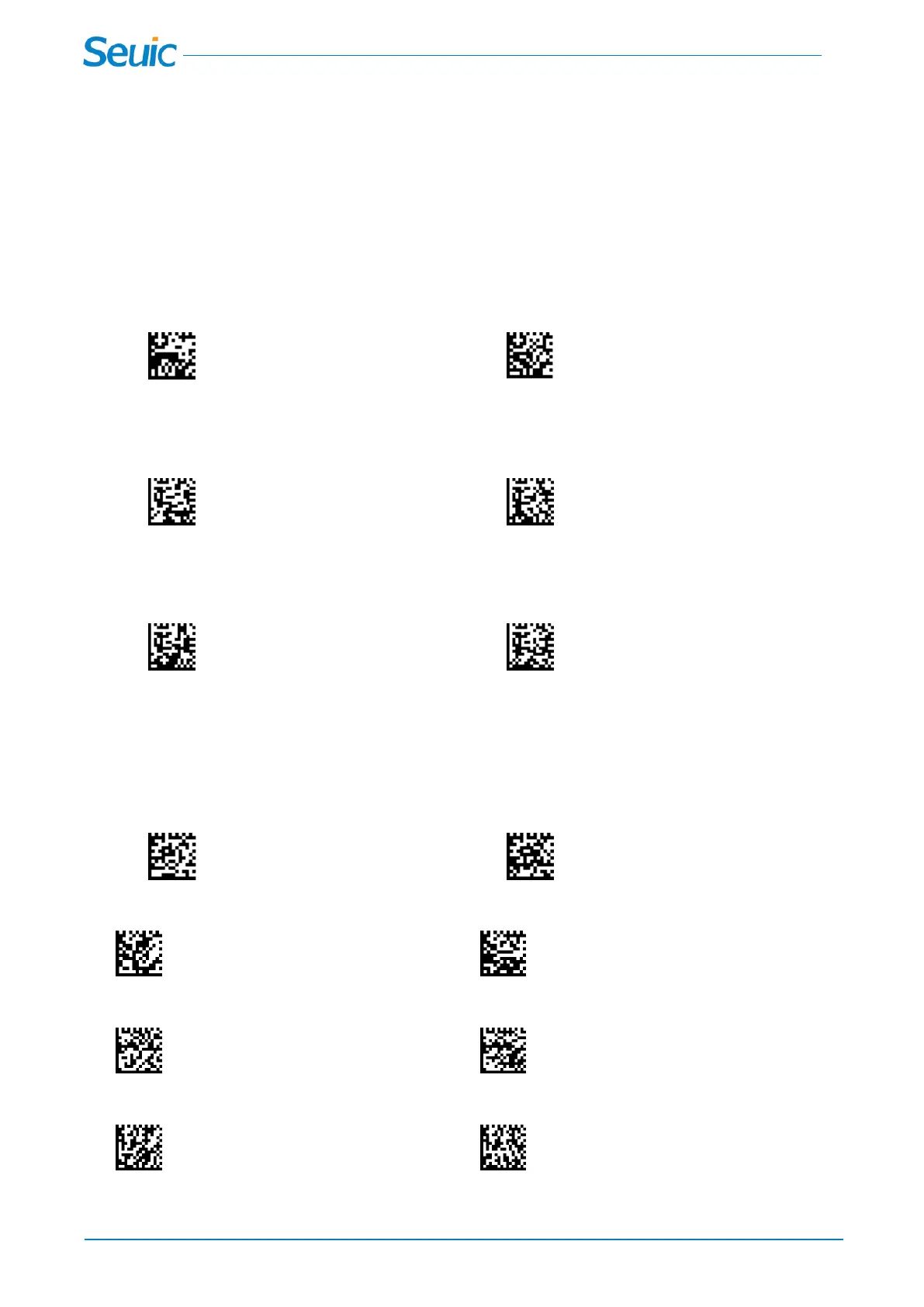
If you want to decode all the symbologies allowable for your scanner, scan the All Symbologies On code.
If on the other hand, you want to decode only a particular symbology, scan All Symbologies Off followed
by the On symbol for that particular symbology.
All Symbologies On All Symbologies Off
12.1.2 All 1D Symbologies
The user can choose to open or close All 1D Symbologies.
All 1D Symbologies Off All 1D Symbologies On
12.1.3 All 2D Symbologies
The user can choose to open or close All 2D Symbologies.
All 2D Symbologies Off All 2D Symbologies On
12.2 Video Reverse
Video Reverse is used to allow the scanner to read barcodes that are inverted. If Video Reverse to be set
On, You can also scan the standard barcode, but it will reduce the decoding speed.
* Video Reverse Off Video Reverse On
*UPC/EAN Video Reverse Off UPC/EAN Video Reverse On
*Code128 Video Reverse Off Code128 Video Reverse On
*Code39 Video Reverse Off Code39 Video Reverse On



 To Next Page