below, then set the delay (from 0-30000 milliseconds) by scanning digits from the inside back cover, then
scanning Save. Default=100ms
User-Specified Reread Delay Save
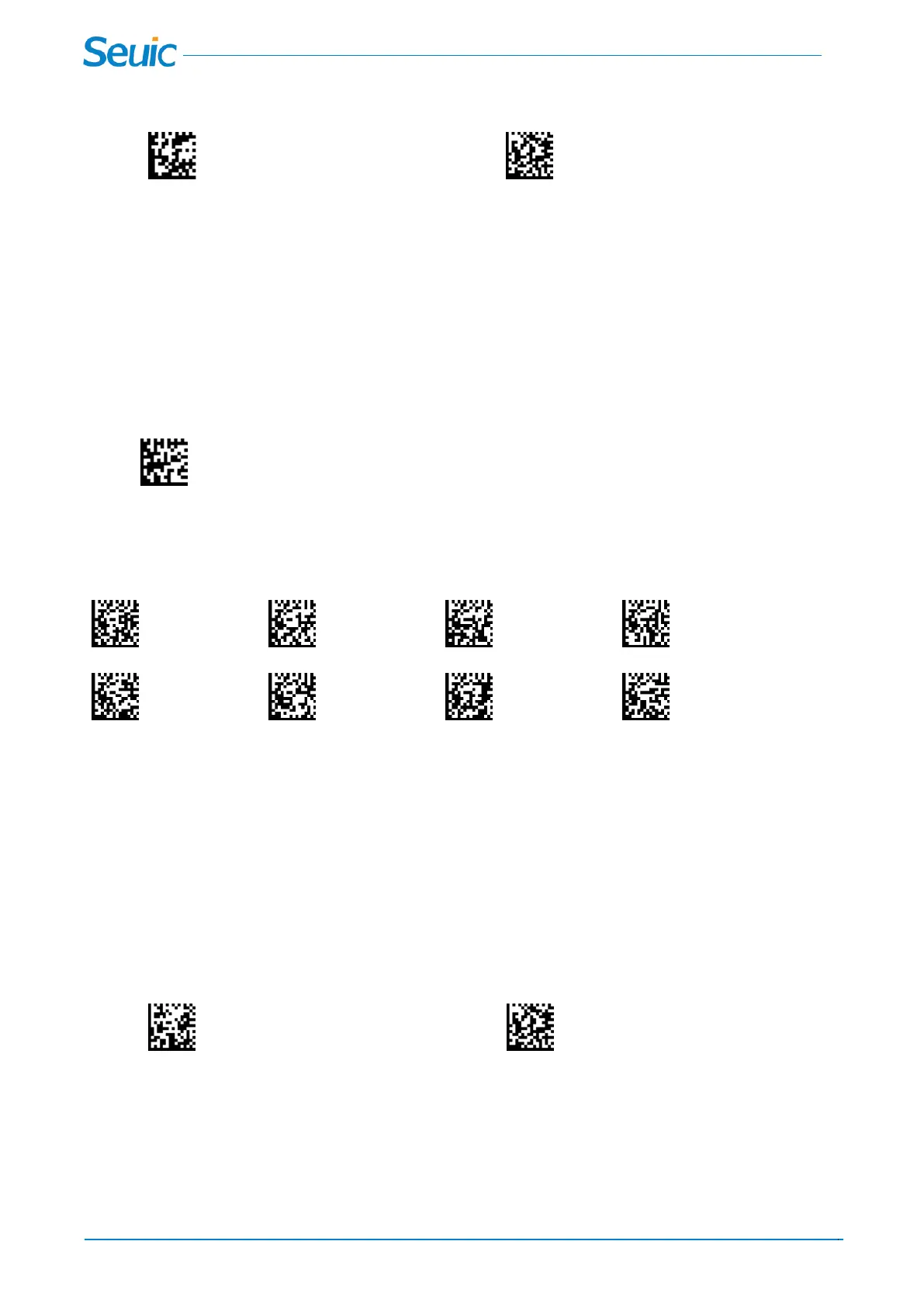
8.6 Presentation Mode
This programs the scanner to work in Presentation mode. The LEDs are either off or at the lowest power
for ambient conditions until a barcode is presented to the scanner. Then the LEDs turn on automatically to
read the code. Presentation Mode uses ambient light to detect the barcodes. If the light level in the room
is not high enough, Presentation Mode may not work properly. In Presentation Mode,If the scanner
decoded successfully in red LED, the Illumination LEDs will always be red; If the scanner decoded
successfully in white LED, the Illumination LEDs will always be white.
Presentation Mode
8.7 Presentation Sensitivity
0 1 2 3
*4 5 6 7
8.8 Hands Free Time-Out
The Presentation mode and Continuous Trigger modes are referred to as “hands free” modes. If the
scanner’s trigger is pulled when using a hands free mode, the scanner changes to manual trigger mode.
You can set the time the scanner should remain in manual trigger mode by setting the Hands Free
Time-Out. Once the time-out value is reached, (if there have been no further trigger pulls) the scanner
reverts to the original hands free mode.
Scan the Hands Free Time-Out code, then scan the time-out duration (from 0-300000 milliseconds) from
the inside back cover, and Save. Default = 5000 ms
Hands Free Time-Out Save
8.9 Illumination Lights
If you want the illumination lights on while reading a barcode, scan the Lights On barcode, below.
However, if you want to turn just the lights off, scan the Lights Off barcode.



 To Next Page