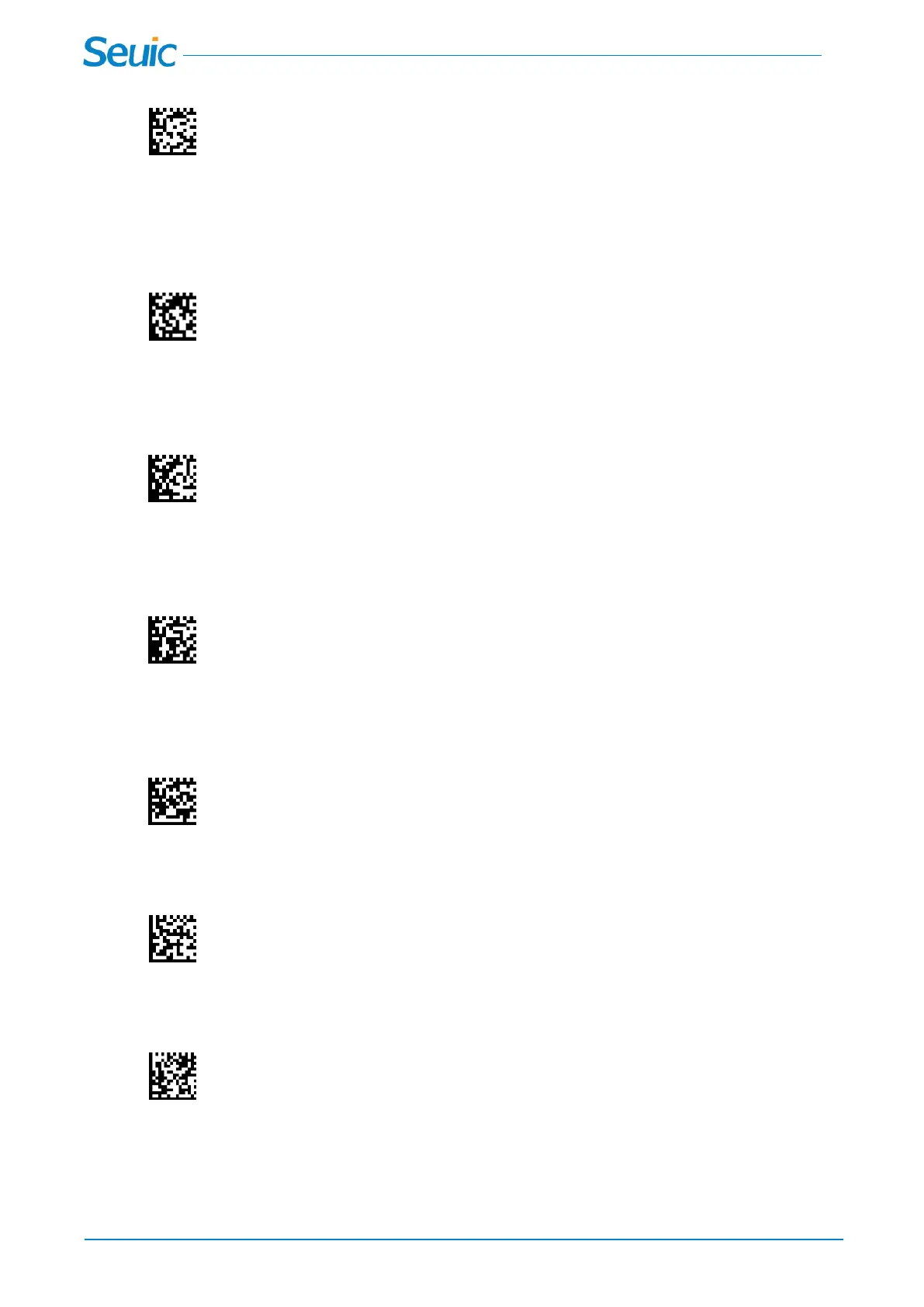
1.6 Show Scanner Software Revision information
Scan the code below to output the current software revision of the scanner.
1.7 Show Cradle Software Revision information
Scan the code below to output the current software revision of the cradle.
1.8 Show Scanner Bluetooth Revision information
Scan the code below to output the current bluetooth revision of the scanner.
1.9 Show Cradle Bluetooth Revision information
Scan the code below to output the current bluetooth revision of the cradle.
1.10 Reset Cradle
1.11 Reset Scanner



 To Next Page