8.15 Centering
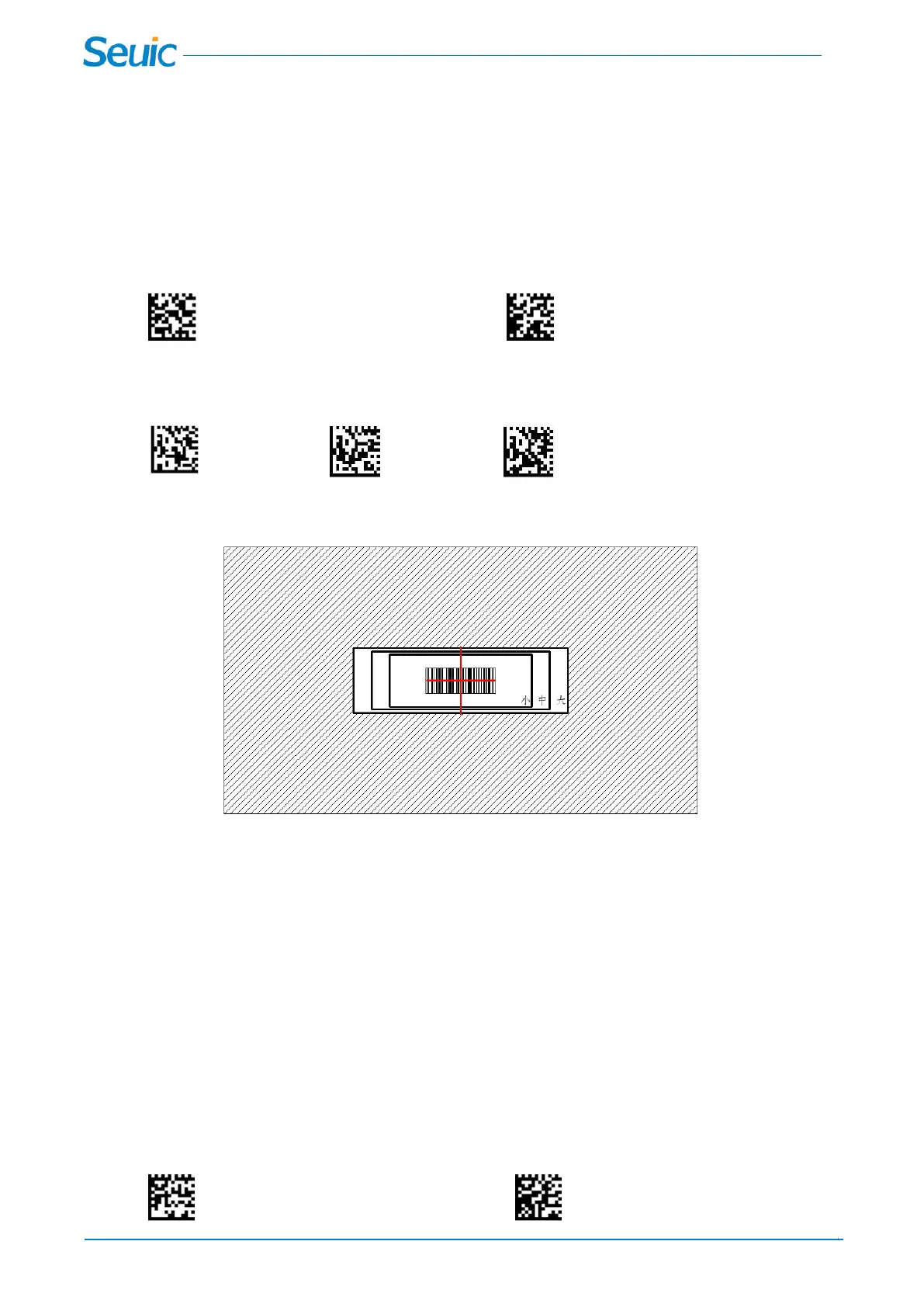
Use Centering to narrow the scanner’s field of view to make sure the scanner reads only those barcodes
intended by the user. For instance, if multiple codes are placed closely together, centering will insure that
only the desired codes are read. (Centering can be used in conjunction with Aimer Delay, for the most
error-free operation in applications where multiple codes are spaced closely together.)
* Centering Off Centering On
Scan Centering On, then scan one of the following barcodes to change the Decoding area.
*Small Medium Big
Chapter 9 Multiple Symbols
9.1 Multiple Symbols
When this programming selection is turned On, it allows you to read multiple symbols with a single pull of
the scanner’s trigger. If you press and hold the trigger, aiming the scanner at a series of symbols, it reads
unique symbols once, beeping (if turned on) for each read. The scanner attempts to find and decode new
symbols as long as the trigger is pulled.



 To Next Page