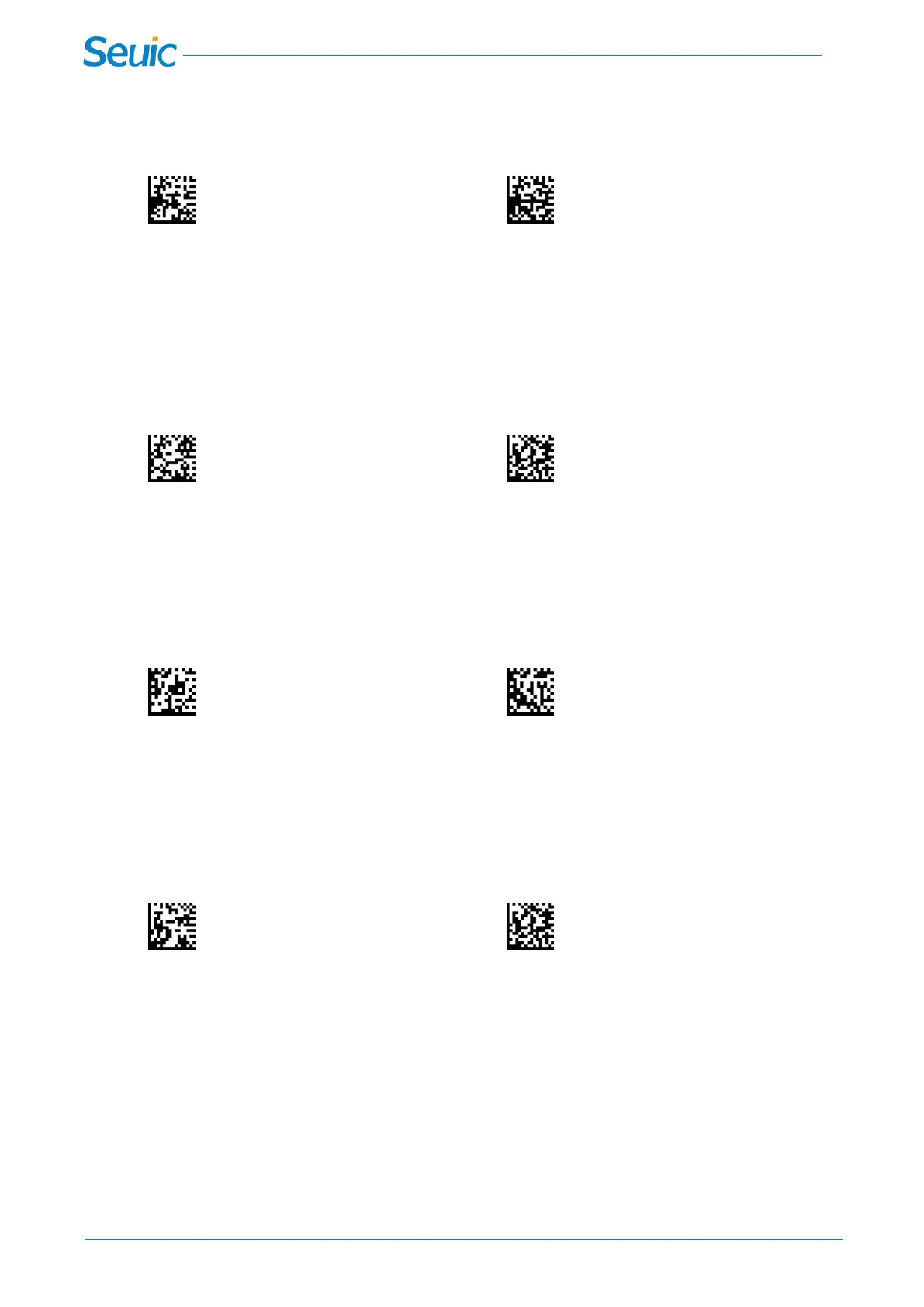
7.8 Bad read LED Control
When the scanner fails to decode, the LED light can be set to on or off this response.
*Bad Read LED Off Bad Read LED ON
7.9 Numbers of LEDs – Bad Read
The number of LEDs of a bad read can be programmed from 1 - 9. Scan the barcode below and then
scan a digit (1-9) barcode and the Save barcode on the Programming Chart inside the back cover of this
manual.
Number of Bad read Save
7.10 No Read
With No Read turned On, the Scanner notifies you if a code cannot be read. If using a Scan Data Window,
an “NR” appears when a code cannot be read. If No Read is turned Off, the “NR” will not appear.
*Off On
7.11 User-Specified No read Output character
If you want to set your own “No Read” Output characters, scan the barcode below.
User-Specified On Read Characters Save



 To Next Page