Please user the”HS200G Scanner Config” software the set the Data Formatter Rules.
10.2 Intercharacter Delay
An intercharacter delay of up to 495 milliseconds (in 5 ms steps) may be placed between the
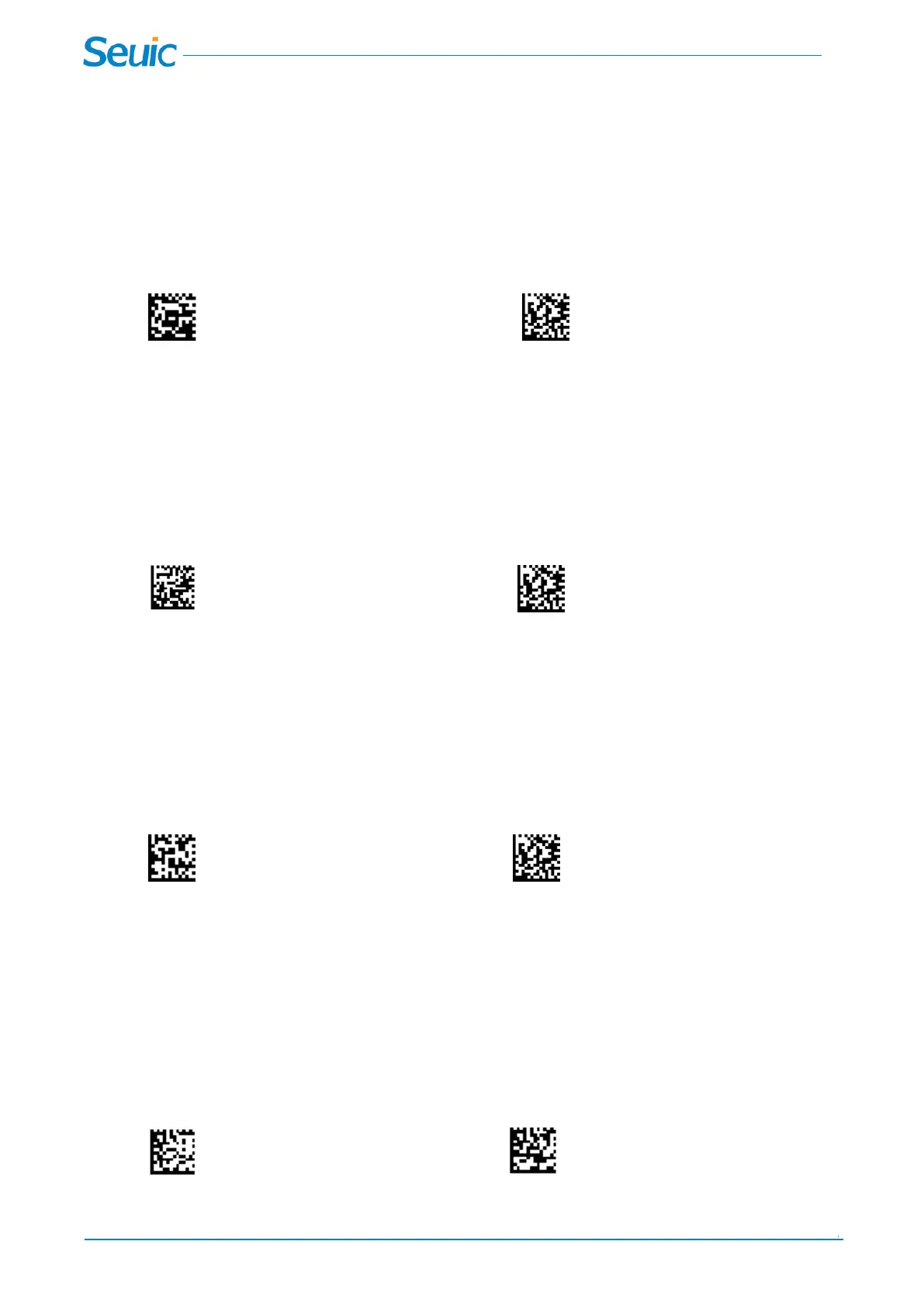
transmission of each character of scanned data. Scan the Intercharacter Delay barcode below, then scan
the number of 5 millisecond steps (0-99), and the Save barcode.
Intercharacter Delay Save
10.3 Interfunction Delay
An interfunction delay of up to 495 milliseconds (in 5 ms steps) may be placed between the transmission
of each segment of the message string. Scan the Interfunction Delay barcode below, then scan the
number of 5 millisecond steps (0-99), and the Save barcode.
Interfunction Delay Save
10.4 Intermessage Delay
An intermessage delay of up to 495 milliseconds (in 5 ms steps) may be placed between each scan
transmission. Scan the Intermessage Delay barcode below, then scan the number of 5 millisecond steps
(0-99), and the Save barcode.
Intermessage Delay Save
Chapter 11 Exposure Mode settings
11.1 Exposure mode
The following settings can be used to change the scanner exposure mode setting, and the factory default
mode is Auto exposure mode.
* Auto exposure Fixed exposure



 To Next Page