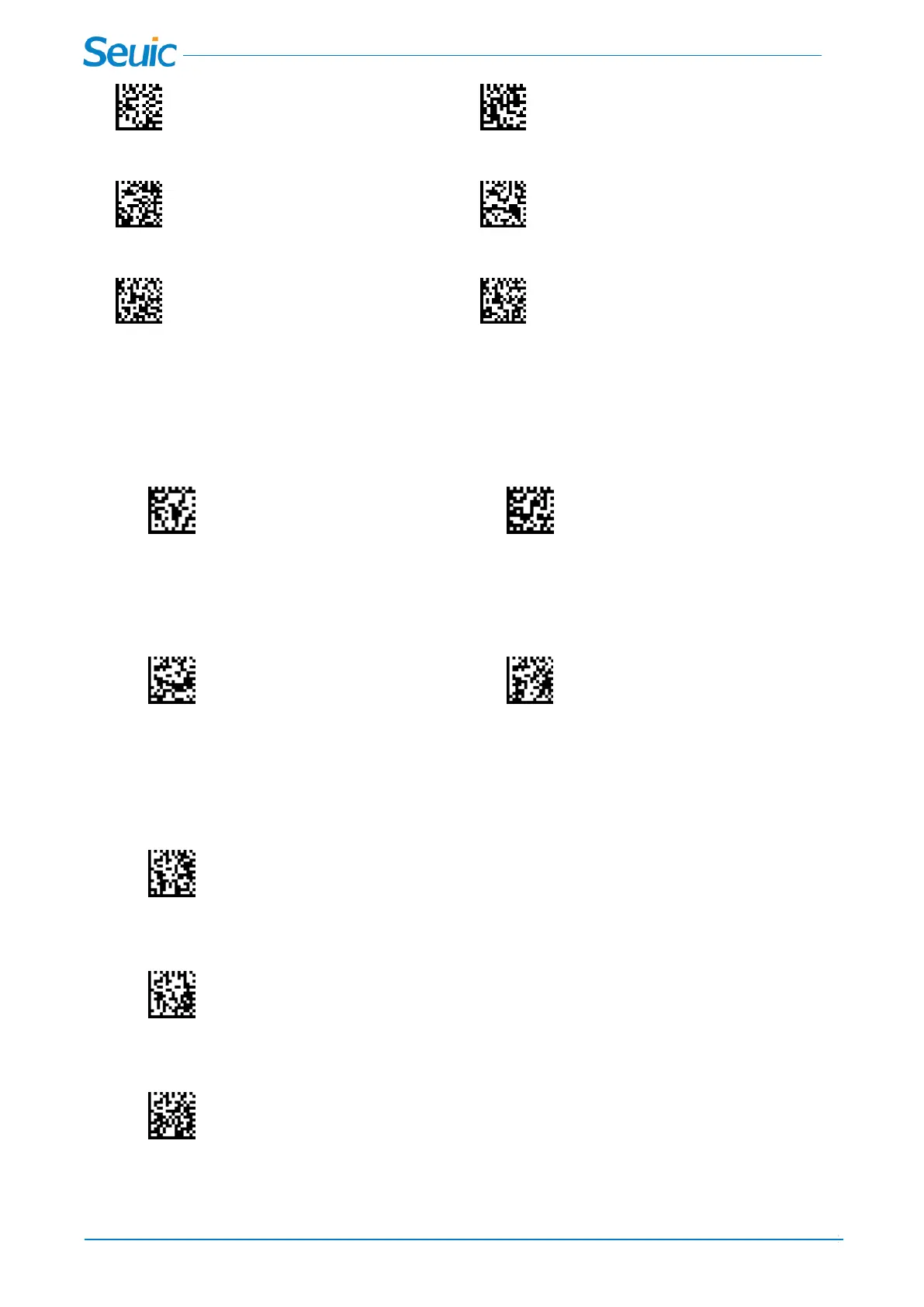
*Interleaved 2 of 5 Video Reverse Off Interleaved 2 of 5 Video Reverse On
*Codabar Video Reverse Off Codabar Video Reverse On
*Code93 Video Reverse Off Code93 Video Reverse On
12.3 Codabar
Codabar On or Off
*Codabar Off Codabar On
Codabar Start/Stop Characters
Start/Stop characters identify the leading and trailing ends of the barcode. You may either transmit, or not
transmit Start/Stop characters. Default = Don’t Transmit.
* Don’t Transmit Transmit
Codabar Check Character
Codabar check characters are created using different “modulos.” You can program the scanner to read
only Codabar barcodes with Modulo 16 check characters. Default = No Check Character
* The scanner reads and transmits barcode data with or without a check character.
The scanner will only read Codabar barcodes printed with a check character, but will not transmit the
check character with the scanned data.
The scanner will only read Codabar barcodes printed with a check character, and will transmit this
character at the end of the scanned data.
Codabar Minimum Message Length



 To Next Page