11.2 Exposure value settings
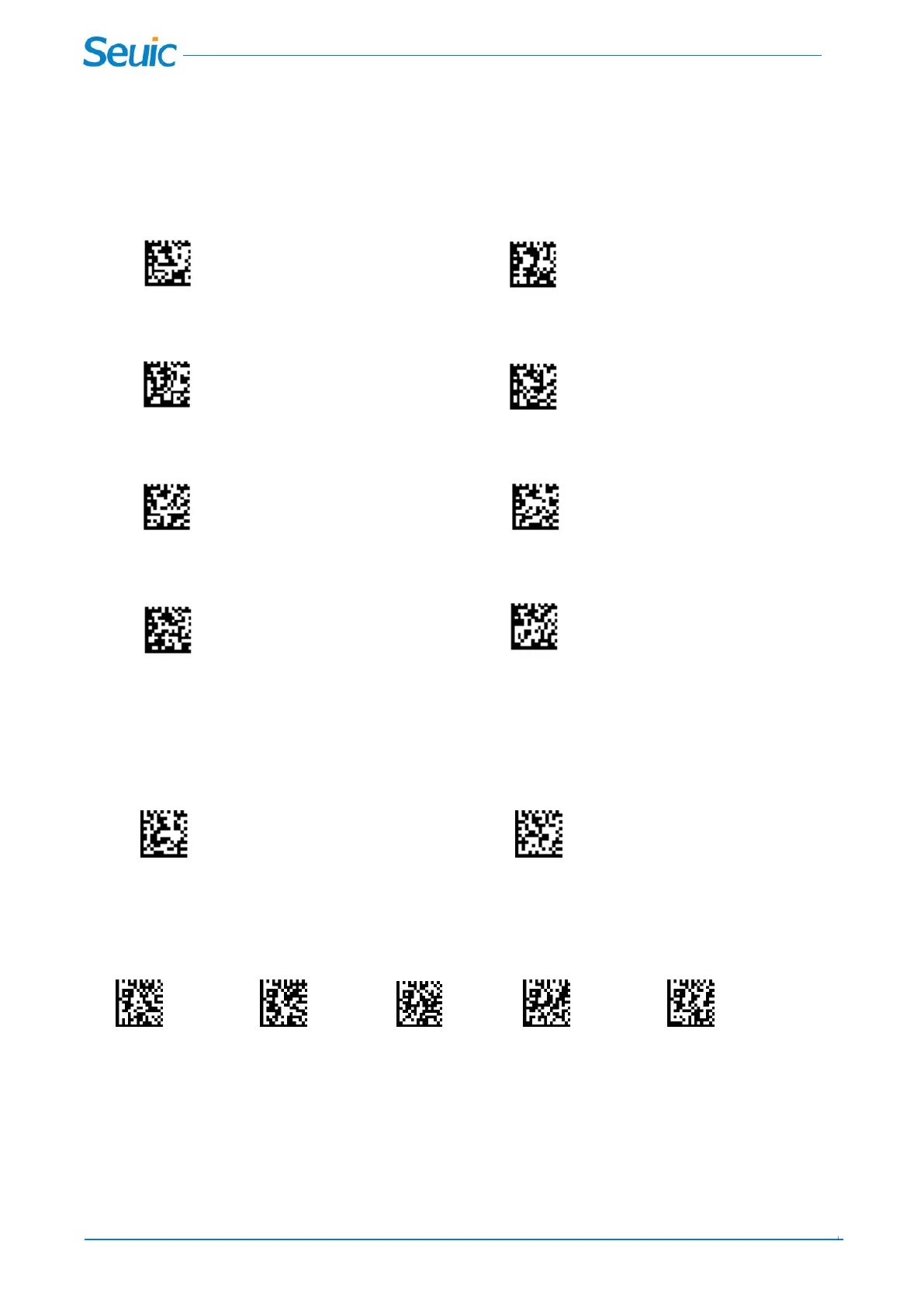
Scan the below setting codes to set the fixed exposure value. Default=200
*200 400
800 1500
3000 5000
7000 10000
11.3 Smart illumination Mode
With this mode on, the illumination light is adjustable in according to the barcode reading background and
text between auto exposure and fixed exposure value.
Smart illumination On * Smart illumination off
In the Smart illumination mode, you can set automatic exposure and fixed exposure Switching time.
Default=2s
1s 1.5s *2s 2.5s 3s



 To Next Page