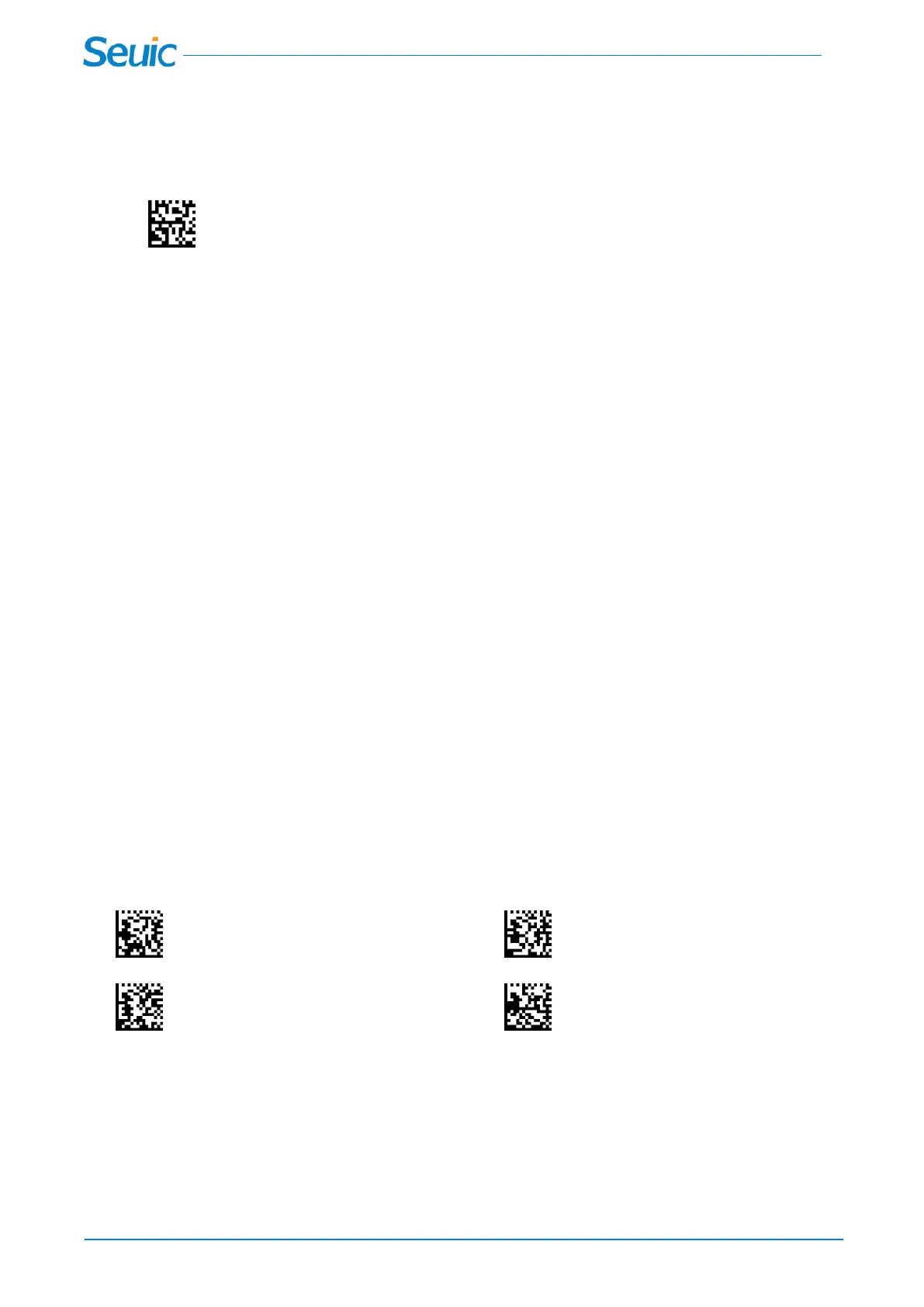
5.3 Bluetooth HID Keyboard Disconnection
Scan this code to clear pairing info of Bluetooth HID Mode
Clear Pairing Info of Bluetooth HID Mode
5.4 Pairing
In Bluetooth HID mode,you can pair the wireless scanners to the Bluetooth Devices in the following steps:
A:The scanner is not paired:
1.Scan Bluetooth HID mode code in chapter 5.2;
2.Set your personal computer, laptop or tablet so it searches for other Bluetooth
devices.(Refer to your device's User's Guide for pairing instructions);
3.Select the scanner name on your device and pair it.(the scanner name is the
“HS220_SN”,SN is the last six digits of the SN number)
B:The scanner is paired with a Bluetooth device,but you need to pair the scanner with another Bluetooth
device:
1.Scan Bluetooth HID mode code in chapter 5.2
2.Scan Clear Pairing Info of Bluetooth HID Mode code in chapter 5.3
3..Set your personal computer, laptop or tablet so it searches for other Bluetooth
devices.(Refer to your device's User's Guide for pairing instructions);
4..Select the scanner name on your device and pair it.(the scanner name is the
“HS220_SN”,SN is the last six digits of the SN number)
5.5 Bluetooth HID Transmission Speed
Scan the code below to set the Bluetooth HID transmission speed,High-speed transmission is
6ms,Medium-speed transmission is 8ms(default),Low-speed transmission is 16ms.
High-speed transmission *Medium-speed transmission
Low-speed transmission Show transfer speed



 To Next Page