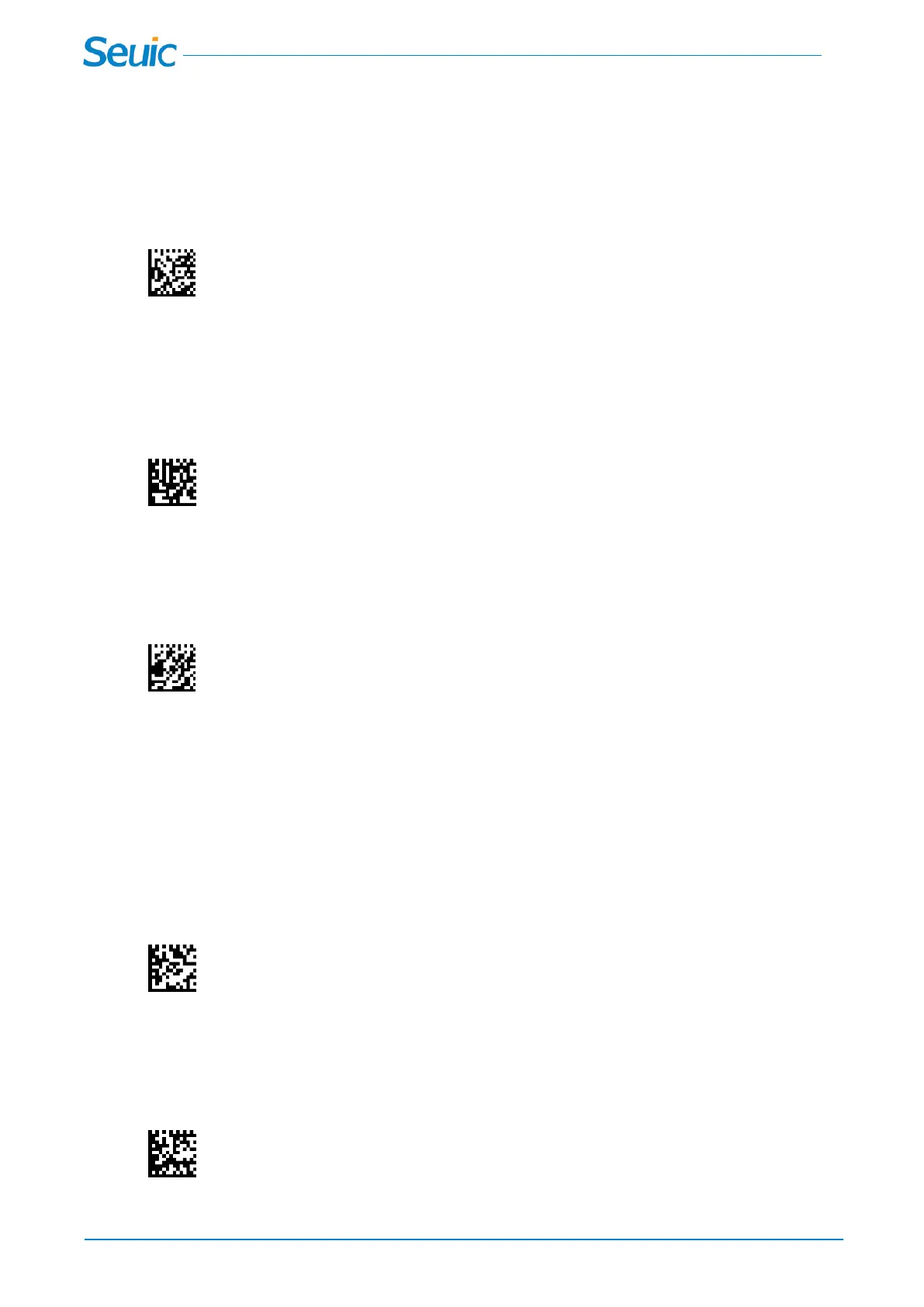
3.3 Batch mode
In Batch mode,the scanner stores every scanned bar code immediately; data transmission is triggered by
scanning Transmit Stored Data in Flash(3.4) or by insertion of the scanner into the cradle.
.
Batch mode
3.4 Transmit Stored Data in Flash
In batch mode, scan this code after successful decoding, the scanner will automatically transmit the
stored data in flash without losing data.
Transmit Stored Data in Flash
3.5 Clear Stored Data in Flash
In batch mode, scan this code after successful decoding, the scanner will clear the stored data in flash.
Clear Stored Data in Flash
Chapter 4 Scanner(s) To Cradle Support
4.1 *Point-to-Point(Default)
In Point-to-Point communication mode, the cradle allows one scanner to connect to it at a time。
*Point-to-Point
4.2 Multipoint-to-Point
Multipoint-to-Point communication mode allows up to four scanners to pair to one cradle.
Multipoint-to-Point



 To Next Page