Configuring the Display
Doc. 177/5250x
Rev. A
6-7
Sub 1 – Item Type
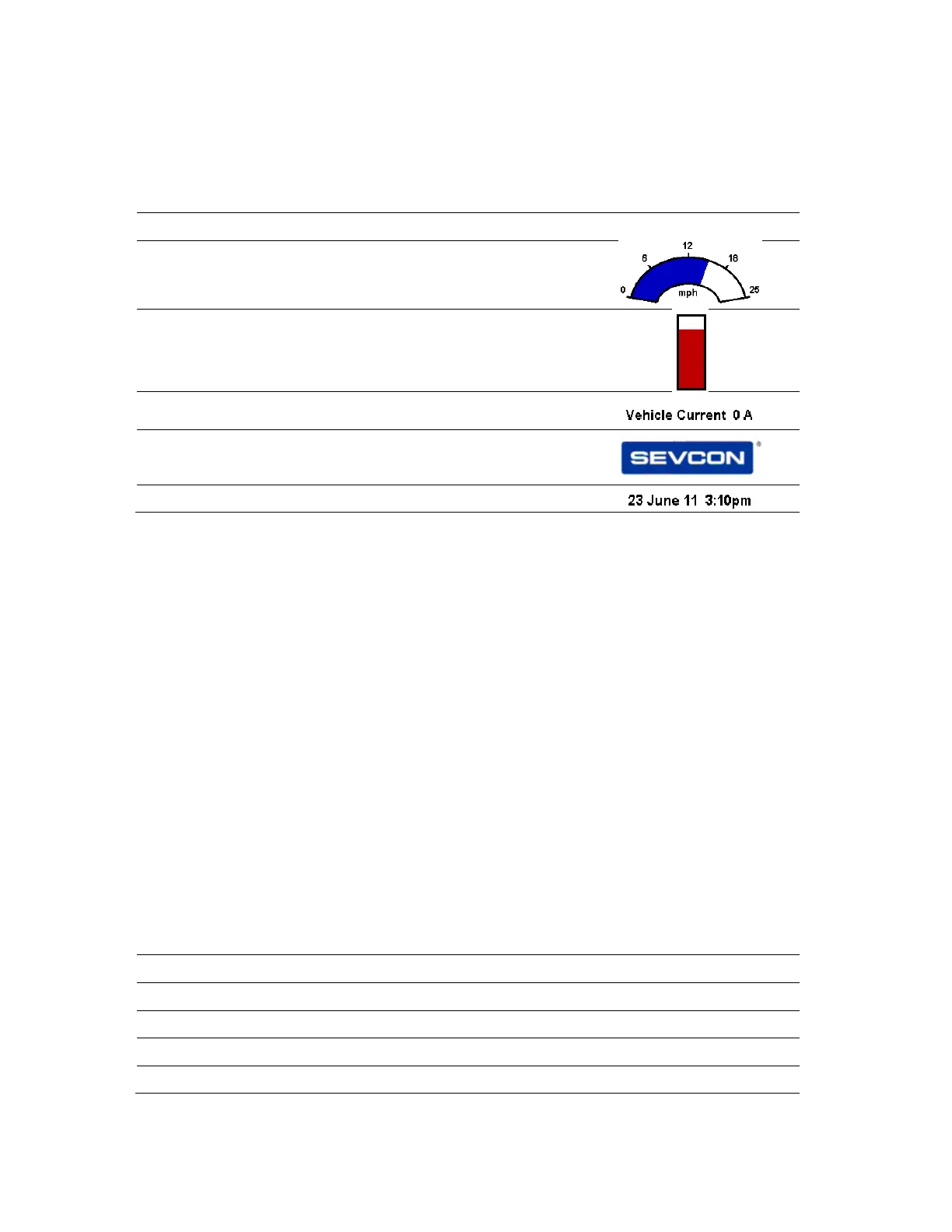
The item type is selected according to the table below:
Data Description Example Image
0 No Item This entry is not used
1 Ellipse graph. (Arc shaped analogue graph)
2 Bar graph. (Rectangular analogue graph)
3 Text Object (contents of a Data Object)
4 Bitmap (bitmap selected from pre-compiled
list)
5 Date and time
Sub 2&3 – (x,y) position
These items set the position of the top left of the item.
Each item is drawn on screen by setting a draw rectangle. This rectangle is a bounding
rectangle sized to fully enclose the item that is being drawn. The co-ordinates specify the
position of the top left of this bounding rectangle.
Sub 4 – Associated Data Object
Each item can have a data object associated with it. The data object defines the source of
the data, the scaling of the data, and the units. Where applicable they will be shown on
screen. The data objects that are available are as follows:
Sub 4
Value
Description Master OD
index
Units Scaling Local OD
index (for
PDO use)
0 No Data N/A N/A N/A N/A
1 Vehicle Speed (1 DP) 0x2721,0 Selectable x16 0x2721, 0
2 Vehicle Speed (0 DP) 0x2721,0 Selectable x16 0x2721, 0
3 Forward Switch 0x2121,0 N/A N/A 0x2121, 0
4 Reverse Switch 0x2122,0 N/A N/A 0x2122, 0



 To Next Page