1-121
BEFORE USING THE MACHINE►PERIPHERAL DEVICES
When staples remain, the lock cannot be released.
5
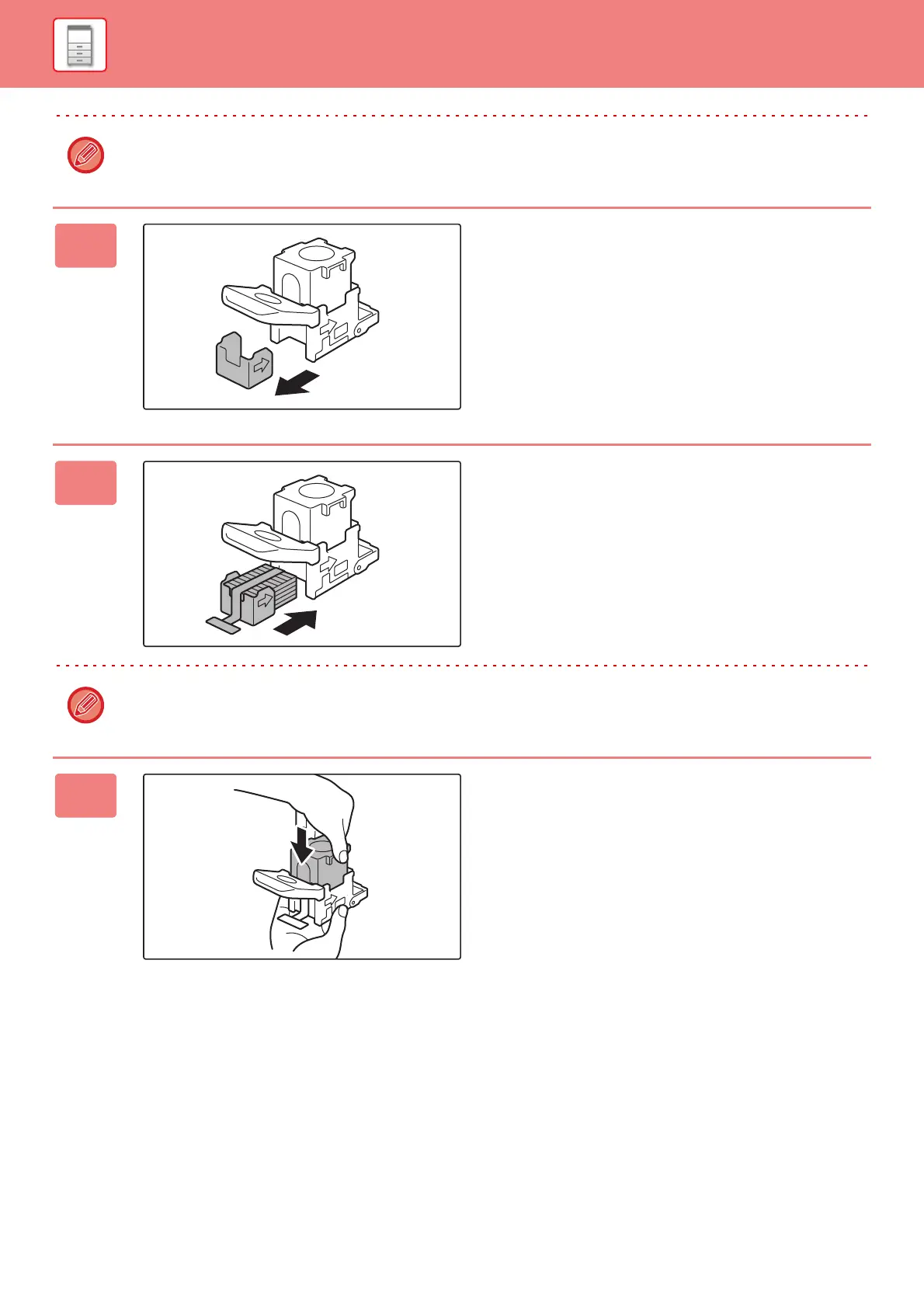
Remove the staple cartridge.
6
Install a new staple cartridge.
Push the staple case in until it clicks into place.
Do not remove the seal from the cartridge before inserting the cartridge into the case.
7
Push the staple case firmly back in.



 To Next Page