2-45
COPIER►BASIC PROCEDURE FOR MAKING COPIES
Staple ON (excluding booklet)
Saddle Stitch
1
Tap the [Staple / Punch] key.
► COPY MODE (page 2-3)
Tap the [Original] key and specify the orientation of the original to have the orientation be correctly recognized.
► Specifying the orientation of the original
(page 2-29)
2
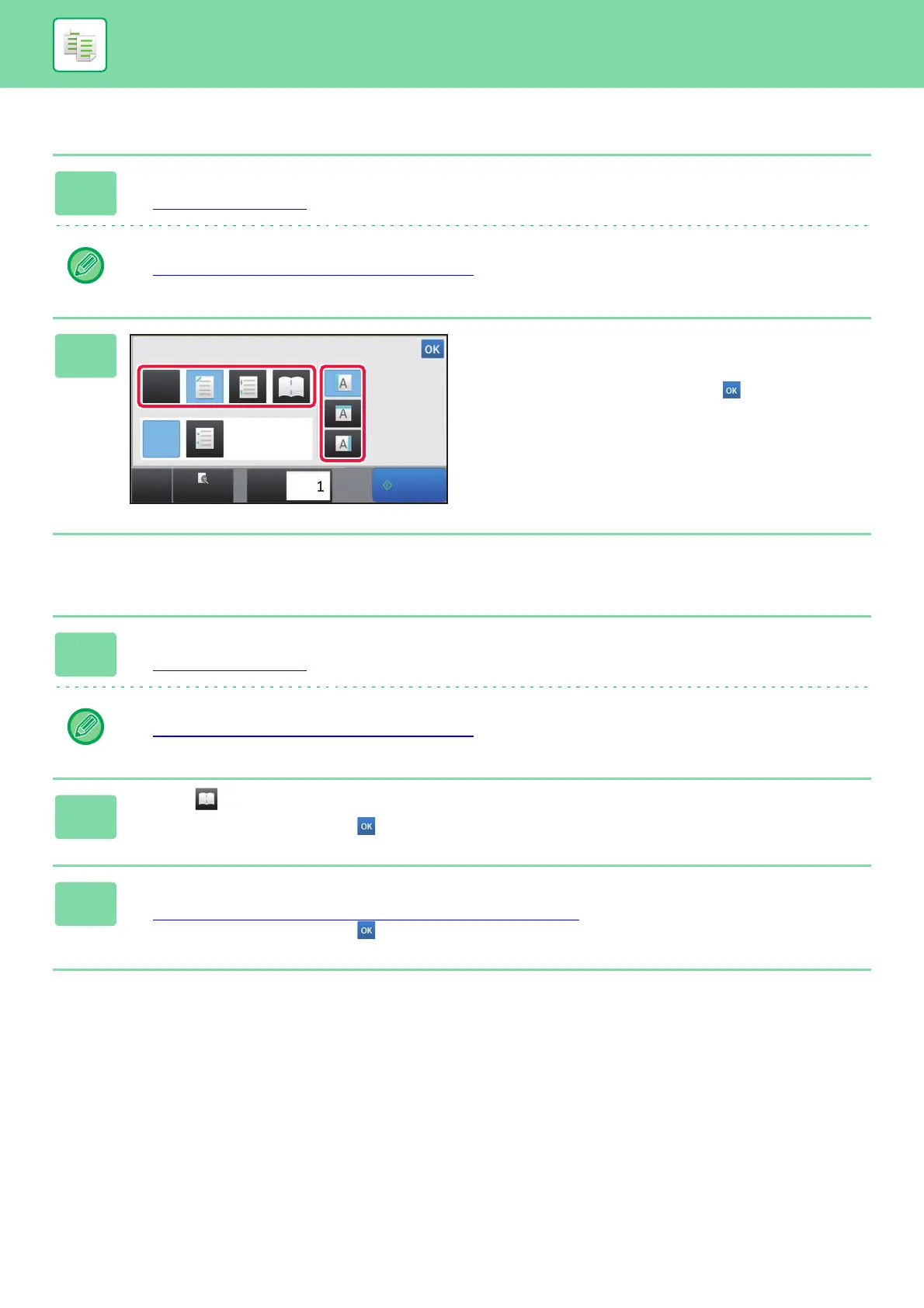
Select the number of staples and
staple position.
After the settings are completed, tap .
1
Tap the [Staple / Punch] key.
► COPY MODE (page 2-3)
Tap the [Original] key and specify the orientation of the original to have the orientation be correctly recognized.
► Specifying the orientation of the original
(page 2-29)
2
Select .
After the settings are completed, tap .
3
Select binding edge and original settings.
► MAKING COPIES IN PAMPHLET FORMAT (BOOKLET) (page 2-68)
After the settings are completed, tap .
Start
CA
Preview
Copies
Staple / Punch
Staple
Off
Off
Position
Punch



 To Next Page