Copyright © Shimmer 2017
Realtime Technologies Ltd Shimmer User Manual
All rights reserved Rev3p
20
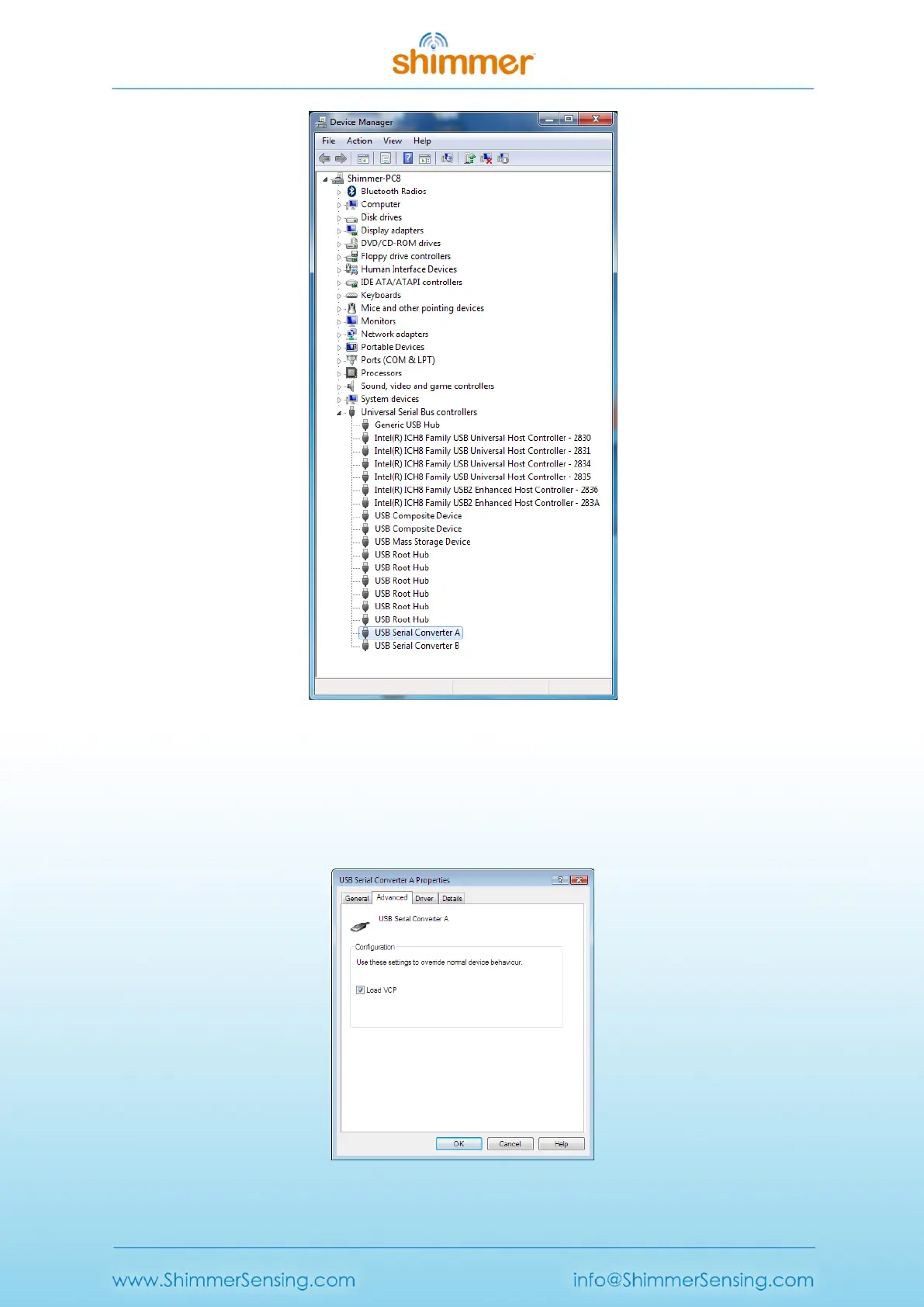
Figure 3-4 Device Manager showing USB Serial Converter A and B
III. Double-click on each USB Serial Converter entry and under the General tab, confirm that the
manufacturer is FTDI. Then, under the Advanced tab, make sure the Load VCP checkbox is
ticked (see Figure 3-5). If the checkbox isn't ticked, you will need to tick for each Serial
converter and then unplug and re-insert the dock.
Figure 3-5 USB Serial Converter Properties



 To Next Page