114
KING GATES
The duplication process should be carried out in the
immediate proximity of the receiver.
1. Press button 1 and 2 of the already operating RC
simultaneously. Wait until the transmitter LED goes out
and lights up again. Press buttons 1 and 2 again until LED
flashes: at the end of the flashing the receiver enters the
programming mode.
2. Press the button on the new RC to memorise.
Wait 10 seconds for the receiver on the gate to exit
programming mode and try the new RC.
Alternative process
Act directly on the receiver (without old RC).
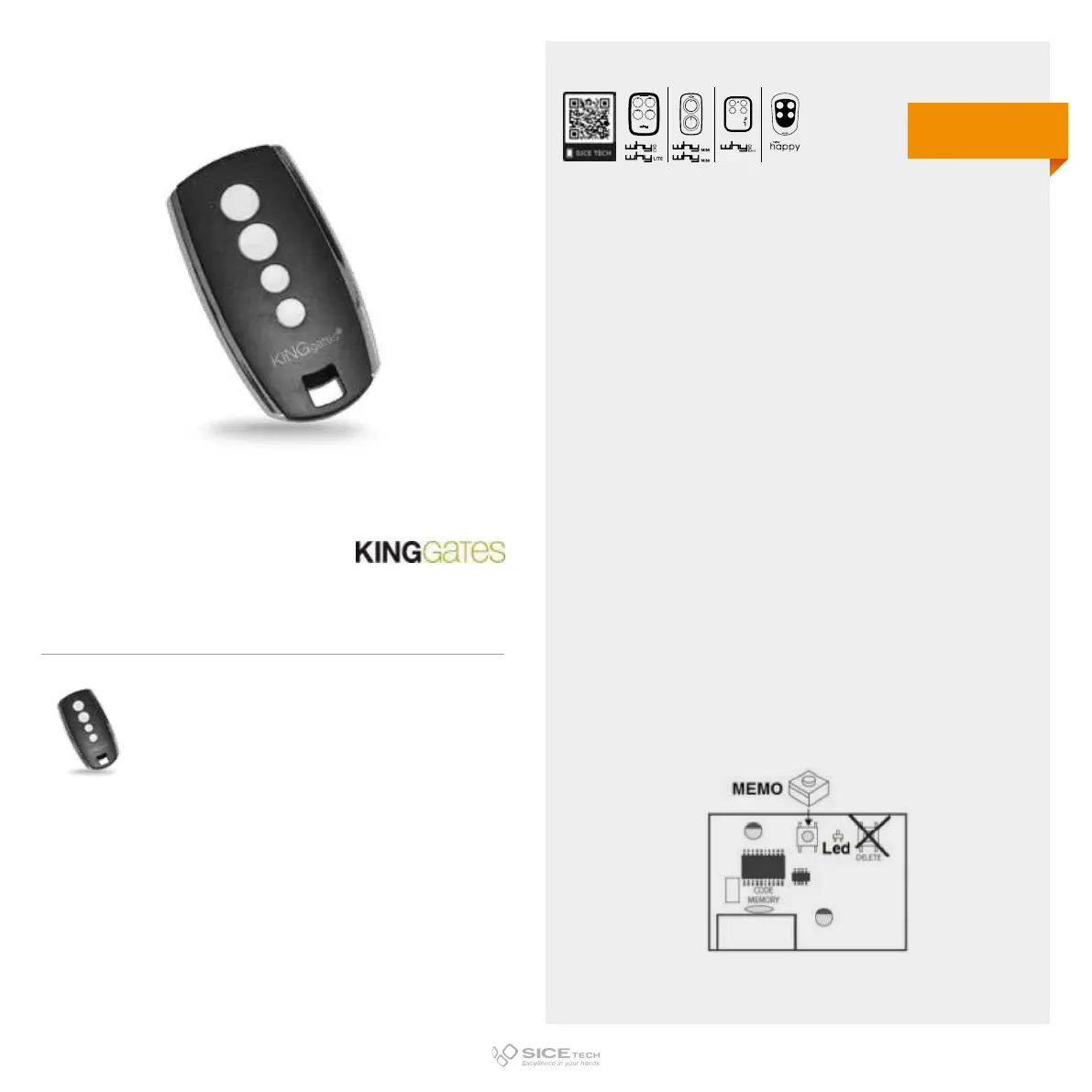
1. Press and release the button on the receiving unit, a red LED
will light up.
2. Press the button on the new RC for 3 seconds. Wait 10
seconds and try the new RC.
IMPORTANT NOTE:
STYLO 4K is only compatible with STYLO 4 equipped with latest
generation receivers.
STYLO 4
Cod. 6901200
Compatible with STYLO 4 K RC
433.92 MHz
Rolling code
DUPLICABLE THROUGH UNIVERSAL RCs
Warning: the RC Stylo 4 K is not compatible with our RCs
EVO
LITE



 To Next Page