113
KEY AUTOMATION
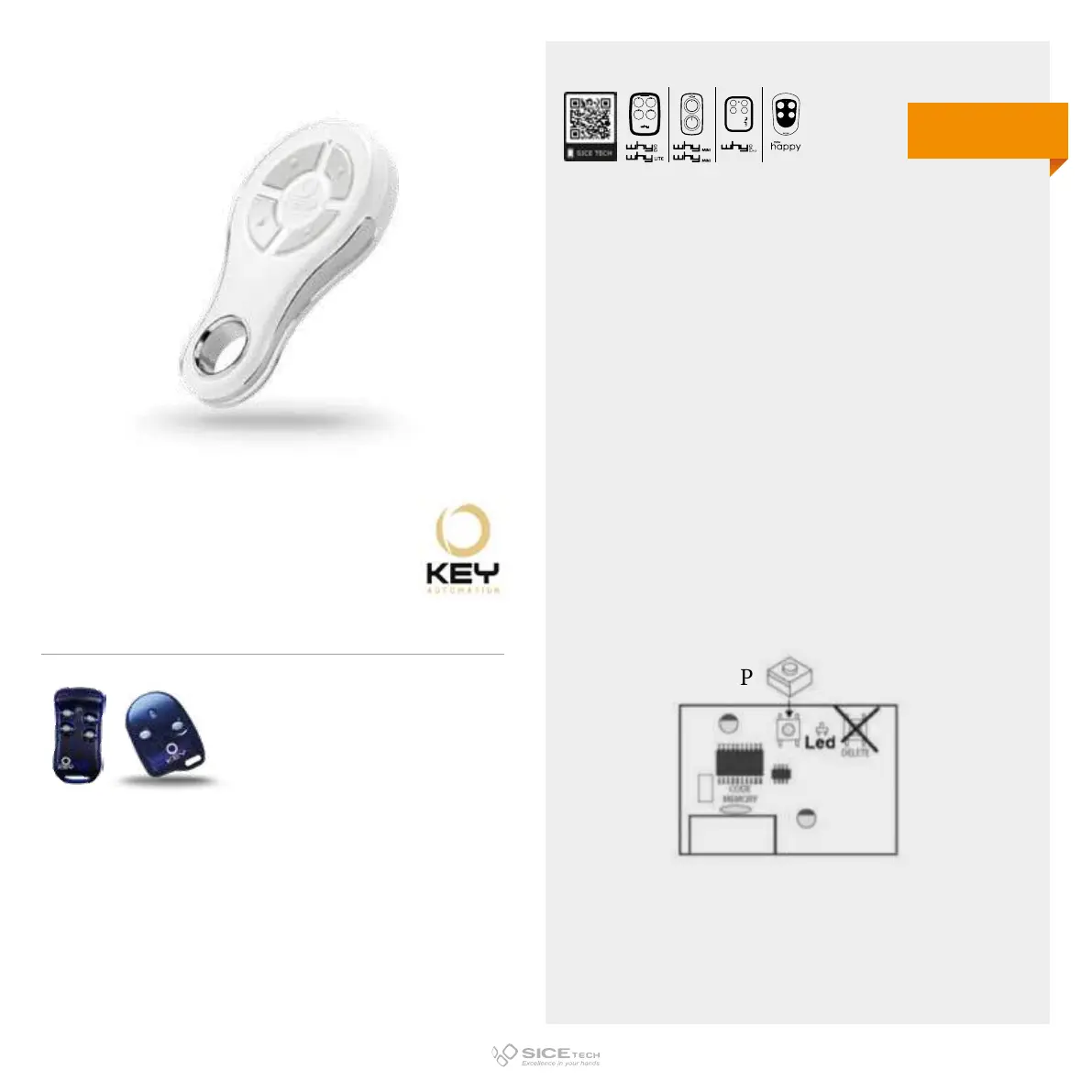
To enable a new RC it is necessary to intervene directly on the
receiving card to access the programming buttons.
1. Press button P (on the receiver), LED 1 will emit a series of
slow flashes for about 10 seconds.
2. Within this time press the button of the new RC you want to
memorise.
3. If memorisation has been successful, LED 1 and LED 2 will
light up steadily for about 2 seconds.
4. Within 6 seconds it is possible to insert another RC, after
this time the CU exits from the learning mode.
SUB 44R
Cod. 6901360
Compatible with KEY AUTOMATION TXB 44R, SUB 42 R RCs
433.92 MHz
Rolling code
DUPLICABLE THROUGH UNIVERSAL RCs
EVO
LITE



 To Next Page