62
ALLDUCKS-DUCATI
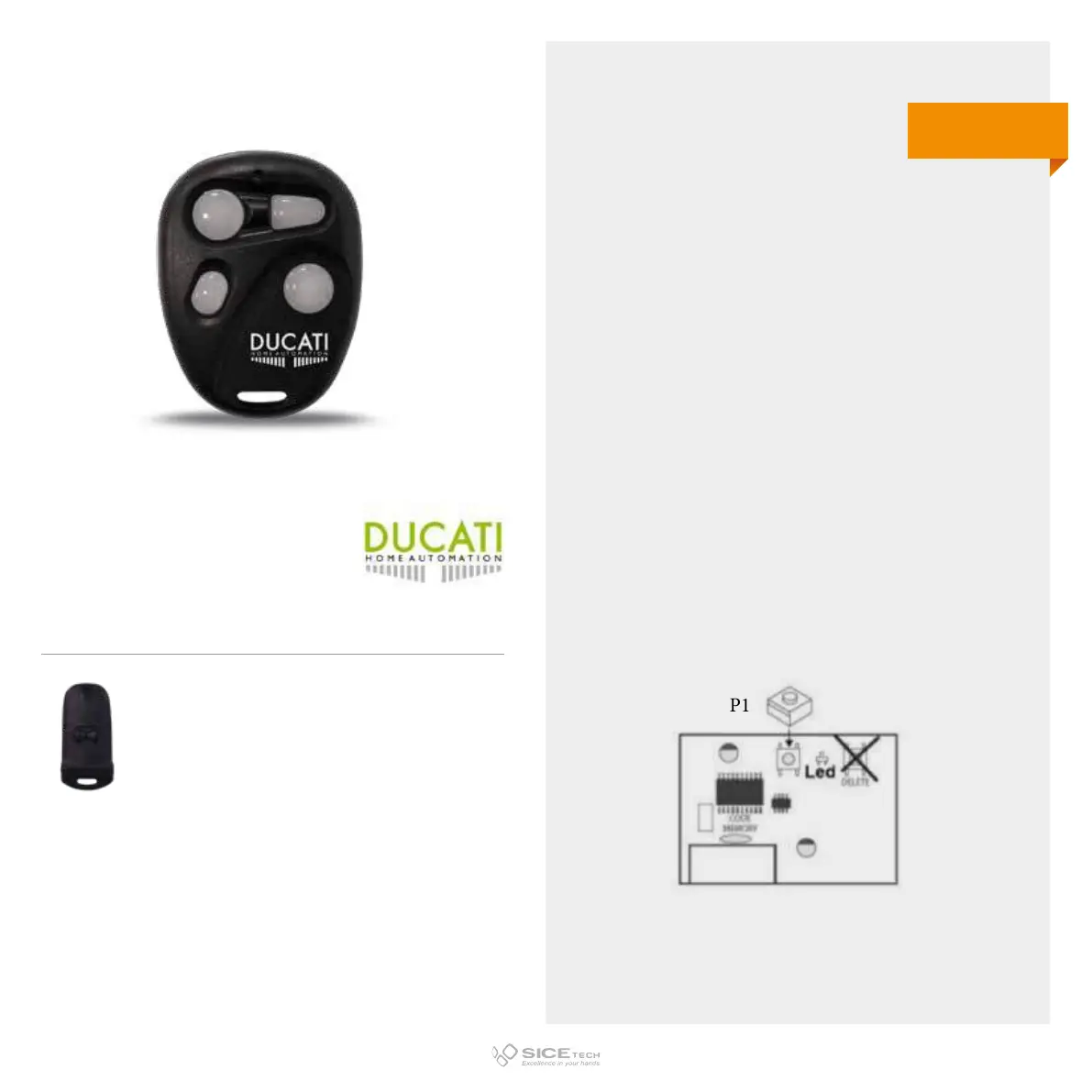
To enable a new remote control, it is necessary to operate
directly on the receiving board to access the programming
buttons.
1. Press button P1 on the electronic board for 1 second: the red
LED lights up steady.
2. Release button P1.
3. While the receiver LED is lit, within 8 seconds, press the
button on the remote control you want to use to open
and close your gate for a few seconds. The red LED on the
electronic board will flash once and after a few seconds it
will go o.
4. Press the previously programmed button on the remote
control to test the successful process.
WARNING: The memory of the electronic board can memorise a
maximum of 10 remote controls.
6204
Cod. 6901341
Compatible with RC 6203
433.92 MHz
Rolling code



 To Next Page