162
TAU
To enable a new RC it is necessary to intervene directly on the
receiving card to access the programming buttons.
1. In the already memorised RC press and hold the channel
button 1.
2. Press the channel button 2 3 times.
3. Release the buttons. The RC LED will start flashing
indicating that the self-learning mode is enabled.
4. Press the button you want to memorise on the new RC.
5. At this point, the CU will confirm the switch to programming
mode by turning on the flashing light.
6. Press the button to memorise on the new RC. If the
procedure is successful, the flashing light will turn o.
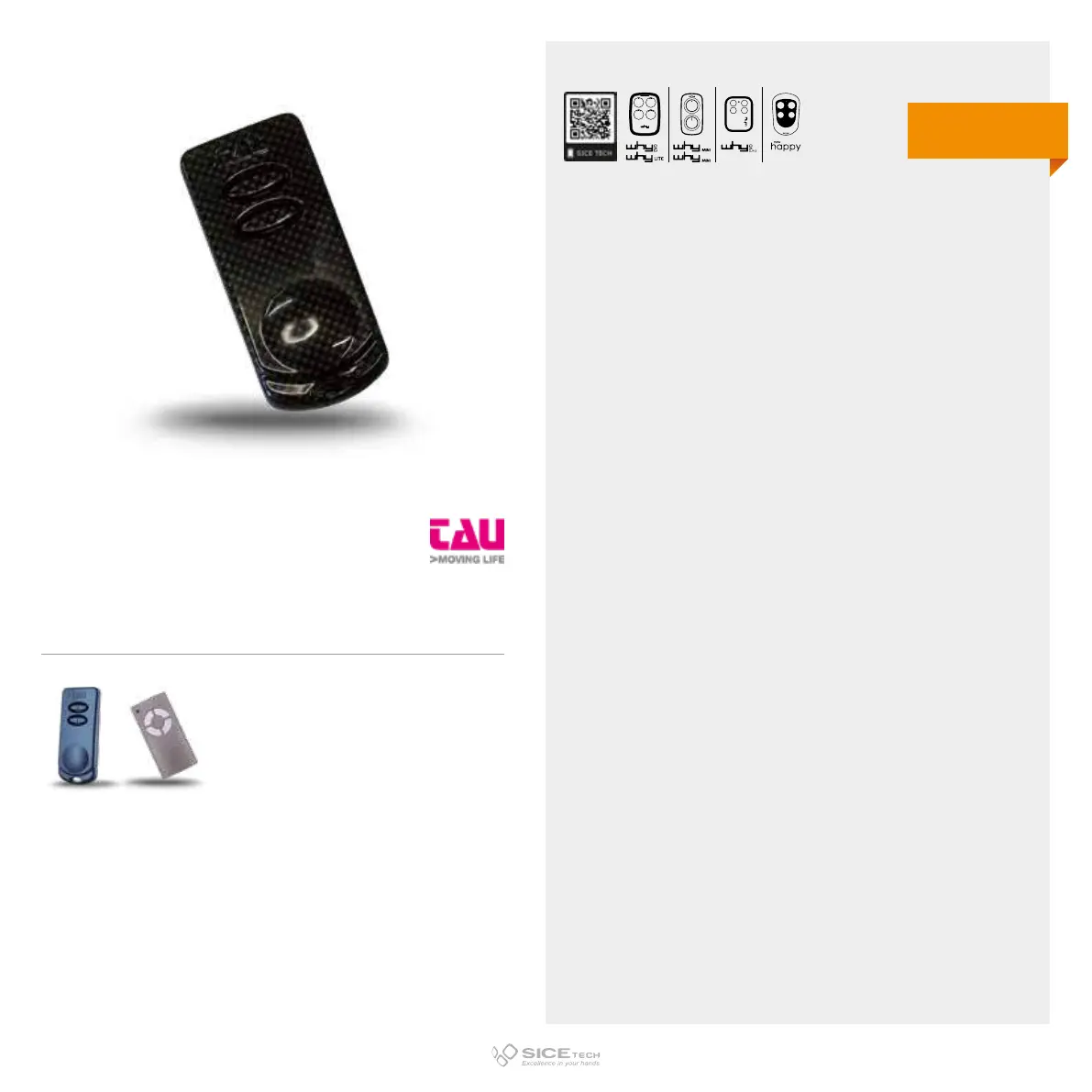
250K-SLIMRP
Cod. 6900880
Compatible with TAU 250K-SLIMR, 250T-4RP RCs
433.92 MHz
Rolling code
DUPLICABLE THROUGH UNIVERSAL RCs
EVO
LITE



 To Next Page