163
TAU
The duplication process should be carried out in the
immediate proximity of the receiver CU.
1. In the already memorised RC press and hold the channel
button 1. Then, press the channel button 2 3 times.
2. Release the buttons. The RC LED will start flashing
indicating that the self-learning mode is enabled.
3. Always in the RC already in use (old), press for at least
3 seconds the button that currently activates the
automatism.
4. At this point the CU will confirm the switching in
programming mode by activating the flashing light (except
for RXDC series external receivers).
5. Press the button to store on the new RC. If programming is
successful, the flashing light of the CU will go o.
IMPORTANT NOTE:
Avoid remote learning if several receivers located nearby are to
be operated with the same RC.
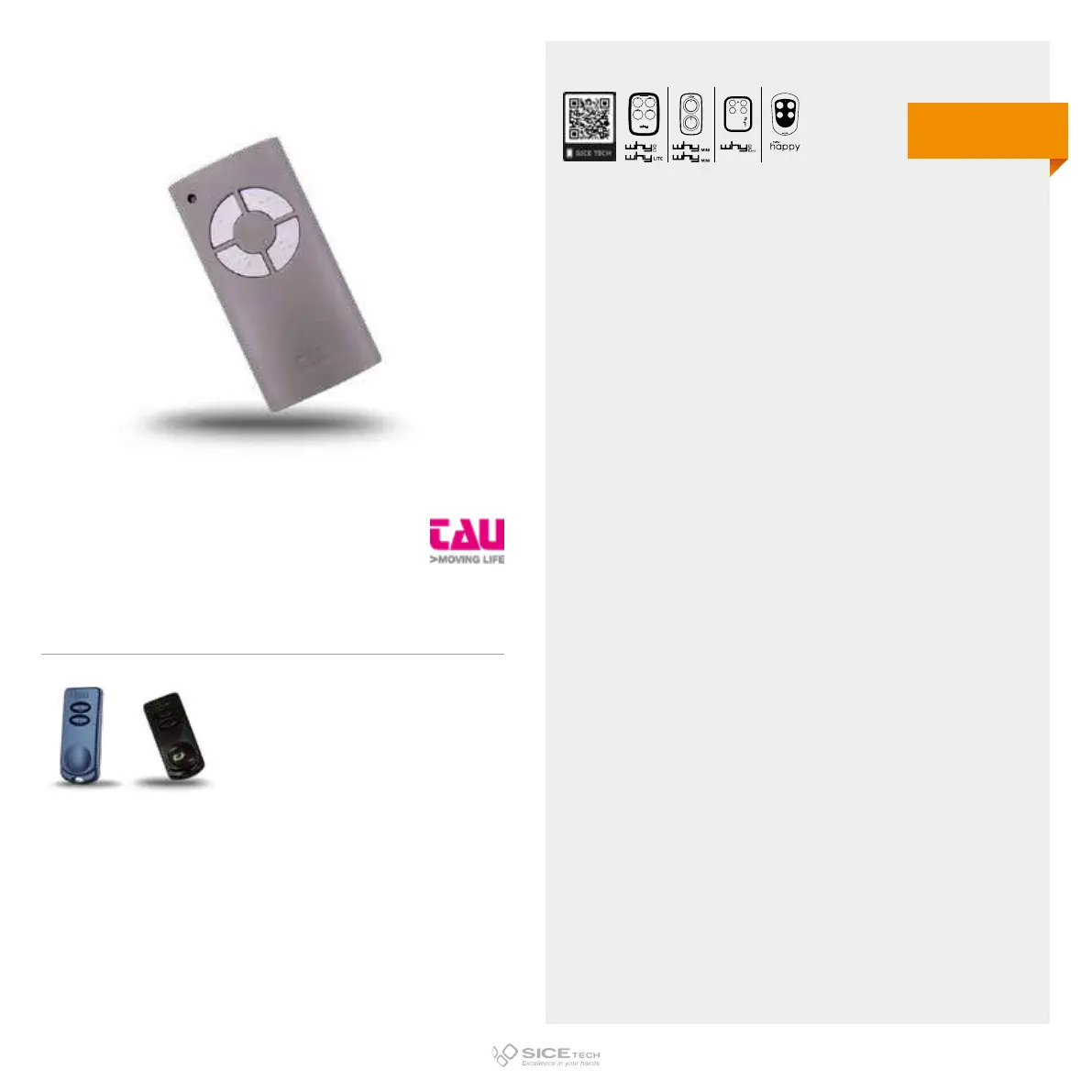
250T-4RP
Cod. 6900879
Compatible with TAU 250K-SLIMR, 250K-SLIMRP RCs
433.92 MHz
Rolling code
DUPLICABLE THROUGH UNIVERSAL RCs
EVO
LITE



 To Next Page