133
NOVOFERM
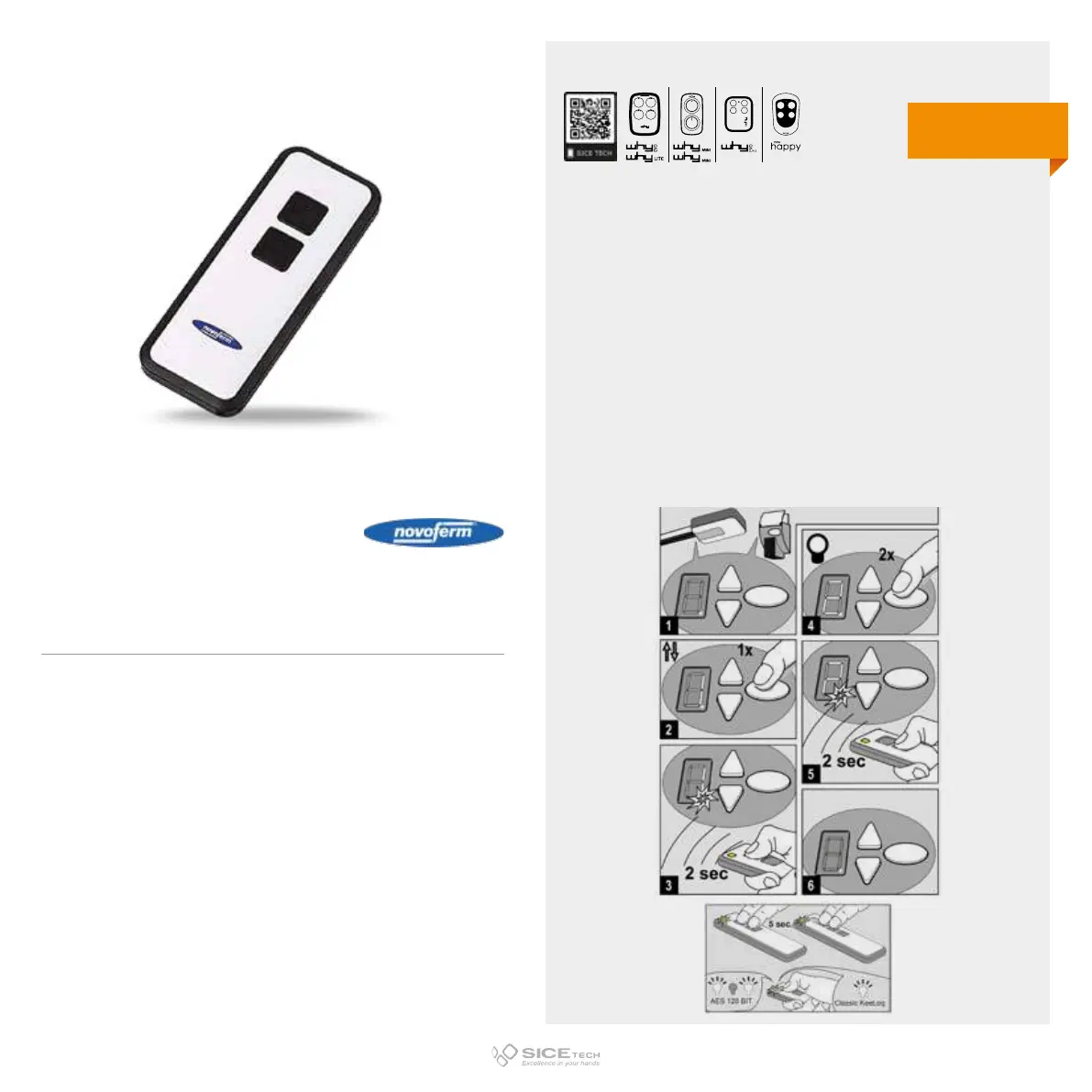
To enable a new RC it is necessary to intervene directly on the
receiving card to access the programming buttons.
1. Find the 3 programming buttons on the motor.
2. Press the oval button until “1” appears on the display.
3. Press and hold the new RC button for two seconds. A
flashing LED means the operation has been successful.
4. To end the operation keep the oval button pressed until “0”
appears on the display.
5. Wait 15 seconds and try to activate the automation.
MINI NOVOTRON 522
Cod. 6902037
433.92 MHz
Rolling code
DUPLICABLE THROUGH UNIVERSAL RCs
EVO
LITE



 To Next Page