89
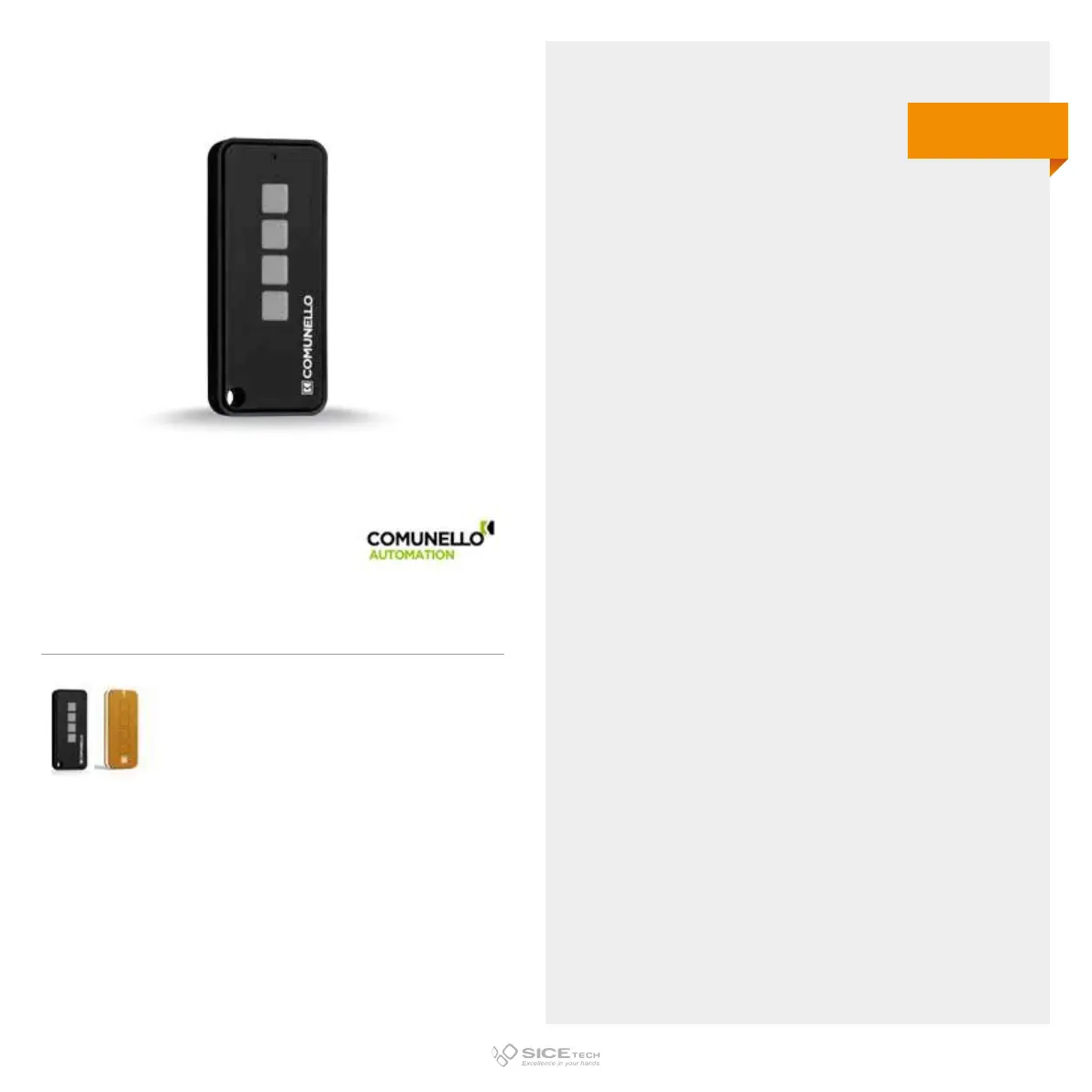
KEEP 4
Cod. 6901074
Compatible with KEEP4 RC e VICTOR RC RCs
COMUNELLO AUTOMATION
KEEP 2 (2 buttons)
1. Press the two buttons on the new RC simultaneously for
about 7 seconds. LED will start flashing slowly.
2. Within 3 seconds, press the button where you want to copy
the code of the operating RC. At this point, LED will start
flashing quickly.
3. Bring the two RCs closer and press the button on the
operating RC until the LED of the new one will remain
steady.
4. Wait 10 seconds and try to open the gate with the fresh
programmed RC.
KEEP 4 (4 buttons)
1. Press buttons 1 and 3 on the new RC simultaneously for
about 7 seconds. LED will start flashing slowly.
2. Within 3 seconds, press the button where you want to copy
the code of the operating RC. At this point, LED will start
flashing quickly.
3. Bring the two RCs closer and press the button on the
operating RC until the LED of the new one will remain
steady.
4. Wait 10 seconds and try to open the gate with the fresh
programmed RC.
433.92 MHz
Rolling code



 To Next Page