146
ROGER
The RC SYNUS is configured to operate in fix code mode.
To select “Rolling Code” mode:
1. Press and hold the two buttons of the RC
2. After a few flashes, LED lights up steadily in RED.
3. Continue pressing the two RC buttons.
4. After 5 seconds LED will turn GREEN to highlight the switch
to Rolling Code mode.
To return to “fix code” operating mode repeat the procedure.
The green LED must become RED.
1. Press both buttons on the new RC simultaneously.
2. The LED flashes slowly until it lights up steadily.
3. On the NEW RC, release one button and keep pressed the
one on which you want to memorise the code. LED will start
flashing.
4. Place the two RCs in front of each other, max. 3 cm apart.
5. Now press the button to copy on the working RC.
6. When LED lights up for 1 second, the copy has been
successful.
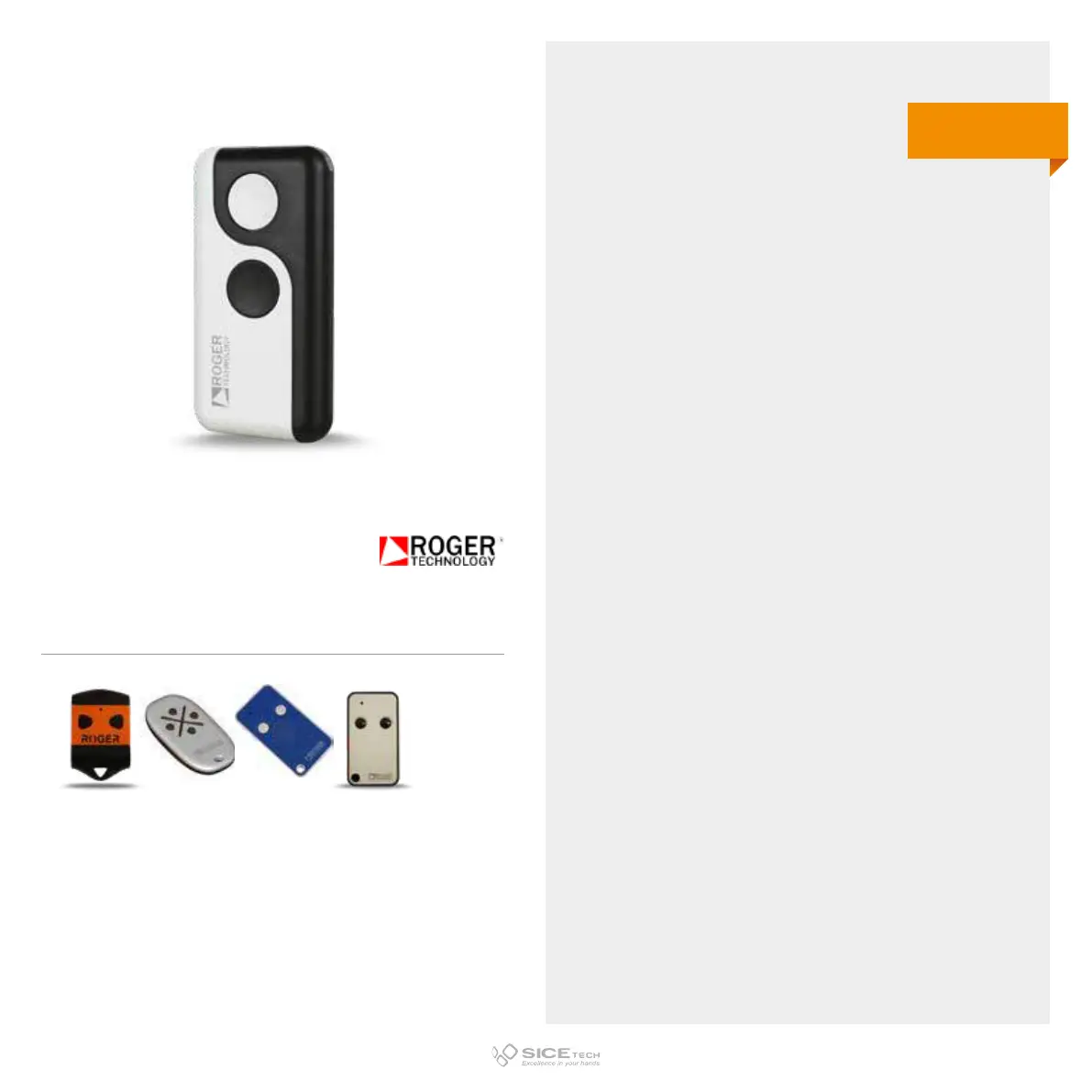
ROGER SYNUS/2
Cod. 6901618
Compatible with H80-TX22, R80-TXR, M80/TX44R RCs and the series E80
433.92 MHz
Fix & Rolling code



 To Next Page