145
RIB
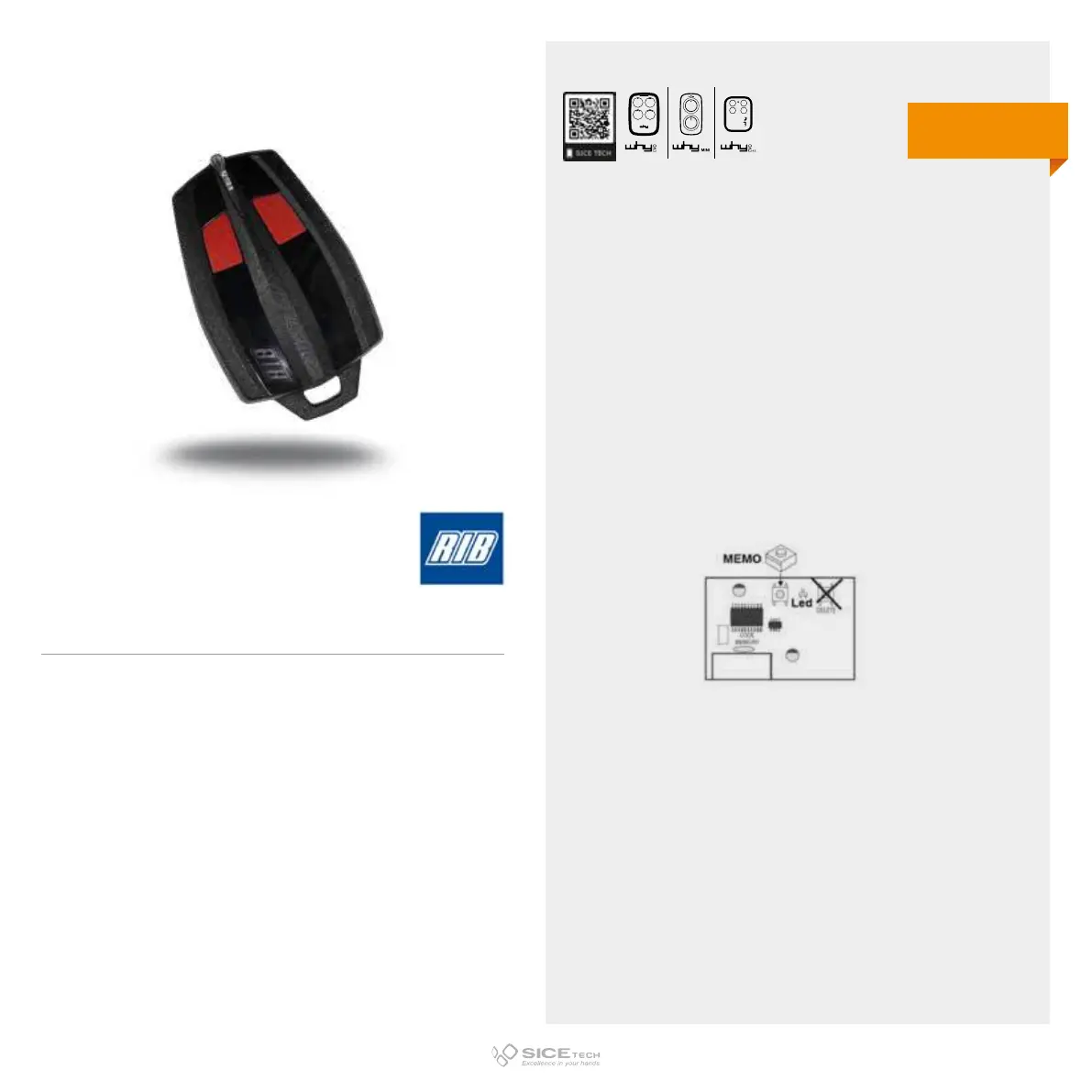
To enable a new RC it is necessary to intervene directly on the
receiving card to access the programming buttons.
1. Press and release the programming button on the receiving
card (P, PG, PROG, M, REC, CH1, ENR, MEMO).
2. Press and hold the new RC key for 5 seconds.
3. Wait 15 seconds and try to operate the automation to check
its correct functioning.
SUN PRO
Cod. 6901945
433.92 MHz
Rolling code
DUPLICABLE THROUGH UNIVERSAL RCs
EVO



 To Next Page