38
CODICI FISSI
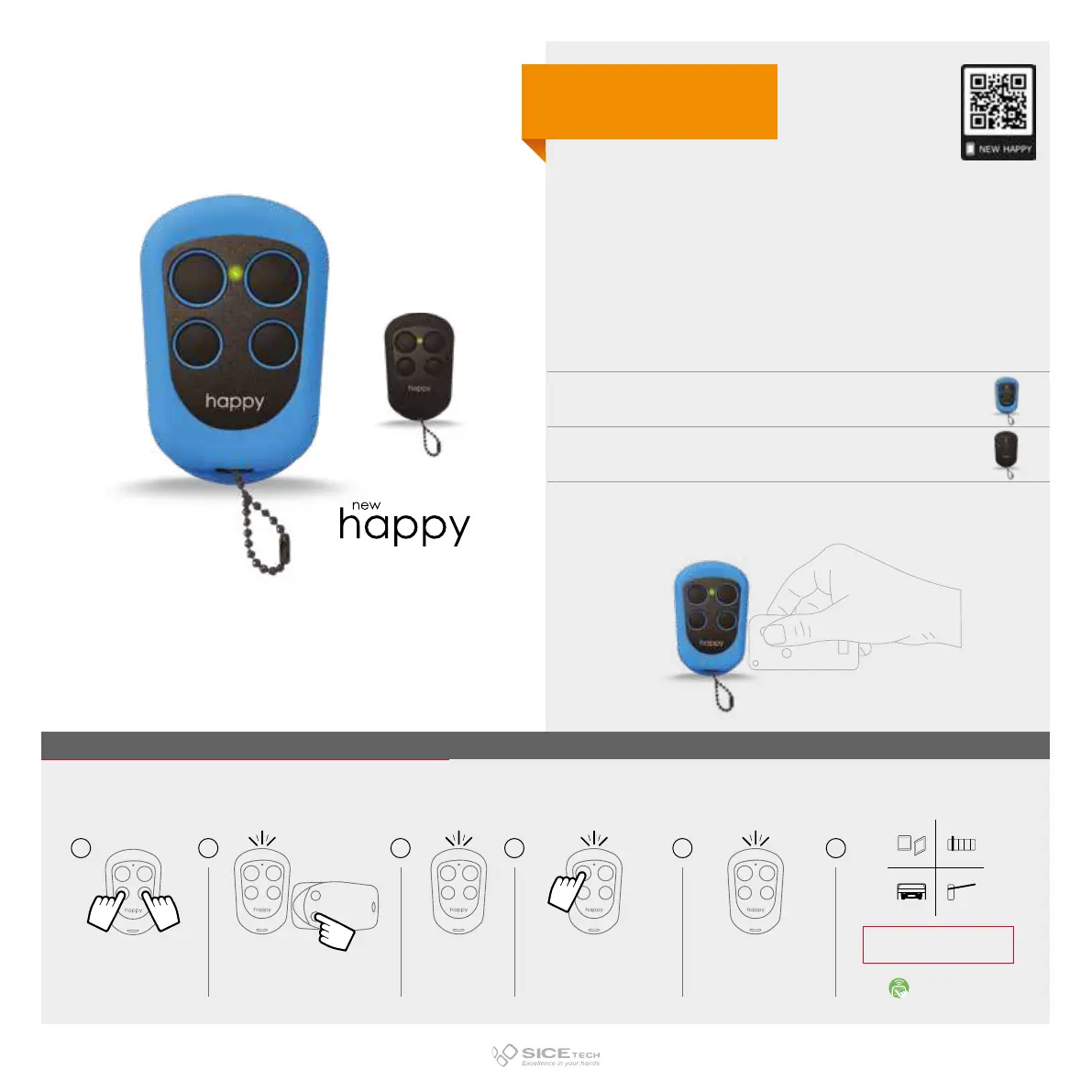
press and hold button 1
and meanwhile
press 4 times button 2
Within 5 seconds press
and release the button on
which you want to enter
the code
Best position
for duplication
FOR VIDEO TUTORIAL, FULL
INSTRUCTIONS AND UNPDATED
COMPATIBILITY LIST
visit our website sicetech.it
433.92 MHz
Fix codes & Rolling code
FIX CODES
LED flashes
press and hold the
button to copy
DIRECT FUNCTION
RECEIVER INSERTION
PROCEDURE
LED flashes fast LED will flash again (see
point 2) allowing further
copies to be made
LED will light up steady for
a few seconds to confirm
the correct conclusion of
the process
NEW HAPPY
SELF-LEARNING
Cod. 4791027 BLUE
Cod. 4791028 BLACK
DUPLICATION PROCESSES
x4
21 3 4 5 6



 To Next Page