61
ACM
The duplication process should be carried out in the
immediate proximity of the receiver.
1. Press the button on the remote control for over 20s.
2. The control unit enters programming mode by activating
the flashing lights and making short moves.
3. Press the button on the RC to be memorised. LED on the
control unit will start flashing rapidly.
4. Press the second button to memorise. LED on the control
unit will remain on to indicate that programming has taken
place.
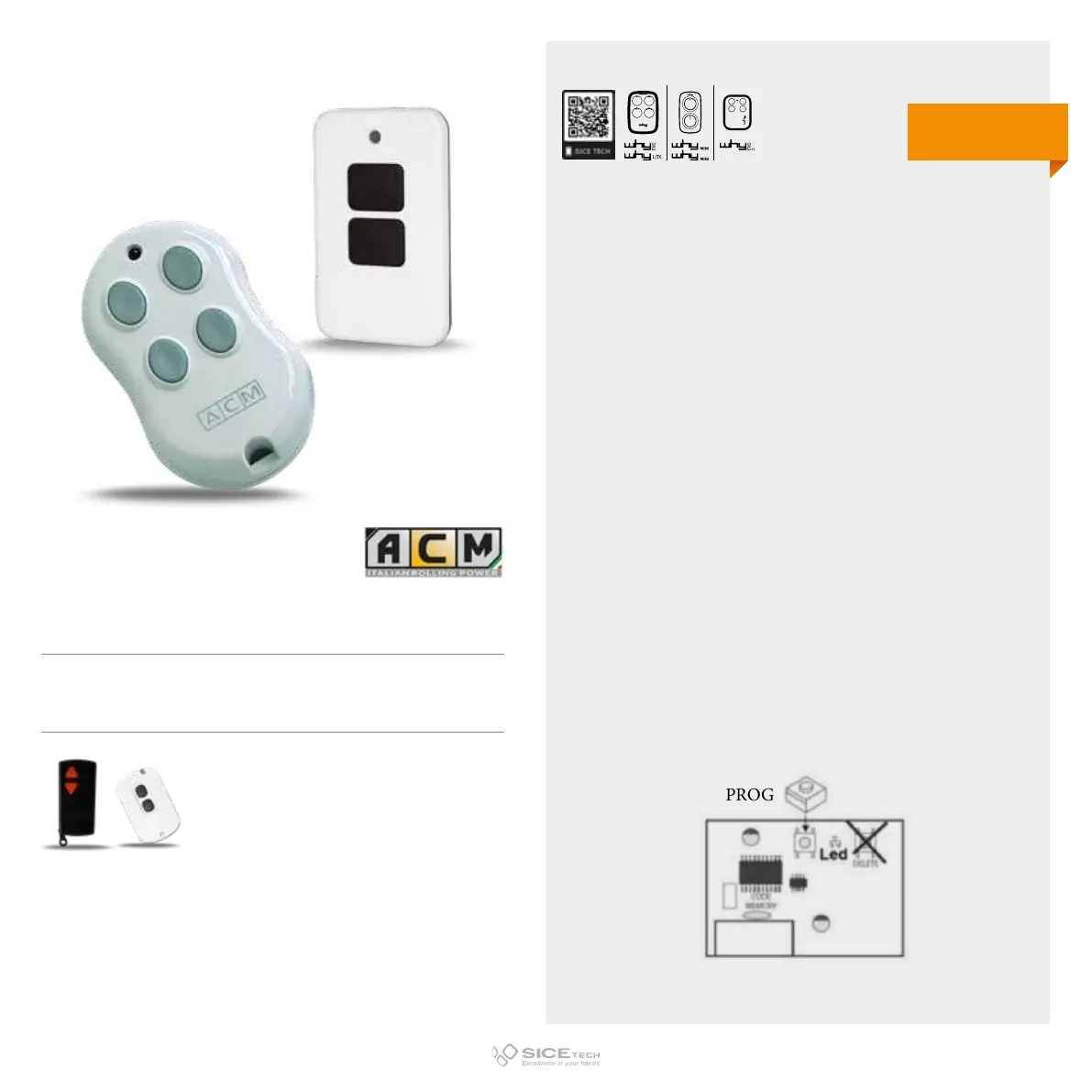
If the memorisation process is unsuccessful, act directly on
the receiver in the following way:
1. Press the PROG button once to select channel 1 or twice to
select channel 2; LED corresponding to the channel entering
self-learning mode will start flashing.
2. Press the button on the remote control to be memorised.
3. To confirm correct memorisation, LED will remain
permanently on.
TX2 COLOR
Cod. 6901150
TX4
Cod. 6901151
Compatible with TX-SMALL and TX2 RCs
DUPLICABLE THROUGH UNIVERSAL RCs
EVO
LITE
433.92 MHz
Rolling code



 To Next Page