144
RIB
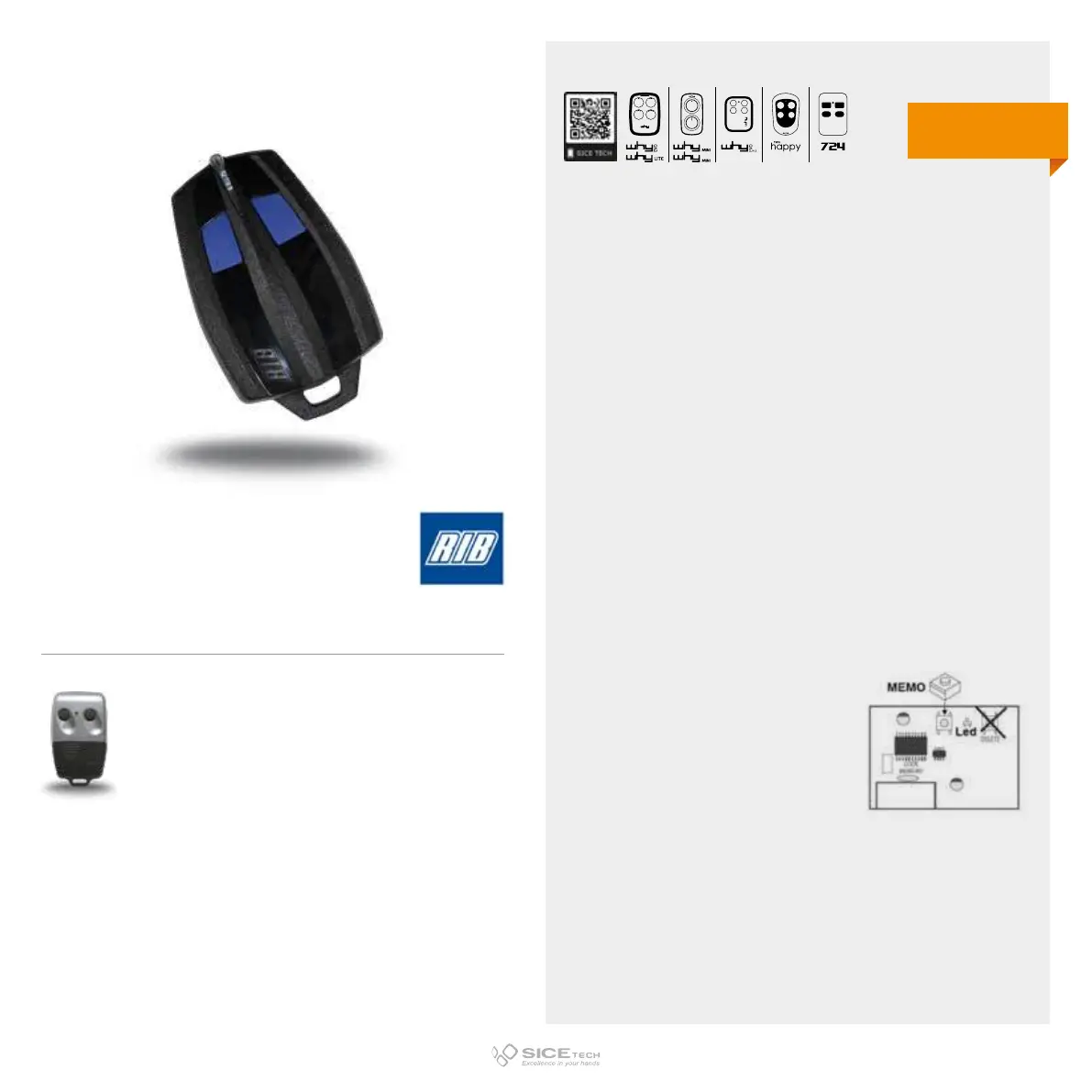
STARTING FROM AN OLD RIB MOON MODEL
1. Open the already working RC.
2. On the board there are mini switches numbered from 1 to 10,
positioned on ON or OFF that determine the RC code.
3. Press button 1 of the new RC for a moment and release it.
4. Within 2 seconds press the second button and keep it
pressed for 5 seconds, then release the button.
5. The RC LED lights up steadily and turns o after a few
seconds.
6. Copy the code of the old transmitter by pressing buttons 1
and 2 of the new RC: button 1 represents OFF while button 2
represents ON.
7. After copying the code, the RC will remain on for 3 seconds
to indicate that the procedure has been successful.
STARTING FROM A RIB SUN
1. Press and release the programming button on the receiving
card (P, PG, PROG, M, REC, CH1, ENR, MEMO).
2. Press and hold the new RC key for 5 seconds.
3. Wait 15 seconds and try to operate the automation to check
its correct functioning.
SUN
Cod. 6900937
Compatible with RIB MOON RC
433.92 MHz
Fix code
DUPLICABLE THROUGH UNIVERSAL RCs
EVO
LITE



 To Next Page