155
SOMFY
Receiver type 1:
1. Press programming button P1 until LED L1 (located in the
immediate vicinity of button P1) lights up.
2. Press the button you want to memorise on the new RC and
release it.
3. Wait 10 seconds and try to open the gate.
Axroll type receiver:
1. Open the receiver box located near the motor.
2. On the receiver board, press the arrows until P.8 appears on
the display.
3. After one second, O.O. appears on the display.
4. Press the new RC button and the “+” button on the receiver
at the same time.
5. Release both buttons when two dashes appear on the
digital screen.
6. Wait 10 seconds and try to open the gate.
Passeo type receiver:
1. Place the new RC on the target drawn on the cover of the
receiver located near the motor.
2. Press and hold the button on the new RC until LED starts
flashing.
3. Wait 10 seconds and try to open the gate.
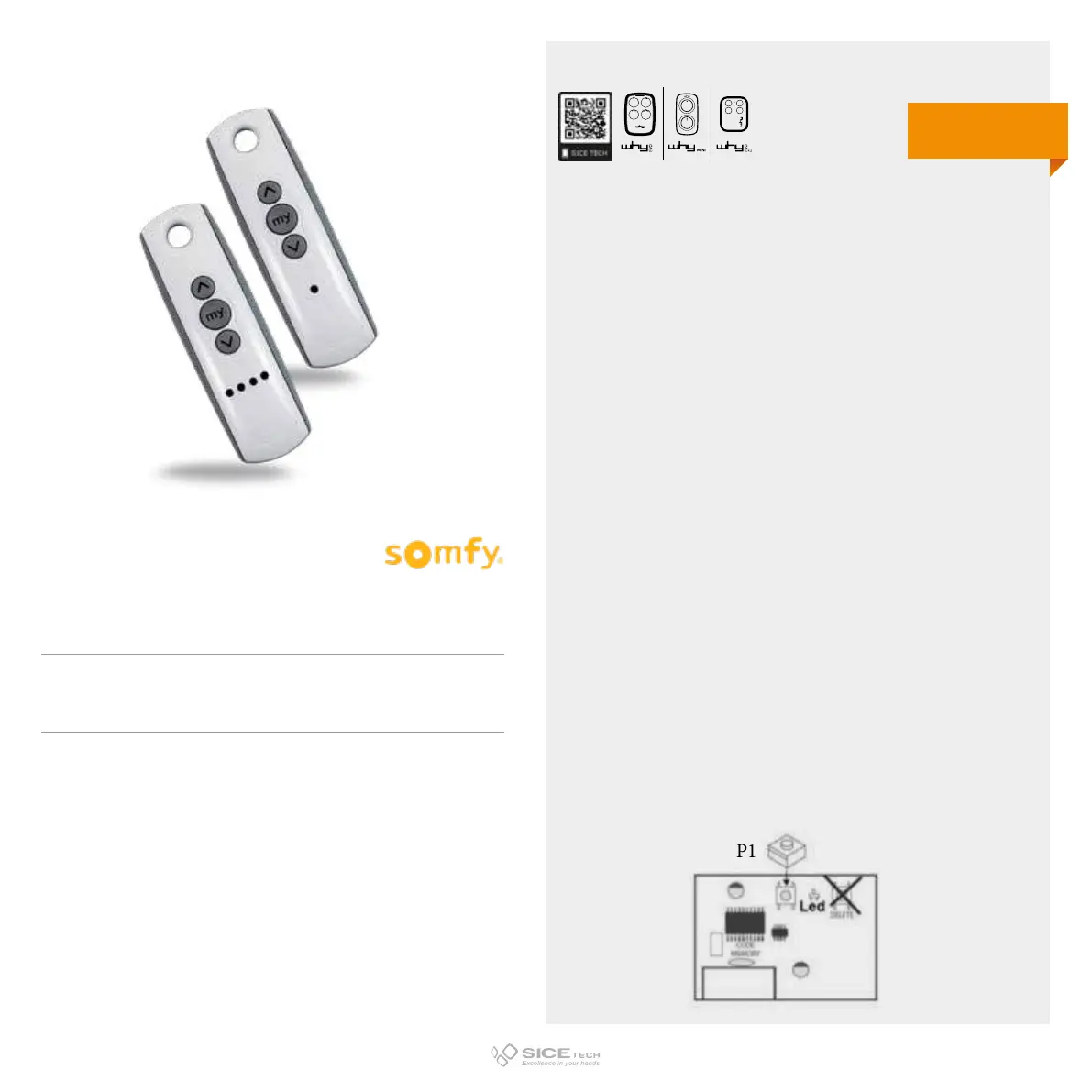
TELIS 1RTS
Cod. 6901400
TELIS 4RTS
Cod. 6901401
433.92 MHz
Rolling code
DUPLICABLE THROUGH UNIVERSAL RCs
EVO



 To Next Page