164
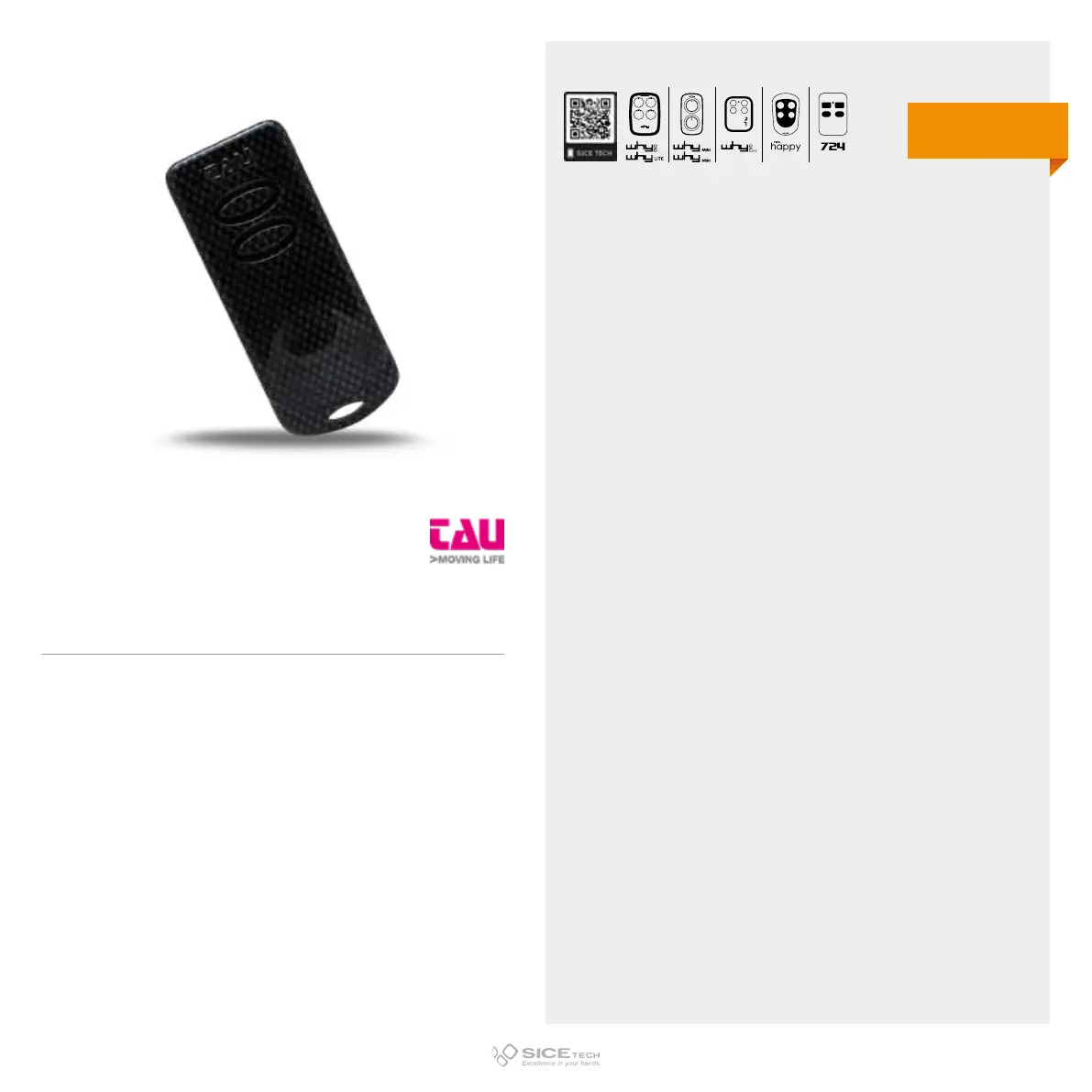
TAU
1. Press and hold the new RC button until the end of step 4.
2. After about 15 seconds the RC LED will start flashing slowly.
3. Put the new and the old RC back to back.
4. Press and hold also the already working RC button on the
receiver until LED on the new one goes o.
250K-SLIM
Cod. 6900881
DUPLICABLE THROUGH UNIVERSAL RCs
EVO
LITE
433.92 MHz
Dip switch fix code



 To Next Page