118
LIFE
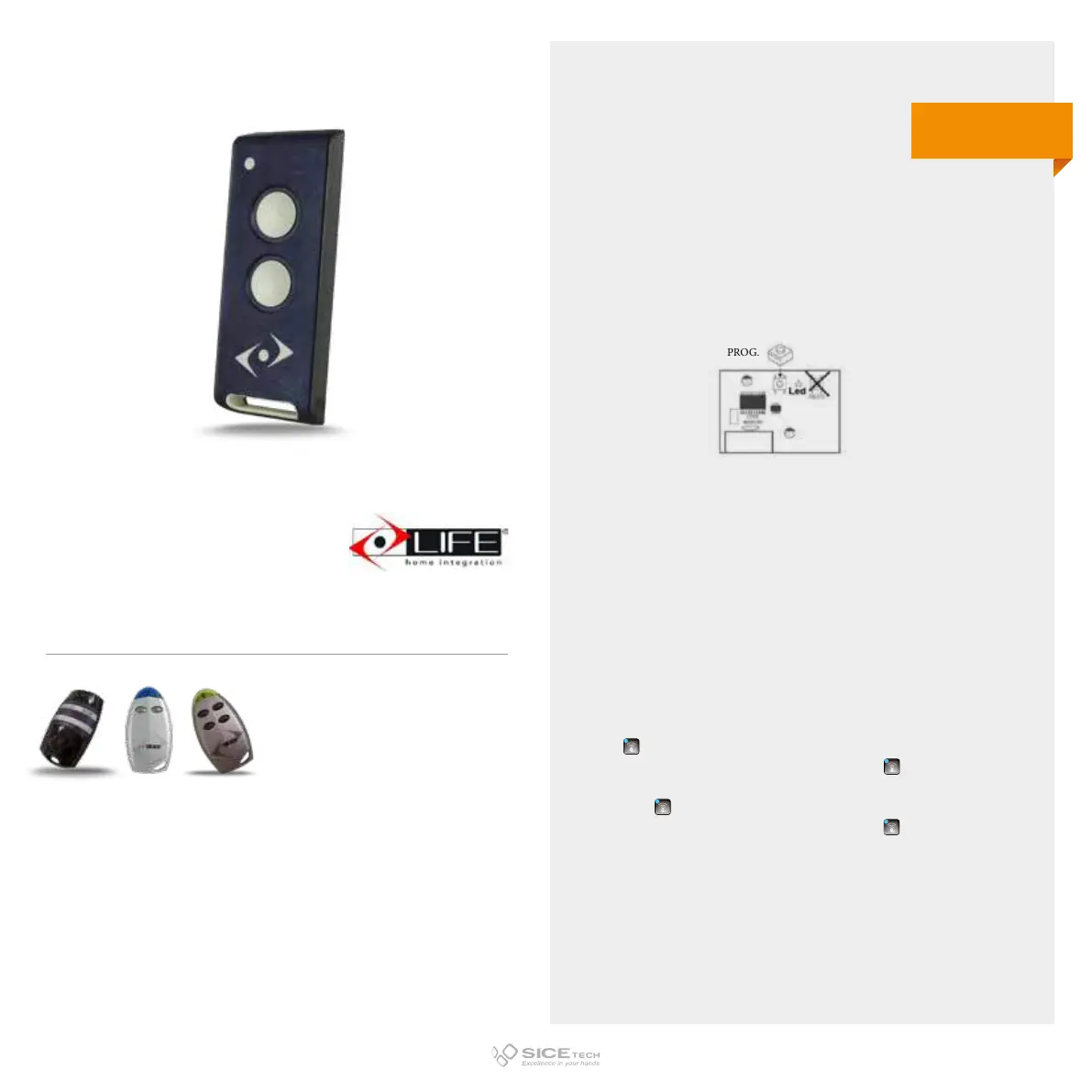
To enable a new RC it is necessary to intervene directly on the receiving card to access the
programming buttons.
1. Press and release the PROG button on the receiver card; one green and one red LED will
light up.
2. Press the new RC button; LEDs on the card will turn o and then on.
3. Press the same button on the new RC again; LEDs will turn o and then will light up again.
4. Wait 15 seconds and try to operate the automation.
FAST RE
1. Press the T button until LED lights up.
2. Within 15 seconds press the RC button you want to memorise.
3. LED will flash once to confirm memorisation.
4. Wait 15 seconds to exit programming. Now activate the automation.
10 TASTI
Step by step programming:
1. Press and release the F1 button on the CU. The red LED will start flashing slowly.
2. Press and hold the new RC button until a green LED lights up on the CU.
3. Wait 15 seconds to exit programming. Now activate the automation.
Pedestrian programming:
1. Press and release F2 button on the CU. The red LED will start flashing slowly.
2. Press and hold the new RC button until a green LED lights up on the CU.
3. Wait 15 seconds to exit programming. Now activate the automation.
DL START
Total opening
1. Press
, the green LED and the red LED light up.
2. Press and hold the button on the new RC until all five LEDs
light up.
3. Wait 15 seconds to exit programming. Now activate the pedestrian opening automation.
4. Press twice
, the green LED and the red LED light up.
5. Press and hold the button on the new RC until all five LEDs
light up.
6. Wait 15 seconds to exit programming. Now activate the automation.
DREAM
Cod. 6901617
Compatible with FIDO 2, VIP 2, STAR 2 RCs
433.92 MHz
Rolling code



 To Next Page