135
ON AUTOMATION
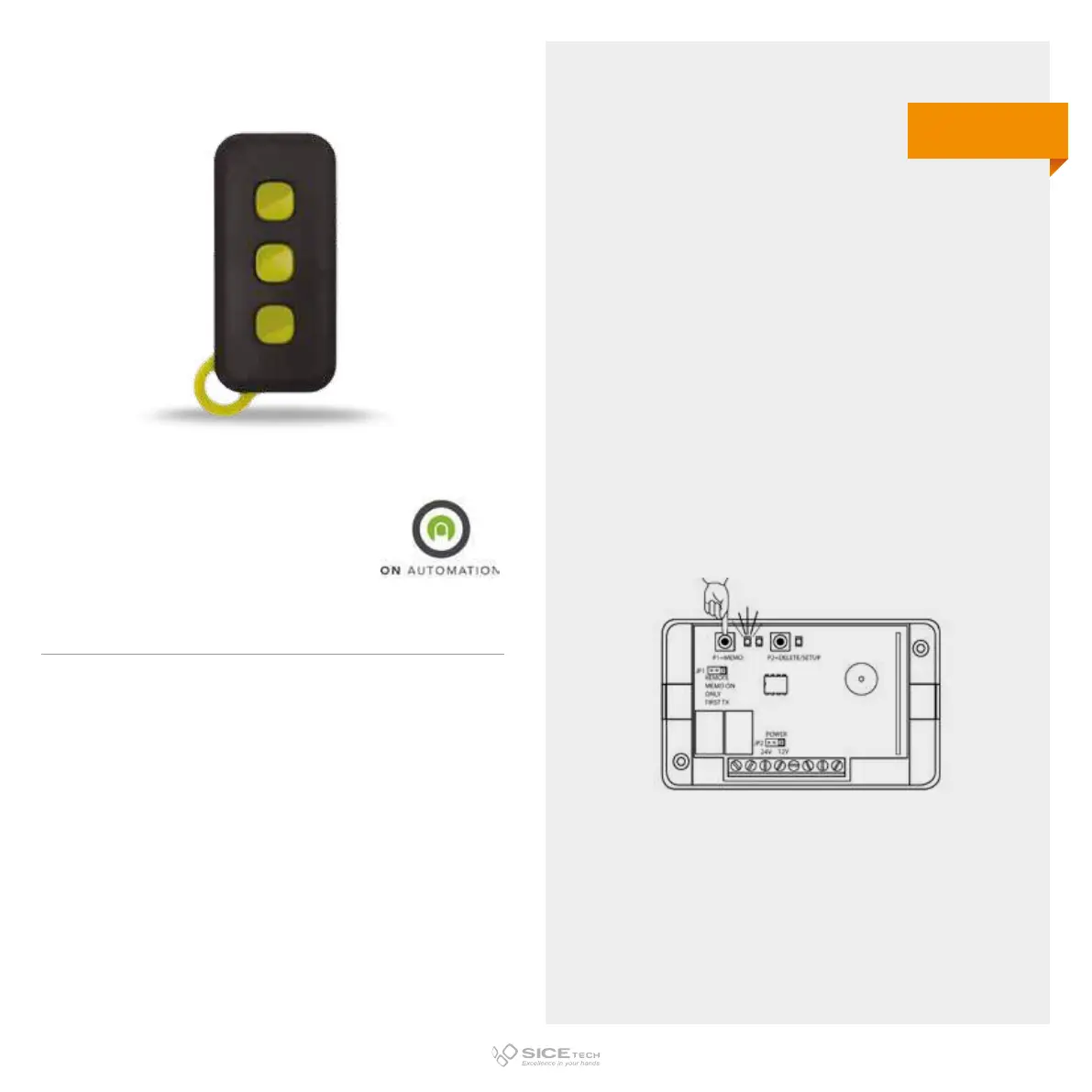
To enable a new RC it is necessary to intervene directly on the
receiving card to access the programming buttons.
1. Press and release the P1 button on the receiving card. LED
will start flashing.
2. Within 30 seconds press the button you want to memorise
the new RC.
3. 3 LEDs will light up at the same time to confirm
memorisation.
4. Wait 10 seconds and your RC will be ready to use.
RAD 3 AM
Cod. 6901078
433.92 MHz
Rolling code AM



 To Next Page