78
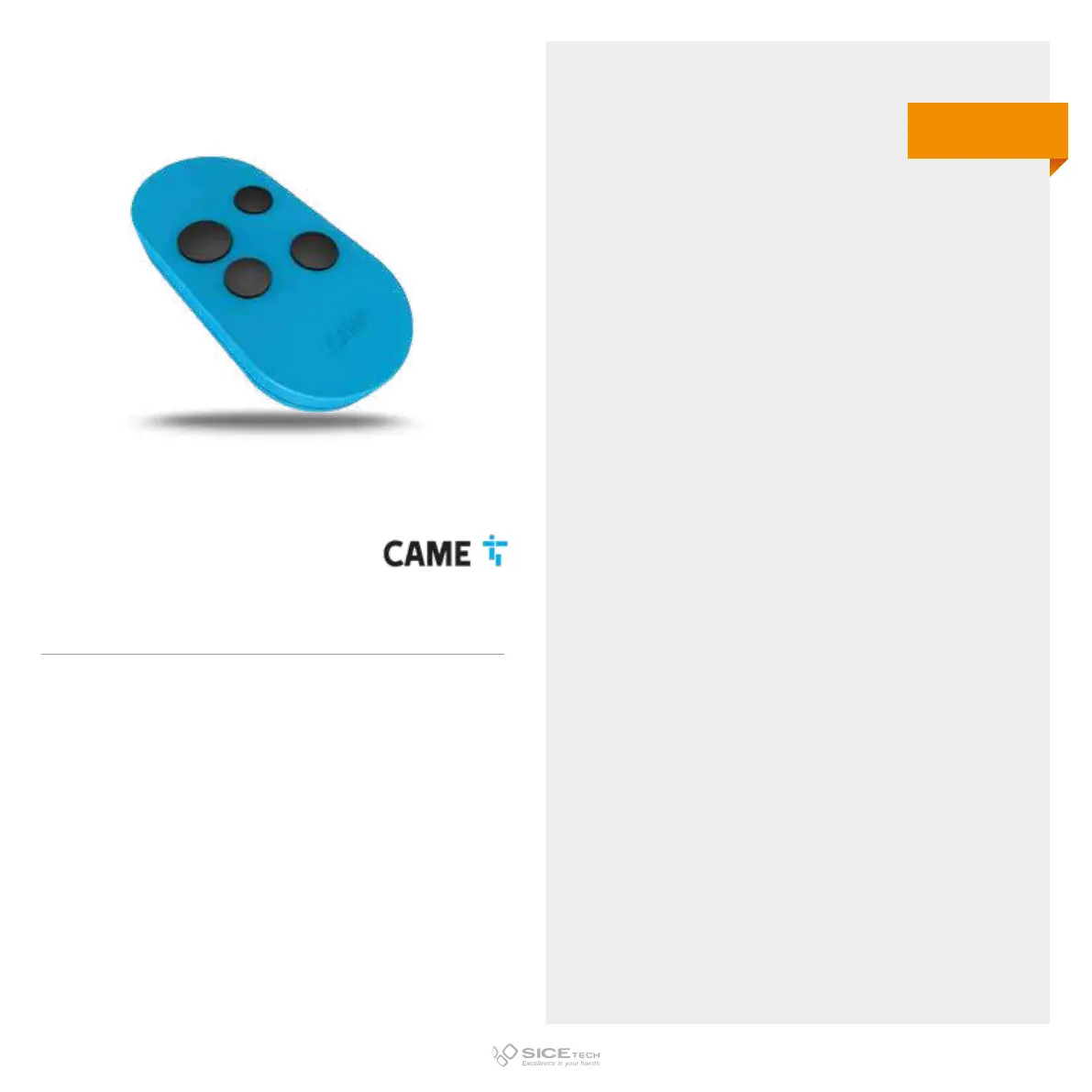
TOP 4DF
Cod. 6901806
CAME
1. Press and hold the buttons 1 and 4 (the larger ones) of the
new RC for 5 seconds, until LED remains steady.
2. Press the button that you want to memorise on the new RC.
3. Put the operating RC head to head with the new one.
4. Press the button you wish to memorise on the operating RC.
5. The new RC will flash 3 times to confirm successful
programming.
433/868 MHz
Rolling code



 To Next Page